Find and use the exercise files used in this course
Learn how to access the exercise files in this course.
This summary is AI generated
Learning Outcomes:
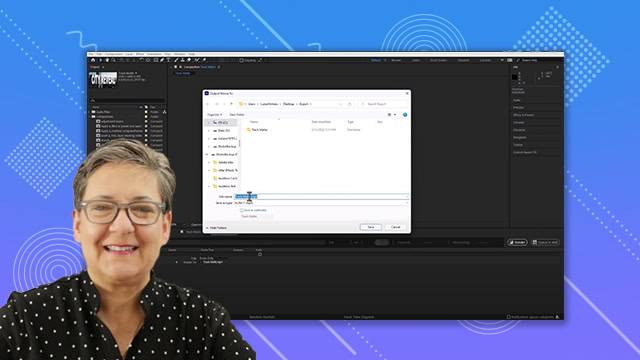
- Download and open exercise files
- Navigate the After Effects project panel
- Use shortcuts for a cleaner interface
Level: Intermediate
Skills you'll gain:
After Effects, Importing, Navigation, Shortcuts
Key Insights
- Ensure you download exercise files for practice.
- Understand the structure of the project folder.
- Use Ctrl + backslash to hide unnecessary panels.
- Recognize the types of files included in the project.
- Follow along with the tutorial despite screen resolution differences.
- Use provided files only for educational purposes.