


Effects controls and wiggle
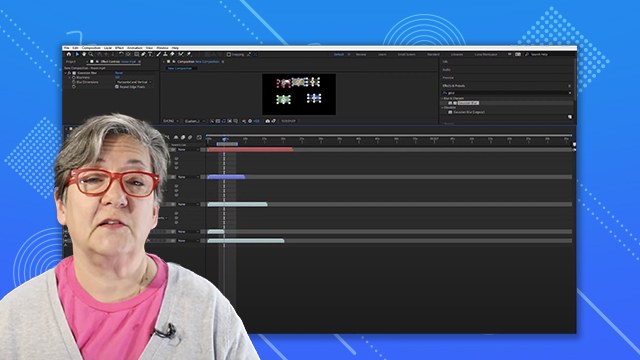
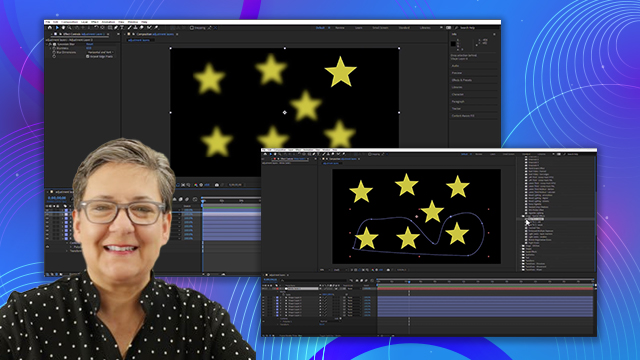
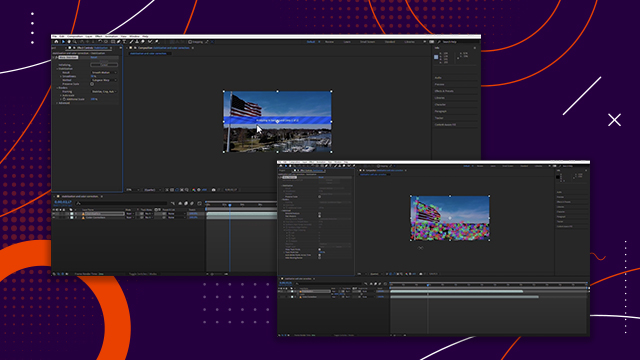
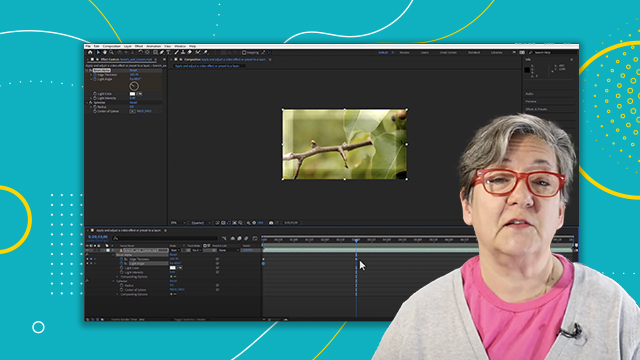
Animate effects using keyframes in the Effect Controls panel and timeline.
This summary is AI generated
Learning Outcomes:
- Animate effects using keyframes in After Effects.
- Apply wiggle expressions for dynamic animations.
Level: Intermediate
Skills you'll gain:
After Effects, Keyframing, Animation, Expressions
Key Insights
- Keyframe effects in both the effect control panel and timeline.
- Global changes affect properties without keyframes.
- Wiggle expression creates random animations based on frequency and magnitude.
- Use 'alt' or 'option' to add expressions quickly.
- Frequency determines how often changes occur in wiggle expression.
- Magnitude controls the range of values in wiggle expression.
- No difference in keyframing between effect control panel and timeline.
- Expressions can enhance animations without using keyframes.









 AdChoice