


Export stills
Learn how to export frames, file formats, file names, export locations, layered Photoshop files, and more.
This summary is AI generated
Learning Outcomes:
- Export frames in various file formats
- Utilize the render queue for exports
- Manage layered Photoshop files effectively
Level: Intermediate
Skills you'll gain:
After Effects, Exporting, Photoshop, Rendering
Key Insights
- Use 'Composition > Save Frame As' to export frames.
- Export options include Photoshop files and Pro EXR formats.
- Render queue allows for batch exporting of stills.
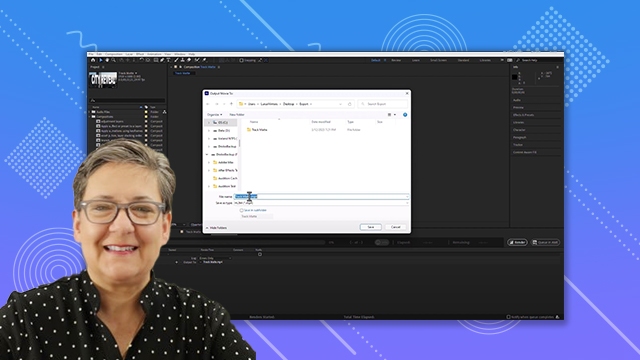
- Naming conventions include composition name and time code.
- Flattened images are created when exporting as single frames.
- Multi-layered files can be exported for detailed editing in Photoshop.
- Different codecs are available for QuickTime exports.
- Adobe Media Encoder offers additional export options.
- Organize exported files in designated folders for easy access.












 AdChoice