Key differences between Media Composer & Premiere Pro
Learn how to best work in Premiere Pro if you're a Media Composer user.
This summary is AI generated
Learning Outcomes:
- Understand media management in Premiere Pro
- Differentiate between Premiere Pro and Avid Media Composer
- Utilize sequence settings effectively
Level: Advanced
Skills you'll gain:
Adobe Premiere Pro, Media Management, Sequence Settings, Transcription
Key Insights
- Premiere Pro allows media to be located anywhere.
- Editing directly from memory cards is possible but not recommended.
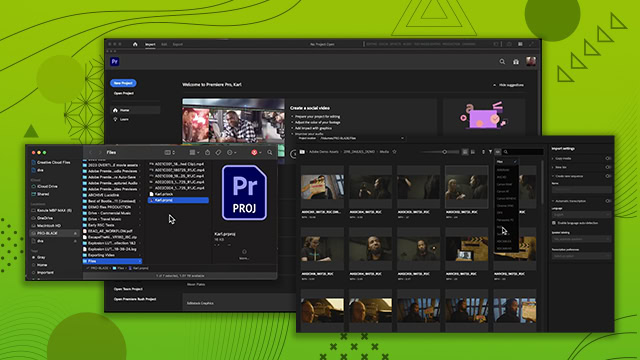
- Import media using drag and drop or the import screen.
- Premiere Pro is resolution and frame rate agnostic.
- Create custom sequence presets for specific projects.
- Use Adobe Media Encoder for background copying and verification.
- Manage media effectively in collaborative environments.
- Utilize built-in transcription for searchable transcripts.
- Understand DNX codecs and their usage in Premiere Pro.