


Create and Animate Text Using Presets
Learn how to create eye-catching text animations and customize the presets to fit your needs.
This summary is AI generated
Learning Outcomes:
- Apply text animation presets effectively
- Customize animations for individual text elements
- Adjust keyframes for timing control
Level: Advanced
Skills you'll gain:
After Effects, Animation, Text, Keyframes
Key Insights
- Text animation presets simplify complex animations.
- Presets can be customized for individual characters or words.
- Use the info panel to check real-time playback.
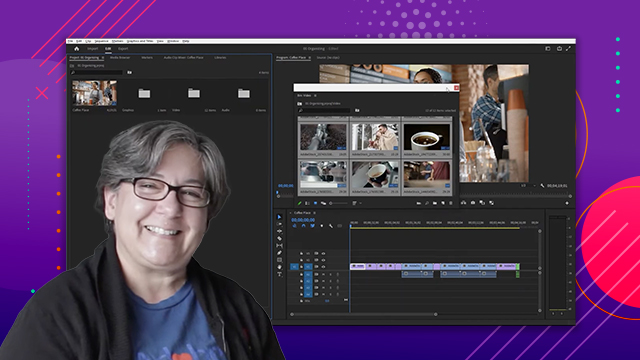
- Organize files in the project panel for efficiency.
- Select layers to access specific properties in the timeline.
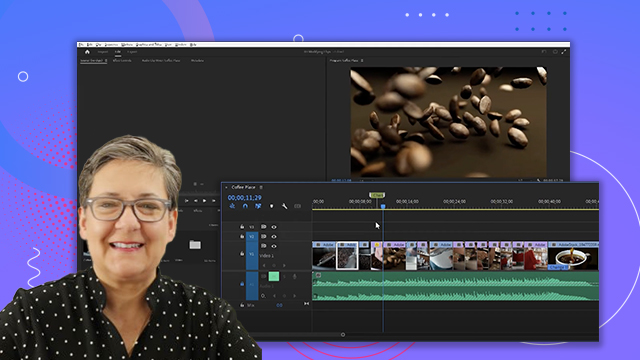
- Adjust keyframes by dragging them in the timeline.
- Hold ALT/Option to squeeze or stretch keyframes.
- Use the horizontal type tool to add text.
- Preview finished compositions for reference.
- Apply effects natively available in After Effects.







 AdChoice