


Project setup and interface
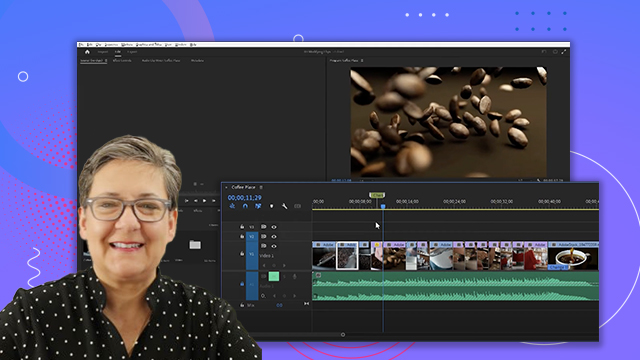
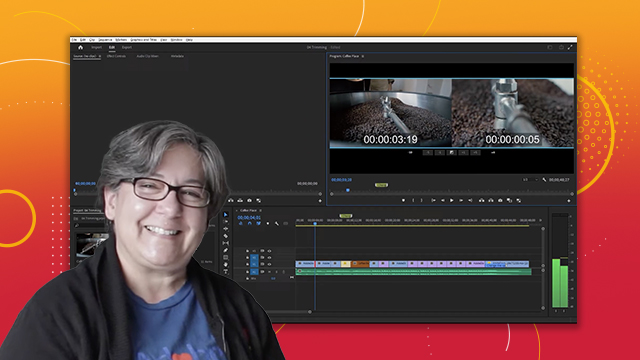
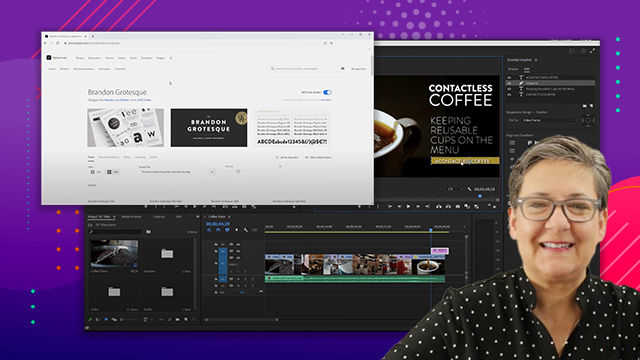
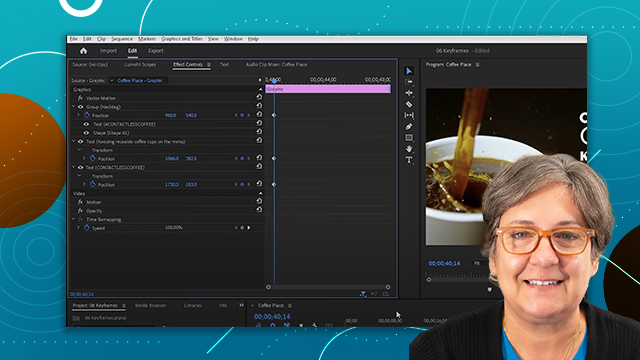
Get started with Premiere: create projects, import clips, and navigate the interface for a workspace that complements your workflow.
This summary is AI generated
Learning Outcomes:
- Create new projects using different workflows
- Customize workspace layout and settings
- Import and organize assets effectively
Level: Intermediate
Skills you'll gain:
Premiere Pro, Project Management, Asset Organization, Workspace Customization
Key Insights
- Use Alt/Option key to reset preferences on startup.
- Differentiate between new and legacy import workflows.
- Utilize the project panel for organizing assets.
- Change workspace layouts and save custom workspaces.
- Adjust sequence settings for frame rate and resolution.
- Nesting sequences allows for complex project structures.
- Enable safe margins and rulers for precise positioning.
- Import multi-layered Photoshop files as sequences.
- Use the playhead and program monitor for playback.
- Reset layout for panels to default settings.







 AdChoice