


Publishing checking and exporting
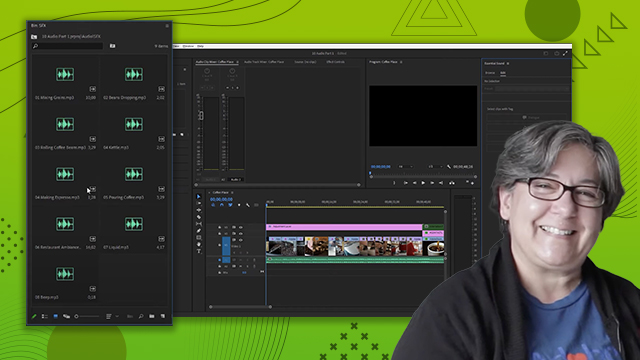
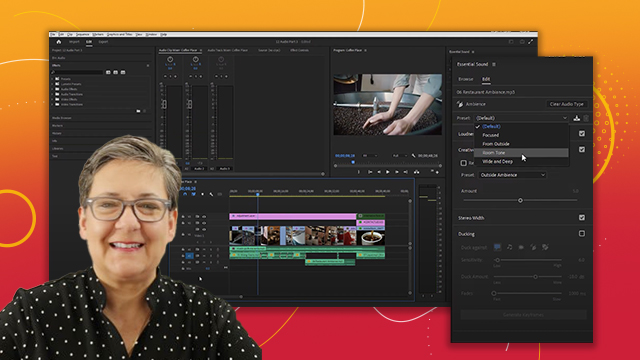
Learn how to use the Essential Sound Panel in Adobe Premiere. Learn how to make adjustments, such as Adobe Remix, to audio in an easy interface.
This summary is AI generated
Learning Outcomes:
- Change playback resolution for better performance.
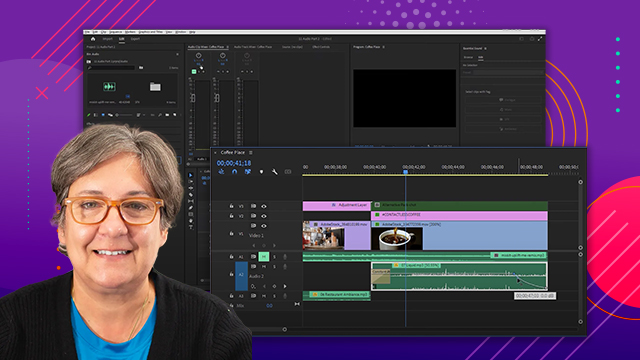
- Adjust audio levels using keyframes.
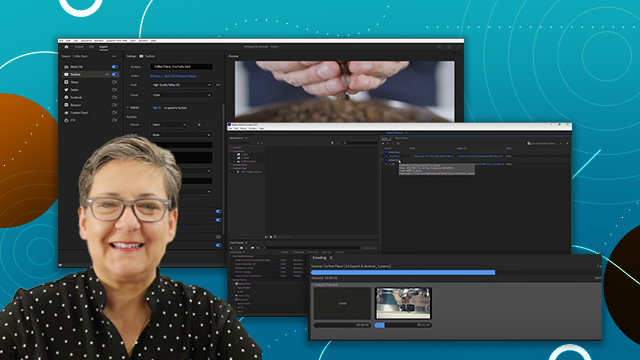
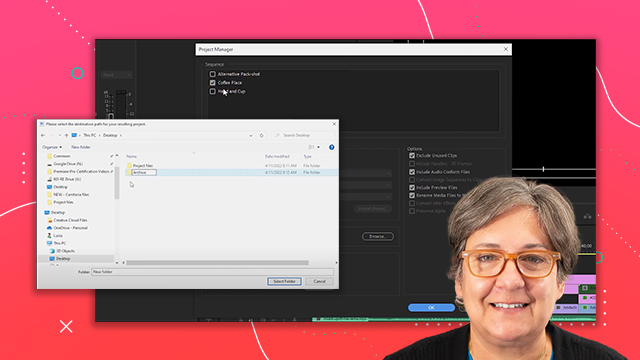
- Export projects with specific settings.
Level: Intermediate
Skills you'll gain:
Premiere Pro, Audio Editing, Color Correction, Exporting
Key Insights
- Label clips for better organization.
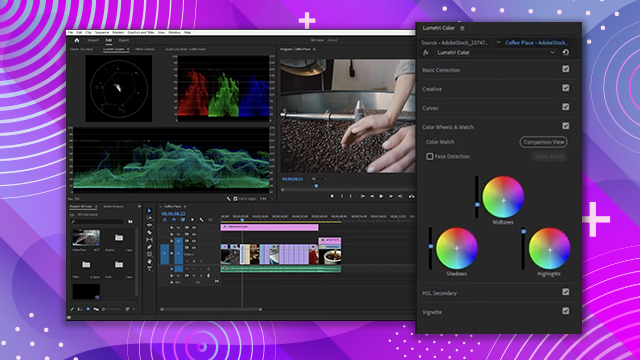
- Use adjustment layers for color correction.
- Apply video limiter to avoid color clipping.
- Utilize audio track mixer for precise loudness control.
- Select appropriate loudness presets for different platforms.
- Monitor audio levels without altering them.
- Export settings can be customized for various platforms.
- Understand safe margins for broadcast standards.
- Use keyframes to create dynamic audio adjustments.







 AdChoice