


Working More Efficiently between After Effects and Premiere
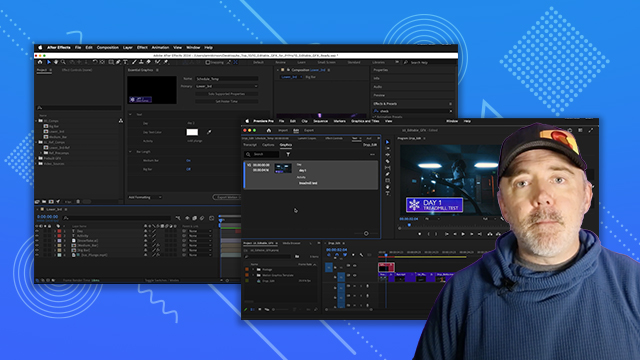
Learn the power of Dynamic Link and how to efficiently work between After Effects and Premiere.
This summary is AI generated
Learning Outcomes:
- Utilize Dynamic Link between After Effects and Premiere Pro.
- Organize project files for efficient workflow.
- Edit text elements in linked compositions seamlessly.
Level: Advanced
Skills you'll gain:
After Effects, Premiere Pro, Dynamic Link, File Organization
Key Insights
- Establish a clear folder structure for project files.
- Use the 3D camera tracker for integrating graphics.
- Changes in After Effects automatically update in Premiere Pro.
- Avoid mixed font sizes in text layers to prevent issues.
- Utilize the 'Edit Original' option for quick access.
- Copy and paste layers between After Effects compositions.
- Manage lower thirds effectively using linked compositions.
- Duplicate compositions for variations without starting from scratch.
- Adjust animation timing directly in After Effects.
- Import After Effects projects into Premiere Pro easily.







 AdChoice