


Motion Tracking
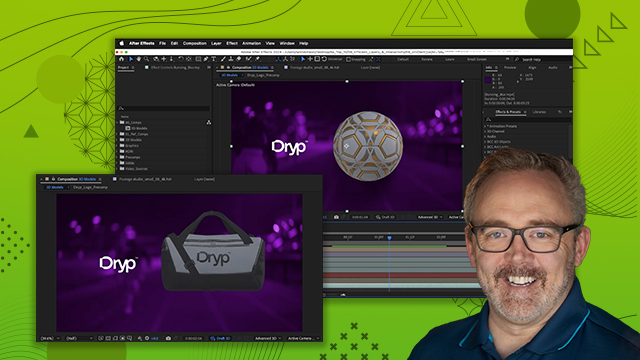
Tie graphic elements to other elements in a scene so it tracks within footage.
This summary is AI generated
Learning Outcomes:
- Utilize the 3D camera tracker effectively.
- Add and position text in 3D space.
- Apply depth of field for realism.
Level: Advanced
Skills you'll gain:
After Effects, 3D Tracking, Text Animation, Depth of Field
Key Insights
- Start with the project panel to organize assets.
- Use the 3D camera tracker to analyze scene depth.
- Select multiple track points for accurate positioning.
- Set the ground plane in origin for proper alignment.
- Create solids for easier layer management in 3D.
- Enable 3D for text layers to manipulate in 3D space.
- Delete unnecessary keyframes for smoother animations.
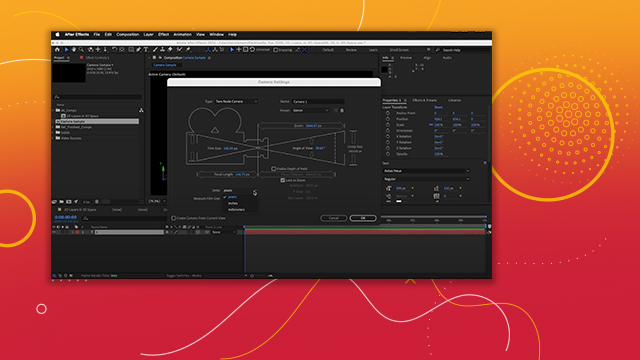
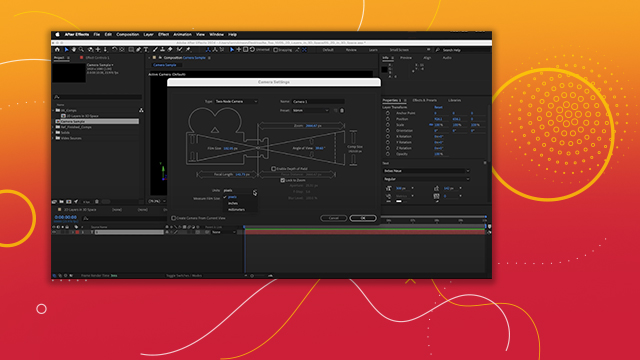
- Adjust focus distance to simulate depth of field.
- Use Adobe Fonts for consistent typography.
- Preview animations frequently to ensure quality.


 AdChoice