


Masking Techniques, Blend Modes, and Track Mattes
Learn how to take basic designs skills into motion design skills using common After Effects and Photoshop Techniques.
This summary is AI generated
Learning Outcomes:
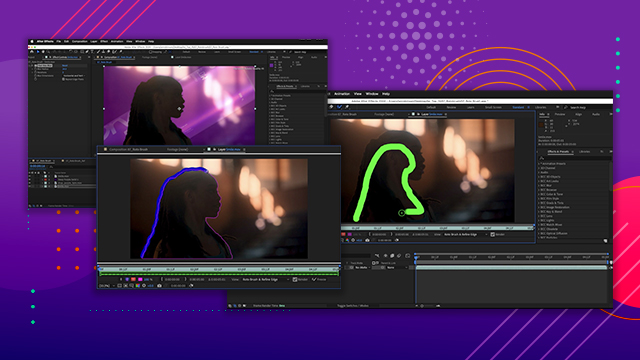
- Create masks to remove distracting elements
- Utilize blend modes for layer integration
- Apply content-aware fill for seamless edits
Level: Advanced
Skills you'll gain:
After Effects, Masking, Blending, Tracking
Key Insights
- Masks can be drawn using shape tools.
- Track masks to follow moving footage.
- Content-aware fill analyzes and fills empty areas.
- Blend modes adjust how layers interact visually.
- Use track mats to control layer transparency.
- Adjust opacity to blend layers effectively.
- Utilize effects like glow for stylization.
- Preview changes to ensure seamless integration.
- Organize layers for better project management.
- Experiment with different blend modes for desired effects.








 AdChoice