


Color Management
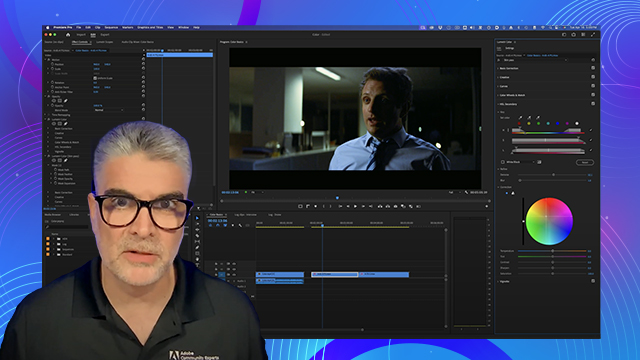
Learn how Premiere works with LOG and RAW media and why the Color Management workflow helps you manage the visual details of your media better.
This summary is AI generated
Learning Outcomes:
- Understand color management in Premiere Pro
- Utilize LUTs for log and raw media
- Implement wide gamut color settings
Level: Advanced
Skills you'll gain:
Premiere Pro, Color Management, LUTs, Color Grading
Key Insights
- Color management simplifies working with log and raw media.
- LUT files can enhance footage appearance but require careful management.
- Different cameras have unique log formats affecting color grading.
- Enable display color management for accurate color representation.
- Wide gamut mode preserves more highlights and shadows.
- Batch modify clips for consistent color settings.
- Dynamic link improves collaboration between Premiere and After Effects.
- Sequence settings impact color processing and output quality.
- Understanding source monitor settings aids in color accuracy.
- Manual adjustments may be needed for non-tagged footage.














 AdChoice