


Introduction & overview of Premiere
Introduction to this advanced Adobe Premiere course and how you can get the most out of it.
This summary is AI generated
Learning Outcomes:
- Customize Premiere Pro for personal editing style
- Understand key differences from other nonlinear editors
- Utilize Motion Graphics templates effectively
Level: Advanced
Skills you'll gain:
Premiere Pro, Editing, Motion Graphics, Collaboration
Key Insights
- Transitioning from other NLEs to Premiere Pro is seamless.
- Customizing screens and shortcuts enhances editing efficiency.
- Sequence settings are crucial for export quality.
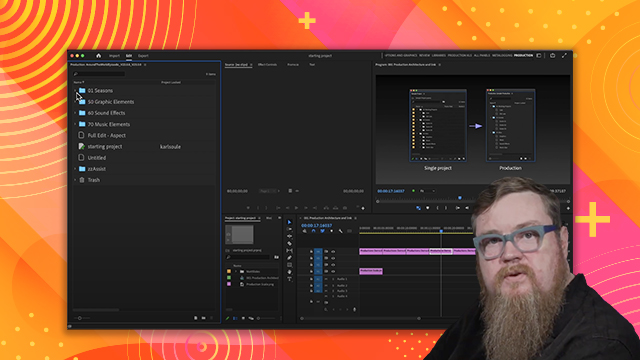
- Adobe Premiere Productions supports collaborative long-form projects.
- Locking mechanisms in Productions aid in team workflows.
- Motion Graphics templates streamline text and graphic integration.
- Integrate with Photoshop and After Effects for enhanced workflows.
- Familiarize with Premiere's media management for better organization.













 AdChoice