Exporting Animated GLB files from Cinema 4D for After Effects
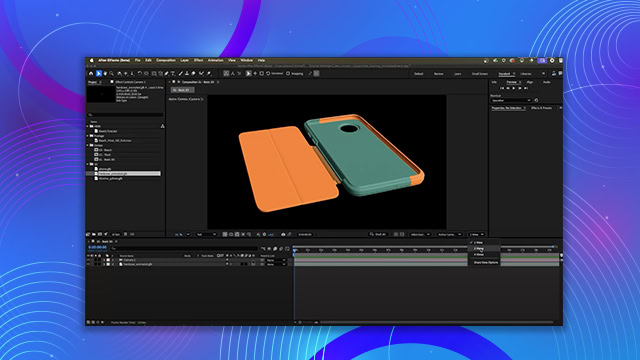
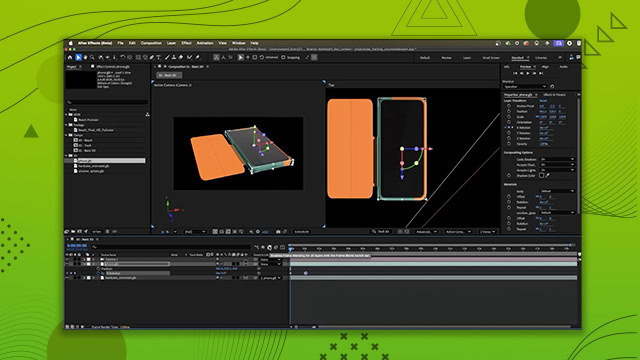
Learn how to export animated GLB files from Cinema 4D and seamlessly integrate them into After Effects. You’ll learn how to export it as a GLB file and importing it into After Effects.
This summary is AI generated
Learning Outcomes:
- Export animated models from Cinema 4D to After Effects.
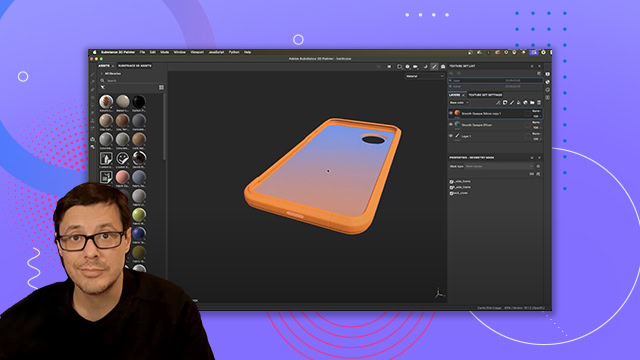
- Apply Substance materials in Cinema 4D.
Level: Advanced
Skills you'll gain:
After Effects, Cinema 4D, Substance Painter, 3D Animation
Key Insights
- Use Substance Painter assets in Cinema 4D.
- Ensure correct material assignment for 3D models.
- Adjust viewport texture preview size for accurate display.
- Render models in Redshift for high-quality output.
- Export models as GB files for After Effects.
- Verify animation playback after importing into After Effects.