Home > Roto Overview

Aaron Eaton

Visual Effects Supervisor at Cantina Creative

linkedin-icon

Roto Overview

Learn how to use Mocha for your roto work to track smaller pieces in your composition.

This summary is AI generated

Learning Outcomes:

Learning outcomes not available.

Level: Advanced

Skills you'll gain:

Skills not available.

Key Insights

Key insights not available.

Learning outcomes

Learning outcomes not available.

Key insights

Key insights not available.

Skills

Skills not available.

Transcript

[00:00:00] [Music]

[00:00:00] Roto is another topic that we'll be

[00:00:00] breezing right through as there's

[00:00:00] already tons of tutorials dedicated to

[00:00:00] the process. In a nutshell, I'll be

[00:00:00] using Mocha to assist with rotoing

[00:00:00] specific areas in the scene that we'll

[00:00:00] be overlapping with our screens and set

[00:00:00] extension.

[00:00:00] Mocha will have an easier time tracking

[00:00:00] smaller pieces. I try to create regions

[00:00:00] that all move together so that we aren't

[00:00:00] trying to combat constantly morphing and

[00:00:00] changing shape.

[00:00:00] While working, be sure to disable the

[00:00:00] gear icon for layers that you're done

[00:00:00] with. Otherwise, Mochco will continue to

[00:00:00] try calculating them, slowing down your

[00:00:00] system and potentially altering some of

[00:00:00] your masks.

[00:00:00] There's all the pieces we need for now.

[00:00:00] Back in After Effects, you can choose to

[00:00:00] view or apply the mat right in the Mocha

[00:00:00] effect, but I found that using masks is

[00:00:00] faster.

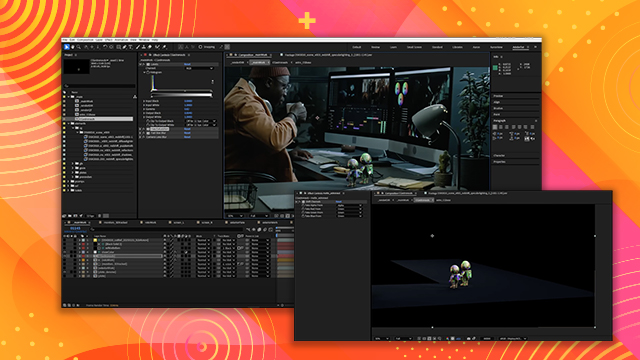
[00:00:00] Select create AE masks to generate them.

[00:00:00] I like to paste them onto a solid,

[00:00:00] making sure that the resolution of the

[00:00:00] solid is matching the resolution of the

[00:00:00] layer that we rotoed.

[00:00:00] For some additional roto, we can use our

[00:00:00] 3D camera and 3D NLES to help us out.

[00:00:00] I'll copy some of those from my 3D track

[00:00:00] comp.

[00:00:00] After finding a 3D null that is in the

[00:00:00] right location, we can copy its position

[00:00:00] data onto a fresh solid and then add a

[00:00:00] mask to the solid. In this case, we are

[00:00:00] using it to help roto the window frame

[00:00:00] and wall.

[00:00:00] We'll do the same thing for the edge of

[00:00:00] the monitor here.

[00:00:00] We'll also go find some 3D NLES for the

[00:00:00] wire basket. And we'll put a solid in

[00:00:00] that location as well.

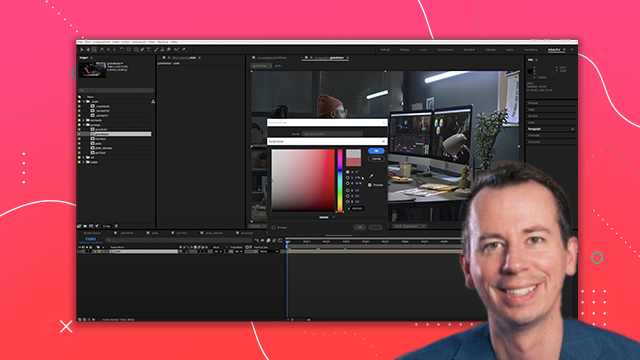
[00:00:00] Once we have all the bits of roto that

[00:00:00] we think we'll need, a nice way to work

[00:00:00] with it is to add some red, green, and

[00:00:00] blue fills to the different parts of the

[00:00:00] roto.

[00:00:00] By separating them out like this into

[00:00:00] different color channels, we can make it

[00:00:00] easier to use for various mats while

[00:00:00] we're comping the shot.

[00:00:00] It took me a second to figure out the

[00:00:00] best colors to use for each element, but

[00:00:00] in the end, I made the region for the

[00:00:00] exterior set extension green, while the

[00:00:00] map for the monitors and CG elements

[00:00:00] will be able to utilize the red channel.