

Compositing CG Elements
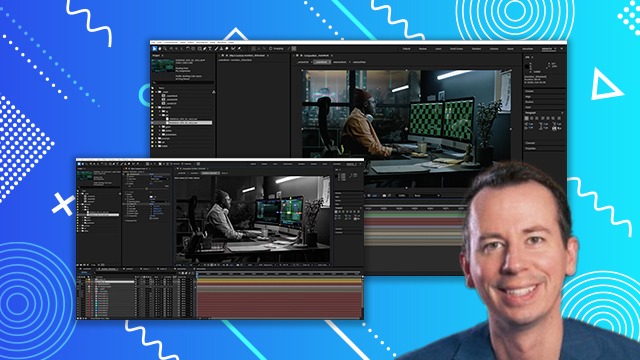
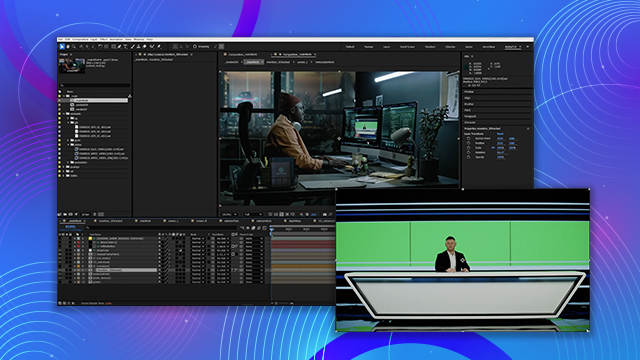
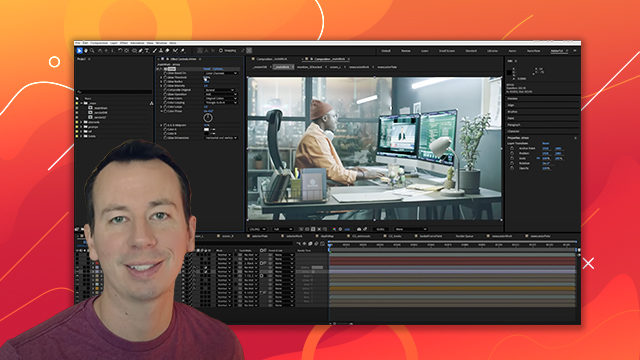
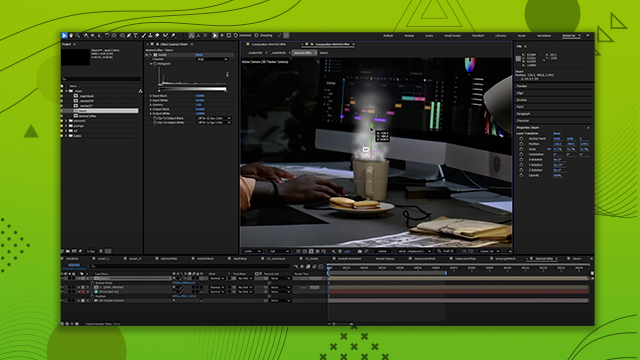
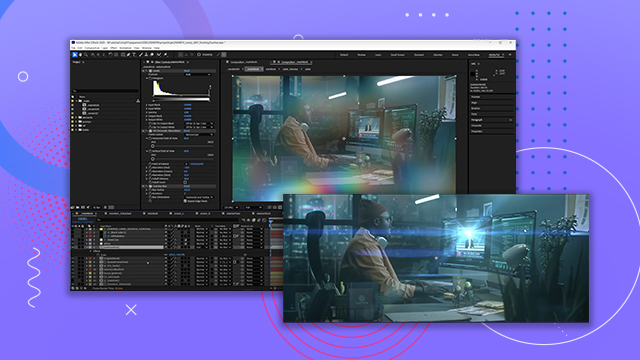
See how you can apply CG elements, shadows and other effects for adding realism to your composition. You’ll also be adding 3D elements to learn how to use the 3D tools in After Effects.
This summary is AI generated
Learning Outcomes:
- Create CG astronauts using multiple passes
- Utilize puzzle mats for better compositing
- Adjust shadows and reflections for realism
Level: Advanced
Skills you'll gain:
After Effects, Compositing, 3D Rendering, Color Correction
Key Insights
- Use blending modes to enhance visual effects.
- Employ track mats for precise layer control.
- Adjust specular and reflection independently for better results.
- Utilize alpha mats for clean edges in compositions.
- Incorporate environment lights for realistic 3D rendering.
- Generate HDRIs from existing plates for accurate lighting.
- Experiment with camera lens blur for depth of field.
- Balance colors and shadows to match the scene.
- Use garbage masks to refine shadow areas.
- Regularly check compositions from different distances for accuracy.














 AdChoice