

Generating a Custom Grain Pass
How to use generate grain that matches the original plate to use to regrain paintwork or graphics that are currently grainless.
This summary is AI generated
Learning Outcomes:
- Generate matching grain for footage
- Apply grain using linear light blending mode
- Use set matte to control grain application
Level: Advanced
Skills you'll gain:
After Effects, Grain Generation, Blending Modes, Set Matte
Key Insights
- Create a solid layer for grain generation.
- Use 50% gray solid for accurate grain matching.
- Adjust contrast in levels for better visibility.
- Select manual sampling for grain generation.
- Link sample points to maintain consistency.
- Use linear light blending mode for grain application.
- Utilize set matte to control grain areas.
- Test different sample sizes for optimal grain quality.
- Compare original footage with processed grain.
- Adjust opacity to blend grain seamlessly.






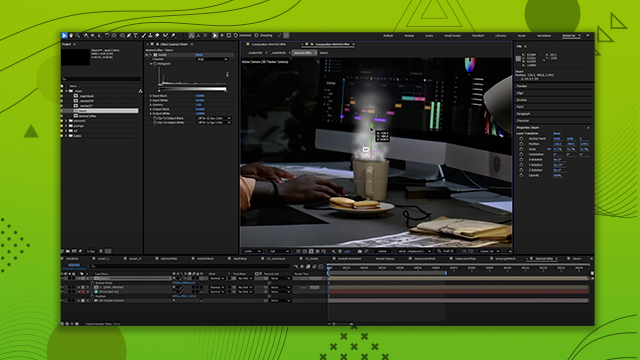
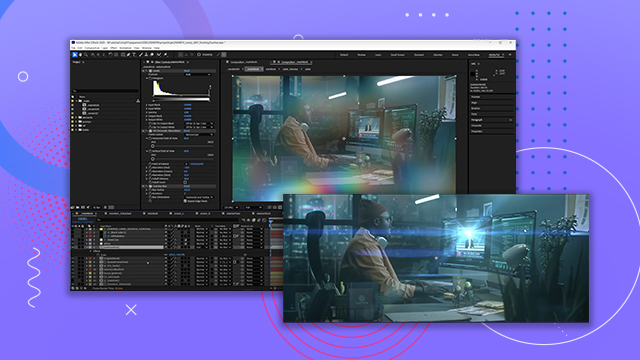








 AdChoice