

Coffee Steam Simulation
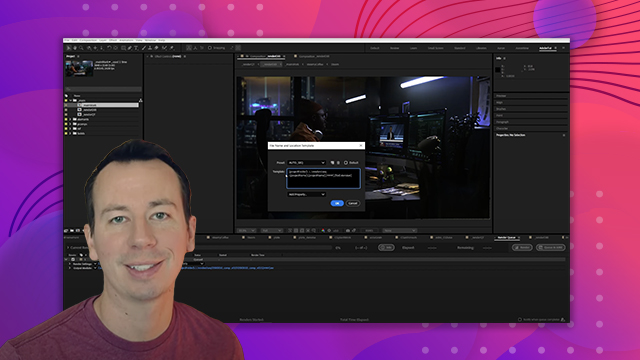
Add believable elements to a composite to add more real-world aspects to the scene.
This summary is AI generated
Learning Outcomes:
- Create realistic steam effects in After Effects.
- Adjust particle systems for desired visual effects.
Level: Advanced
Skills you'll gain:
After Effects, Particle Systems, Animation, Compositing
Key Insights
- Use CC Particle Systems 2 for steam generation.
- Reverse gravity to make particles rise.
- Adjust particle size for a foggy appearance.
- Utilize additive transfer modes for blending particles.
- Control opacity and birth rate for realism.
- Employ vector blur to smooth particle appearance.
- Keyframe emitter position to follow moving objects.
- Use guide layers to enhance visibility during adjustments.
- Experiment with particle color for better effects.





 AdChoice