

Adding the Newscaster Element
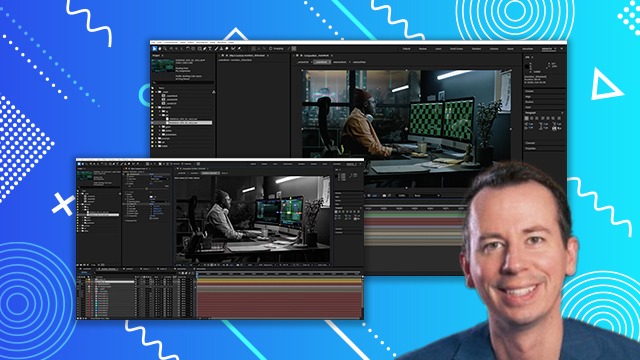
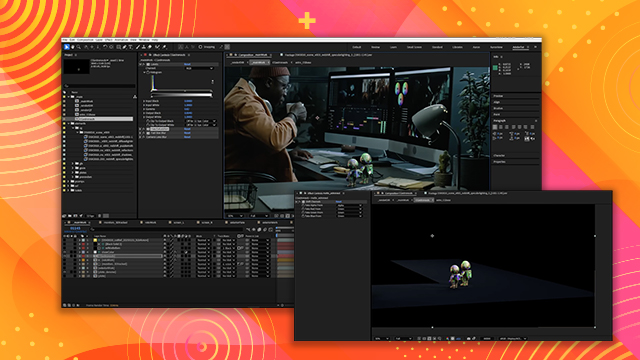
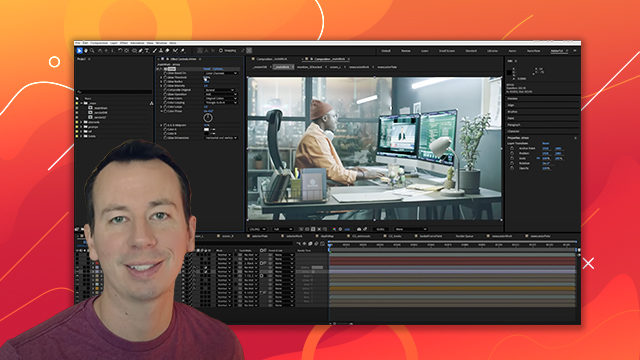
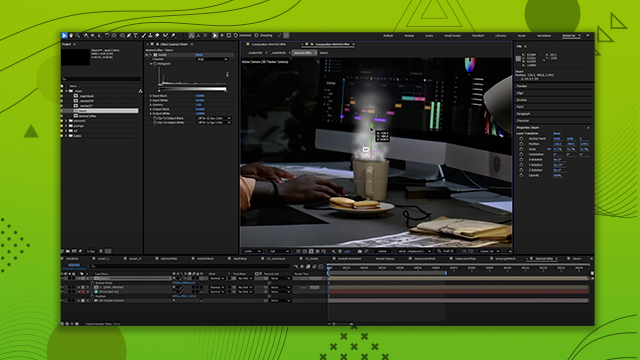
Learn how to import video clips into your composite and apply additional elements within clips for added realism.
This summary is AI generated
Learning Outcomes:
- Add a newscaster to a scene
- Key out green screen effectively
- Create dynamic backgrounds with effects
Level: Advanced
Skills you'll gain:
After Effects, Compositing, Keying, Motion Graphics
Key Insights
- Ensure color spaces are interpreted correctly for assets.
- Use pre-compositions to manage complex elements.
- Adjust composition resolution to fit project needs.
- Utilize key light for effective green screen removal.
- Employ roto masking to refine keyed elements.
- Incorporate advanced spill suppressor for color correction.
- Add motion graphics to enhance visual appeal.
- Use adjustment layers for background and element blending.
- Implement vignettes to focus viewer attention.
- Regularly check elements in context for visual coherence.














 AdChoice