Learning outcomes not available.
Key insights not available.
Skills not available.
[00:00:00] Hey, this is Aaron from Cantina
[00:00:00] Creative. Today in this tutorial, we'll
[00:00:00] be going over how to use Adobe After
[00:00:00] Effects for feature film compositing.
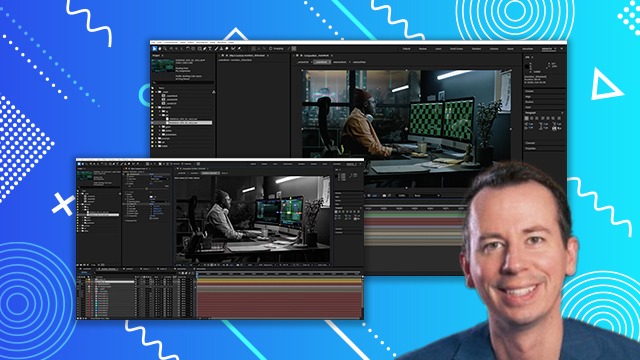
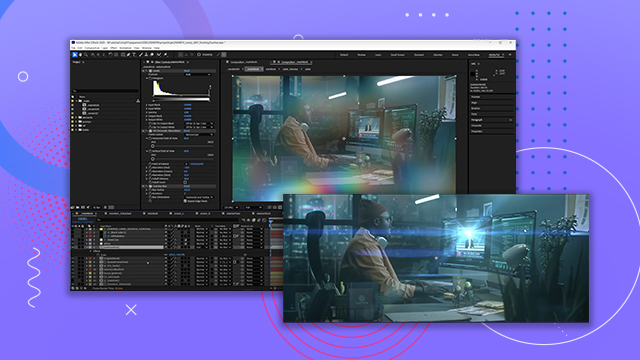
[00:00:00] Let's go. Here is a before and after of
[00:00:00] what we'll be making in this tutorial.
[00:00:00] Let's go back in time to set up our
[00:00:00] example scenario. We've been approved to
[00:00:00] start work on a VFX shot for a feature
[00:00:00] film. We've had a call with the VFX
[00:00:00] supervisor who has relayed important
[00:00:00] information about the shot and the
[00:00:00] collaborative vision of the director and
[00:00:00] the production team. Here's an example
[00:00:00] of what we could have been looking at on
[00:00:00] that call. It is an editorial reference
[00:00:00] clip, which is our first look at how the
[00:00:00] shot plays out with temp graphics and
[00:00:00] rough set extension work already done
[00:00:00] quickly by the editorial team. This
[00:00:00] reference will be used for lots of
[00:00:00] things. It will be used first to help
[00:00:00] with bidding so that we know the total
[00:00:00] length of the shot and the amount of
[00:00:00] work needed to complete it. It will be
[00:00:00] used for testing our color pipeline. It
[00:00:00] will also be used for timing of any
[00:00:00] animated elements or even to double
[00:00:00] check the sync of multiple VFX plates.
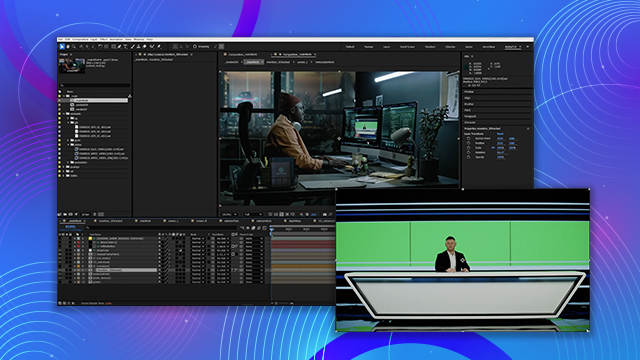
[00:00:00] In our case, the newscaster element that
[00:00:00] we'll be adding. Here's what was
[00:00:00] discussed on that call. The shot needs
[00:00:00] extension work. Unfortunately, it was
[00:00:00] filmed without a green screen, and the
[00:00:00] director would like to have a window to
[00:00:00] the outside world behind the actor to
[00:00:00] really open up the scene. We need to
[00:00:00] replace the graphics. The onset playback
[00:00:00] graphics are no longer being used, and
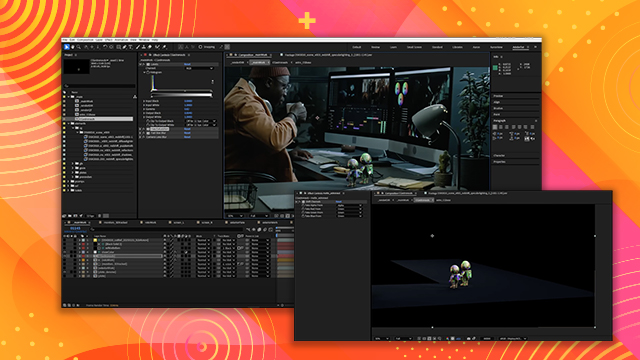
[00:00:00] we need to add several 3D objects. some
[00:00:00] CG astronaut figures and a few CG books
[00:00:00] to fix some continuity errors with other
[00:00:00] shots in the scene.
[00:00:00] The director would also like to see
[00:00:00] something in the foreground like a plant
[00:00:00] in the lower screen right to help hide
[00:00:00] the busy area of the frame and add more
[00:00:00] depth to the scene. They've also
[00:00:00] requested that the shot feel a bit more
[00:00:00] atmospheric and moody without any
[00:00:00] specifics on how they want to do it.
[00:00:00] With all that info, let's take it away.
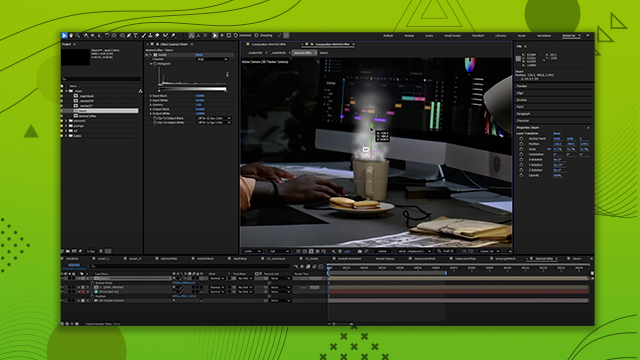
[00:00:00] To conquer this shot, we'll need to 3D
[00:00:00] track the plate, selectively roto
[00:00:00] certain regions, then start layering in
[00:00:00] the set extension elements, screen
[00:00:00] graphics, newscaster footage, and 3D
[00:00:00] renders of the astronauts and books
[00:00:00] before we can add some finishing touches
[00:00:00] to bring the shot to life. We'll be
[00:00:00] speeding right through some of the
[00:00:00] topics like roto, knowing that there's
[00:00:00] already a plethora of tutorials out
[00:00:00] there. I've intentionally made this
[00:00:00] tutorial using almost all effects that
[00:00:00] come pre-installed with Adobe After
[00:00:00] Effects. However, I do use Video
[00:00:00] Copilot's FX console, which is a free
[00:00:00] plugin to speed up the application of
[00:00:00] effects. The only other thirdparty
[00:00:00] plugin used is for degraining the plate,
[00:00:00] and that's called Neat Video Reduce
[00:00:00] Noise. Let's begin.