Home > Shadows and Realism

Wes McDermott

Principal Director, Substance 3D Worldwide Evangelism

linkedin-icon

Shadows and Realism

Explore techniques for grounding 3D objects in a scene with realistic shadows.

This summary is AI generated

Learning Outcomes:

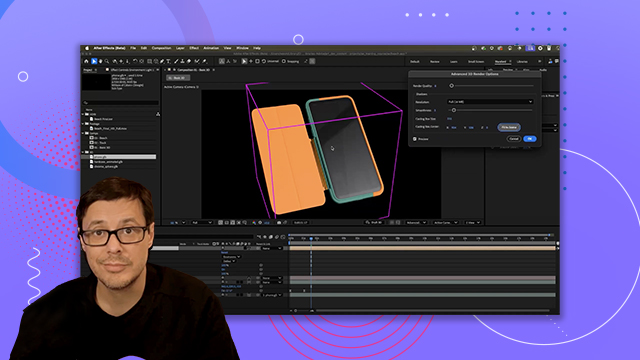
  • Create a shadow catcher in After Effects
  • Adjust shadow settings for realistic effects
  • Change background color for shadow visibility

Level: Advanced

Skills you'll gain:

After Effects, 3D, Shadow, Composition

Key Insights

  • Use a new solid layer as a shadow catcher.
  • Enable 3D layer for shadow interaction.
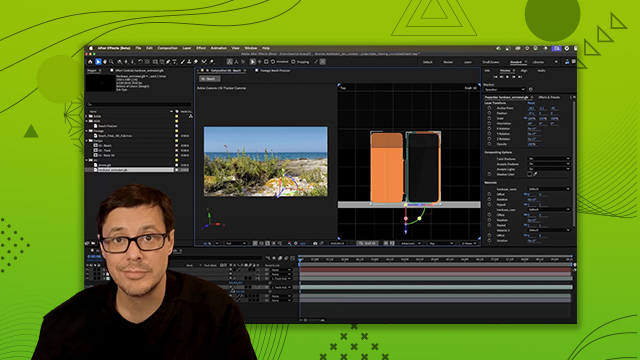
  • Rotate and position the shadow catcher accurately.
  • Adjust material options to accept only shadows.
  • Change composition background color for better shadow display.
  • Tint shadows for enhanced visual effects.
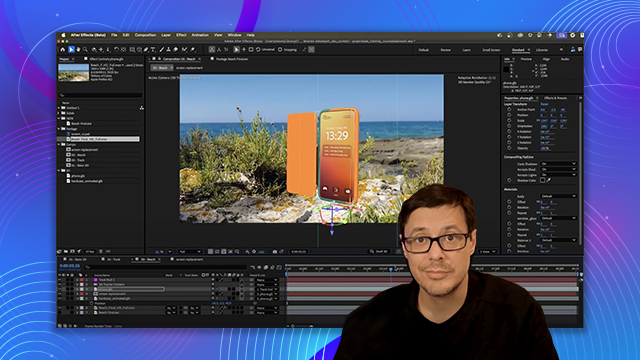
  • Utilize infinite environments for product renderings.
  • Experiment with shadow color for subtle effects.
Learning outcomes

  • Create a shadow catcher in After Effects
  • Adjust shadow settings for realistic effects
  • Change background color for shadow visibility

Key insights

  • Use a new solid layer as a shadow catcher.
  • Enable 3D layer for shadow interaction.
  • Rotate and position the shadow catcher accurately.
  • Adjust material options to accept only shadows.
  • Change composition background color for better shadow display.
  • Tint shadows for enhanced visual effects.
  • Utilize infinite environments for product renderings.
  • Experiment with shadow color for subtle effects.
Skills

After Effects, 3D, Shadow, Composition

Transcript

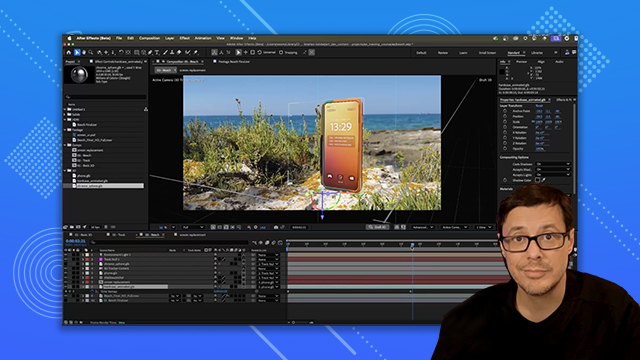
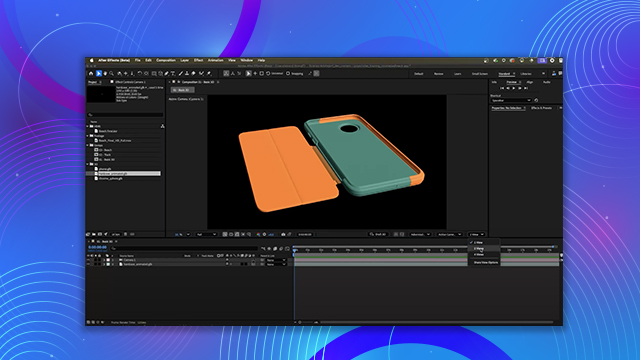
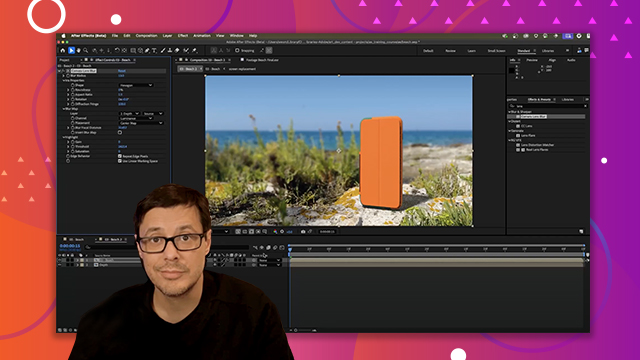
[00:00:00] So now I'm going to add a shadow

[00:00:02] catcher. So we'll go to layer and I'm

[00:00:04] going to choose new solid. And I'm going

[00:00:05] to name this shadow catcher.

[00:00:09] And I'll leave the width and height at

[00:00:11] 1920 1080. And the color doesn't really

[00:00:13] matter for this. And we'll click okay.

[00:00:15] So this creates a new solid here in my

[00:00:17] scene. And first thing I want to do is

[00:00:19] turn this into a 3D layer. So I'm just

[00:00:21] going to tick this 3D layer box. And now

[00:00:24] I have this 3D solid that's going to act

[00:00:27] like a plane. And you can see that it's

[00:00:29] already starting to accept some of the

[00:00:30] shadows. All right, let's jump into a a

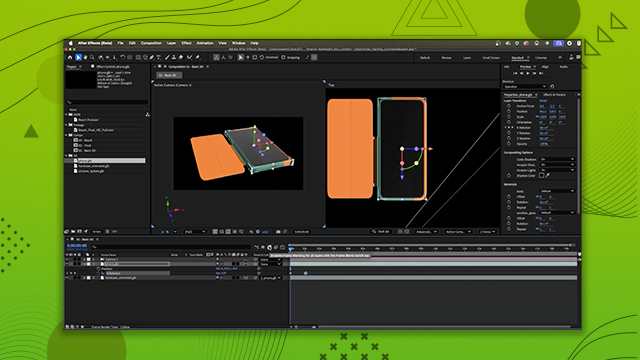
[00:00:33] two view. And let's go to my left view.

[00:00:35] And I'm just going to rotate this solid.

[00:00:37] So I'll hold down shift and left click

[00:00:39] till I get this to be at 90°. We'll zoom

[00:00:42] in a little bit here. And I'm just going

[00:00:44] to move this solid down slightly.

[00:00:49] And now you can see that well we get a

[00:00:51] little bit of shadow here onto this

[00:00:53] plane. So let's check the rotation of

[00:00:54] the phone. So I'm just going to move my

[00:00:56] slider. And you can see, well, we

[00:00:58] definitely don't want this. The phone is

[00:00:59] intersecting with the plane. So now I'm

[00:01:01] just going to move this down until I get

[00:01:03] something that looks like that. Okay,

[00:01:05] perfect. This is my little setup. We'll

[00:01:07] go back to 0 0. And now I have this

[00:01:10] little shadow plane here. So I'm going

[00:01:12] to drop this back to my single view. And

[00:01:15] for this shadow catcher, what I really

[00:01:17] want is just to have the shadow itself.

[00:01:20] And we can do that by just coming over

[00:01:21] here to the actual layer. And let's take

[00:01:24] a look at these material options. So

[00:01:27] here in these material options, you can

[00:01:28] see that there is a section here for

[00:01:30] accept shadows and it's set to on. Well,

[00:01:33] if I click this little switch, you can

[00:01:36] see that this will switch to only. And

[00:01:39] it appears that our shadow is gone. But

[00:01:42] what's happening for this layer is that

[00:01:44] we're only seeing the shadow. And this

[00:01:46] black background is the color of our

[00:01:49] composition. So, for example, if I come

[00:01:51] over here to composition and we go to

[00:01:53] our composition settings and I change

[00:01:56] the background color, we can then have

[00:01:58] this cool effect where the shadow is

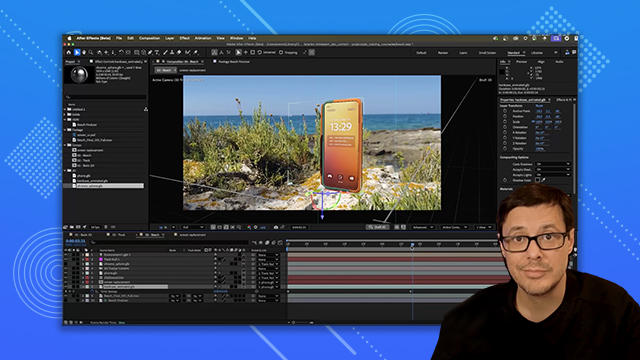
[00:02:00] just casting on any background. In this

[00:02:02] case, it's a solid color, but it could

[00:02:04] also just be a video as well. So now, as

[00:02:07] I move my camera and just kind of rotate

[00:02:09] around the scene, you can see that I get

[00:02:11] this infinite environment, which is

[00:02:13] super helpful, especially for things

[00:02:15] like product renderings. Now, you can

[00:02:17] also come here and change the shadow

[00:02:19] color. So, I have a swatch or I can even

[00:02:21] color pick. So, in my case here, what

[00:02:24] I'm going to do is just click the color

[00:02:25] swatch button, and I'm just going to

[00:02:27] give these shadows a slight kind of

[00:02:29] bluish tint. So, let's try something

[00:02:31] like this. Uh, I don't know. We'll make

[00:02:33] it really subtle, but you can see that

[00:02:35] we can go in and we can tint these

[00:02:36] shadows. Now, I think that's a little

[00:02:38] bit too intense, so I'll probably just

[00:02:40] give it a little bit of a darker value.

[00:02:42] There we go. But again, you can tint

[00:02:43] these shadows by using the shadow color

[00:02:46] parameter.