Creative cloud integration
Learn how to work with other applications using Dynamic Link.
This summary is AI generated
Learning Outcomes:
- Integrate Creative Cloud apps with Premiere Pro
- Utilize Dynamic Linking for seamless workflow
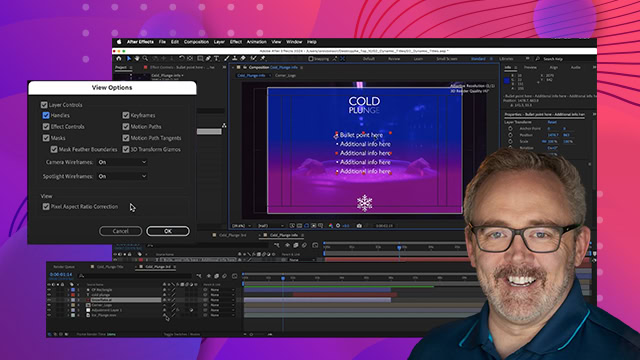
- Send clips to After Effects for motion graphics
Level: Advanced
Skills you'll gain:
Premiere Pro, After Effects, Dynamic Linking, Audition
Key Insights
- Ensure all Adobe apps are on the same year release version.
- Duplicate clips before sending to After Effects to preserve originals.
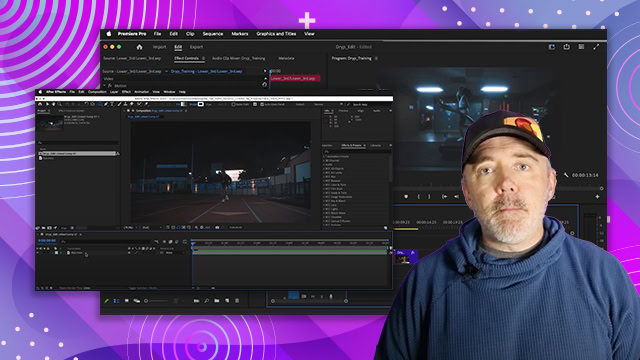
- Dynamic linking allows real-time updates between Premiere Pro and After Effects.
- Use 'Render and Replace' to speed up playback in Premiere Pro.
- Audition can be used for advanced audio editing linked to Premiere Pro.
- Photoshop layers can be imported separately for animation in Premiere Pro.
- Illustrator artwork is flattened when imported into Premiere Pro.
- Dynamic linking works with Media Encoder for efficient exporting.
- Changes in linked files update automatically in Premiere Pro.
- Use After Effects for maintaining vector quality from Illustrator.