


Advanced Texturing Techniques
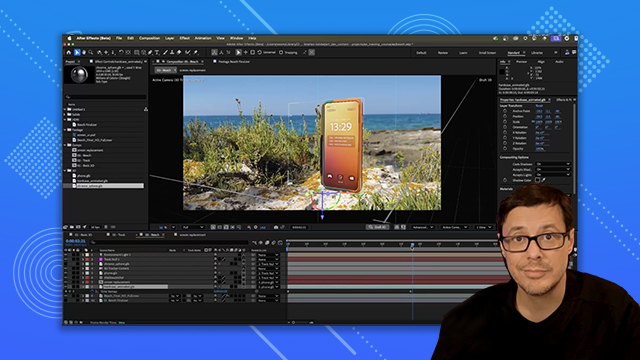
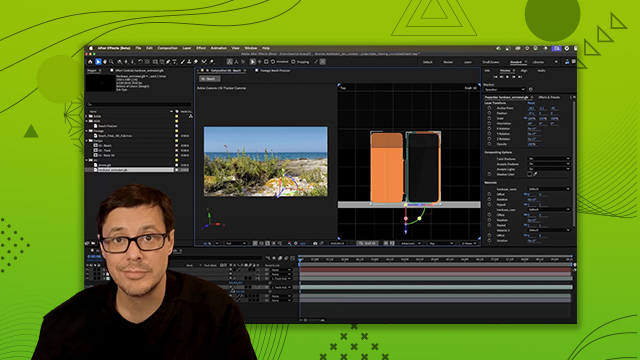
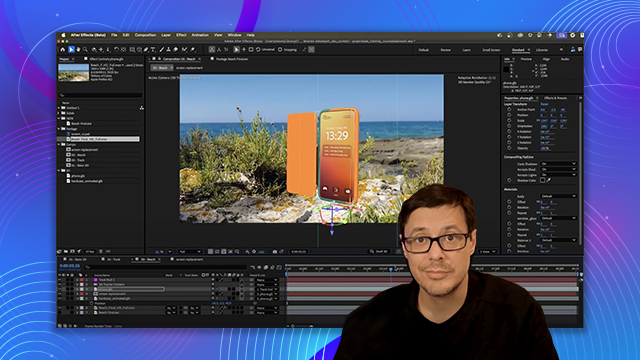
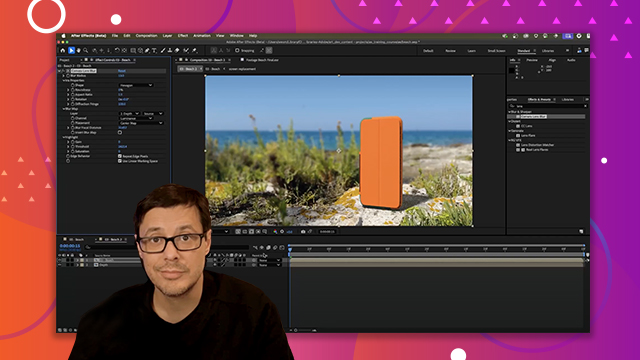
Learn the techniques for placing and arranging 3D models in space, parenting and animating with keyframes. You’ll also learn how to apply effects to 3D layers and working with animated models.
This summary is AI generated
Learning Outcomes:
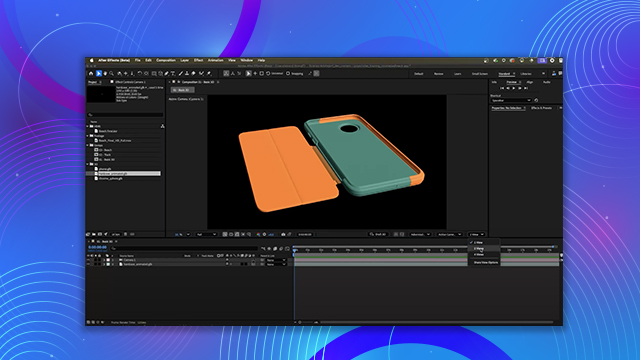
- Position 3D objects accurately in After Effects
- Animate 3D object rotation with keyframes
- Establish parent-child relationships between layers
Level: Advanced
Skills you'll gain:
After Effects, 3D Objects, Animation, Layer Manipulation
Key Insights
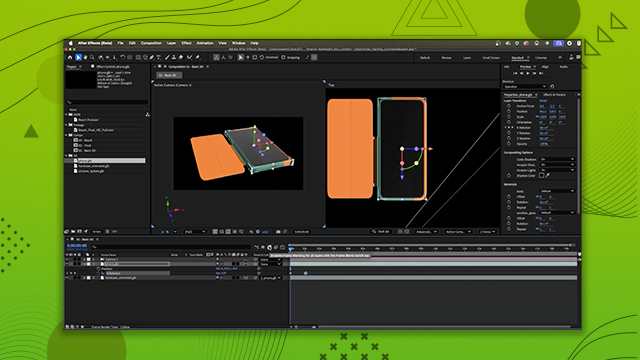
- Use the transform gizmo for precise object positioning.
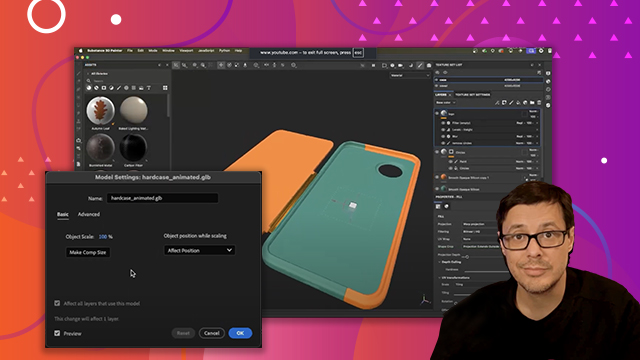
- Adjust object scale in the model settings for consistency.
- Utilize the properties panel for manual adjustments.
- Employ keyboard shortcuts to access position coordinates quickly.
- Create parent relationships to link object movements.
- Keyframe specific axes for targeted animations.
- Apply easy ease for smoother animation transitions.
- Preview animations frequently to assess timing and movement.








 AdChoice