


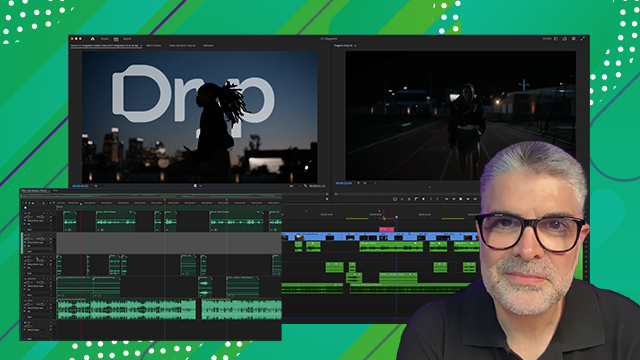
The Premiere interface
Learn how to customize your workspace to fit the way you like to work.
This summary is AI generated
Learning Outcomes:
- Customize the Premiere Pro interface effectively.
- Create and manage workspaces for specific tasks.
Level: Advanced
Skills you'll gain:
Premiere Pro, Customization, Workspaces, Panel Management
Key Insights
- Premiere Pro's interface is highly flexible and customizable.
- Panels can be moved and grouped to create workspaces.
- Factory default workspaces serve as starting points for customization.
- Floating panels can enhance workflow across multiple monitors.
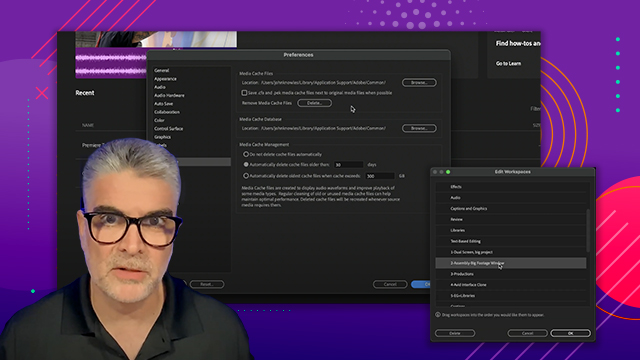
- Workspaces can be reordered for quick access.
- Double-clicking a workspace name resets it to the last saved state.
- Use the window menu to access and manage panels easily.
- Adjust panel sizes by dragging dividers for better layout.













 AdChoice