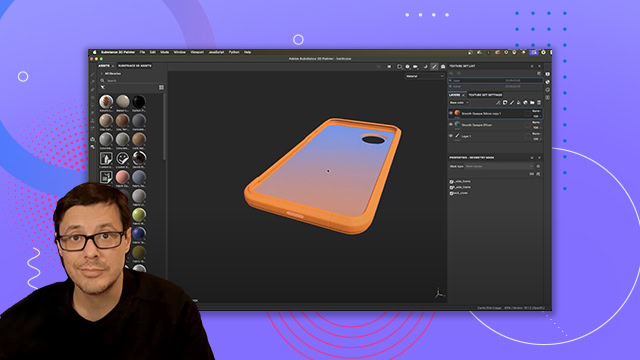
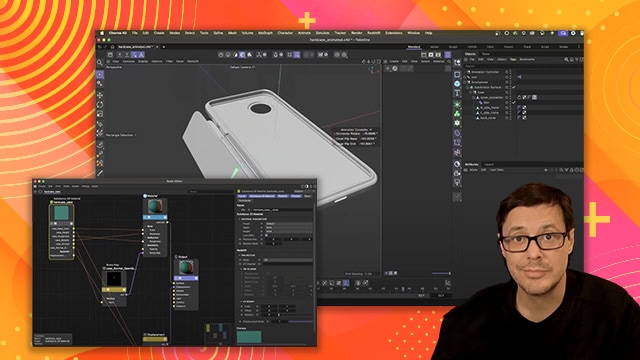
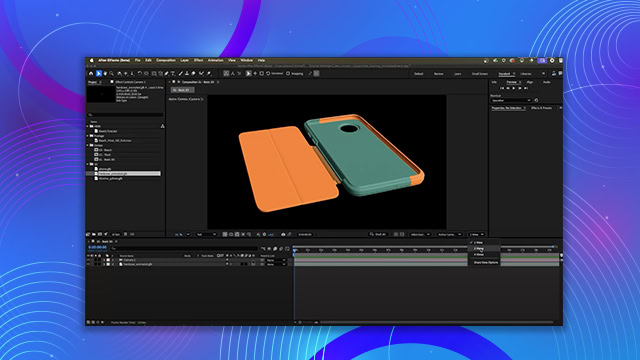
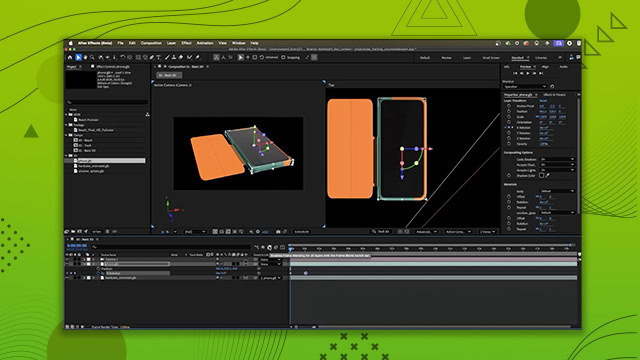
Working with Custom Materials
Building and refining custom texture effects using masks, selections, and layer operations to get precise material placement on 3D models
This summary is AI generated
Learning Outcomes:
- Create a custom metal material from scratch.
- Utilize layer masks for material blending.
- Adjust projection modes for better texture detail.
Level: Advanced
Skills you'll gain:
Substance Painter, Layer Masking, Material Creation, Texture Projection
Key Insights
- Use the layer stack to manage materials effectively.
- Set roughness values to achieve desired reflectivity.
- Understand blending modes for channel interactions.
- Employ masks to control visibility of materials.
- Utilize the polygon fill tool for precise masking.
- Adjust brush properties for better painting control.
- Experiment with geometry masks for mesh-specific effects.
- Leverage color swatches for consistent color application.
- Switch between view modes to isolate channel adjustments.
- Use shortcuts to enhance workflow efficiency.