


Navigation and Workspace Basics
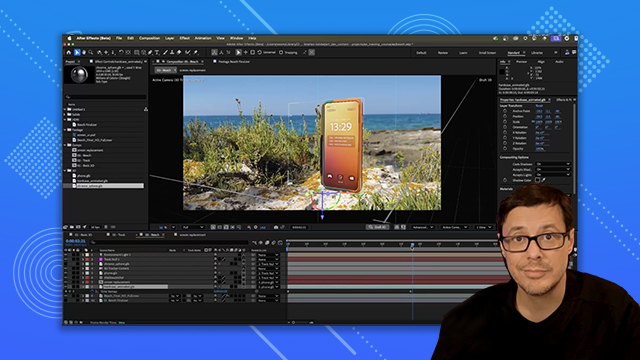
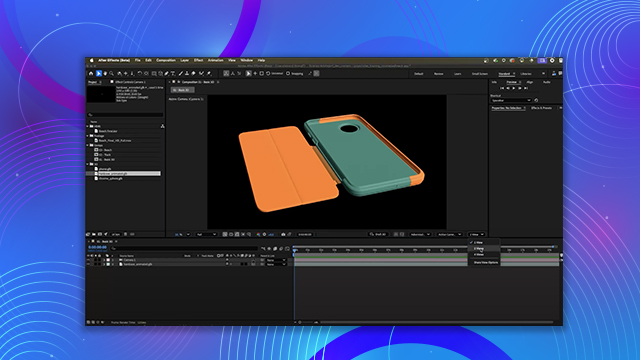
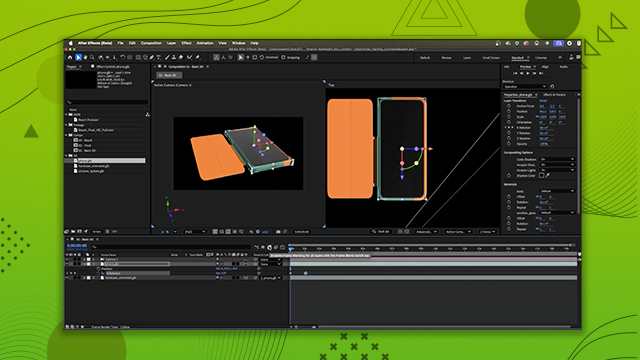
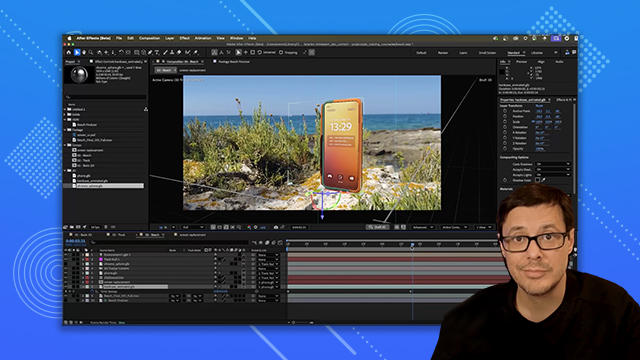
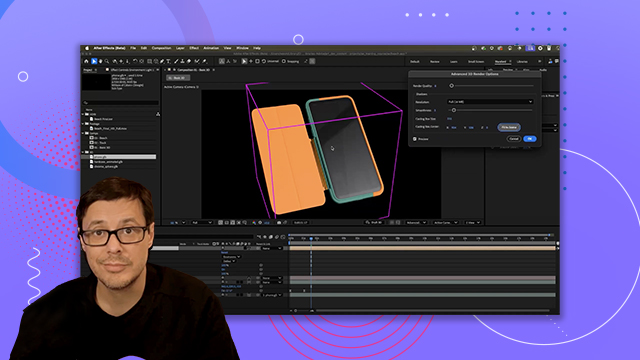
Learn how to move around the After Effects interface, add cameras, and leverage viewports to manage 3D scenes.
This summary is AI generated
Learning Outcomes:
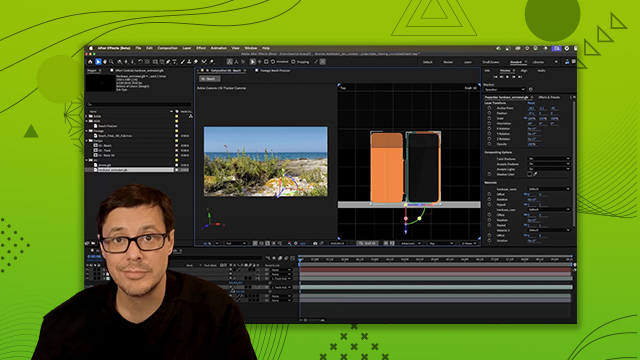
- Navigate 3D viewport using mouse shortcuts
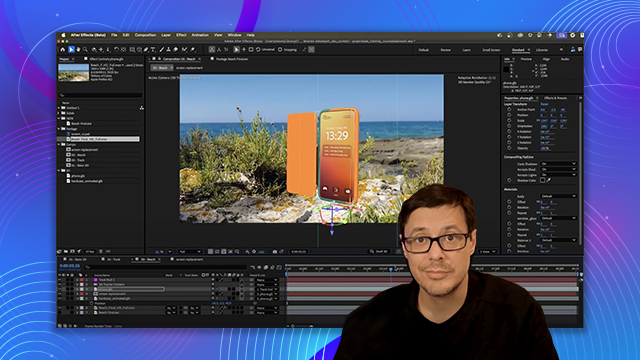
- Add and configure a camera in After Effects
Level: Advanced
Skills you'll gain:
After Effects, 3D Navigation, Camera Setup, Viewport Control
Key Insights
- Use Alt/Option key for viewport navigation.
- Orbit around 3D models with left mouse button.
- Zoom in using right mouse button.
- Pan the view with middle mouse button.
- Create a new camera from the layer menu.
- Understand the default settings for new cameras.
- Switch between different camera views easily.








 AdChoice