Organizing video projects
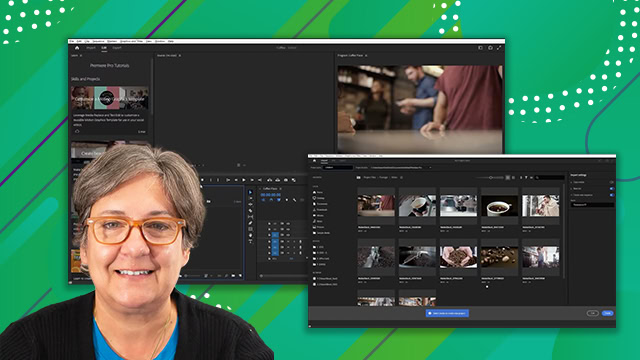
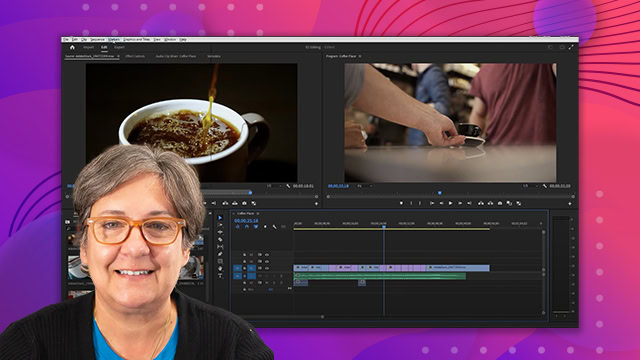
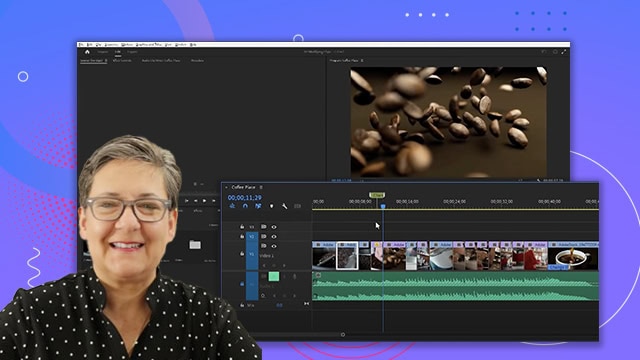
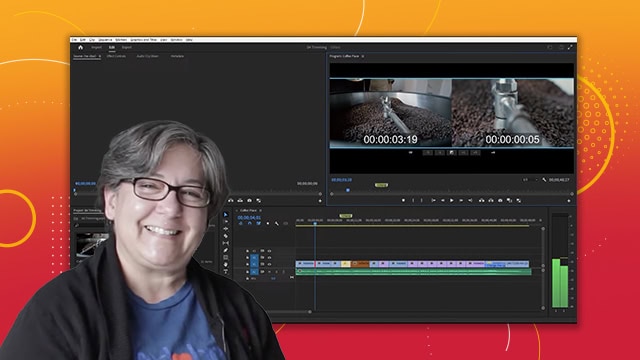
Organize video projects efficiently in Adobe Premiere Pro through project bins, linking audio to footage, renaming clips, and managing assets on the timeline.
This summary is AI generated
Learning Outcomes:
- Organize video projects efficiently in Premiere Pro.
- Utilize bins for better project management.
- Manage audio and video tracks effectively.
Level: Intermediate
Skills you'll gain:
Premiere Pro, Organization, Editing, Project Management
Key Insights
- Switch to the assembly workspace for better organization.
- Create and name bins for video and audio.
- Use keyboard shortcuts for faster navigation.
- Unlink audio from video clips for separate editing.
- Rename clips for easier identification in the timeline.
- Mark in and out points using the marker menu.
- Extract clips using the program monitor or shortcut.
- Mute audio tracks to focus on video editing.
- Delete empty audio tracks to clean up the project.
- Expand and contract tracks for better visibility.