Modifying clips
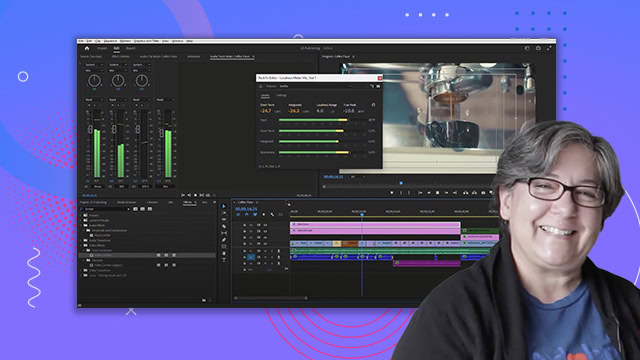
Learn how to modify clips in Adobe Premiere Pro. Find out how markers can help you make editing decisions, such as slowing or speeding up video clips.
This summary is AI generated
Learning Outcomes:
- Modify clip speed and duration effectively.
- Utilize markers for organization in editing.
Level: Intermediate
Skills you'll gain:
Premiere Pro, Editing, Markers, Speed
Key Insights
- Switch to the editing workspace for clip modifications.
- Lock audio tracks to prevent unintended changes.
- Use markers to differentiate between timeline and clip markers.
- Adjust clip speed through the speed duration option.
- Rename clips for better organization in the timeline.
- Extend marker duration by dragging in the timeline.
- Utilize color labels for quick visual identification of clips.
- Markers can provide instructions for future editors.