Color correction
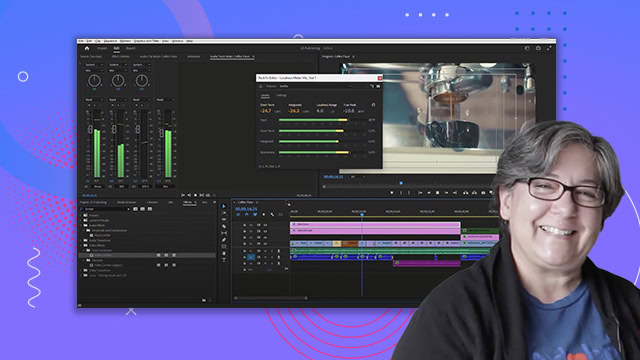
Learn how to color correct your video clips using the Lumetri color panel in Adobe Premiere Pro. You'll learn how to use a waveform monitor, vectorscope, and RGB parade.
This summary is AI generated
Learning Outcomes:
- Apply auto color adjustments to clips
- Use Lumetri scopes for color correction
- Match colors between different clips
Level: Intermediate
Skills you'll gain:
Premiere Pro, Color Correction, Lumetri, Color Matching
Key Insights
- Switch to the color workspace for color correction tasks.
- Understand the function of waveform monitors in brightness measurement.
- Use vector scopes to analyze hue and saturation.
- Adjust exposure, shadows, and highlights using sliders.
- Utilize the Lumetri panel for basic color corrections.
- Employ comparison view for effective color matching.
- Copy and paste Lumetri effects across multiple clips.
- Rename Lumetri effects for better organization.
- Adjust creative settings like sharpen and vibrance.
- Toggle visibility of adjustment layers to see effects.