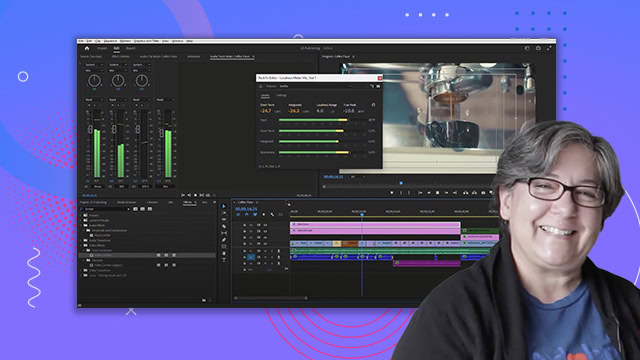
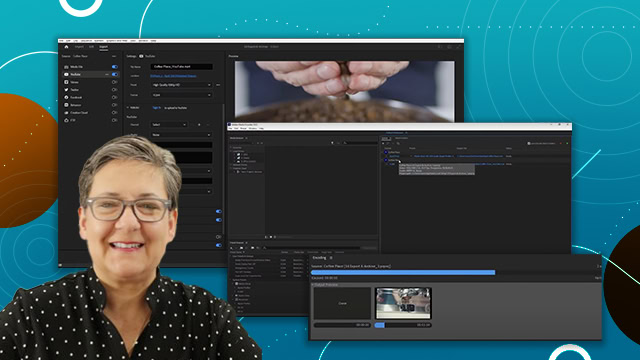
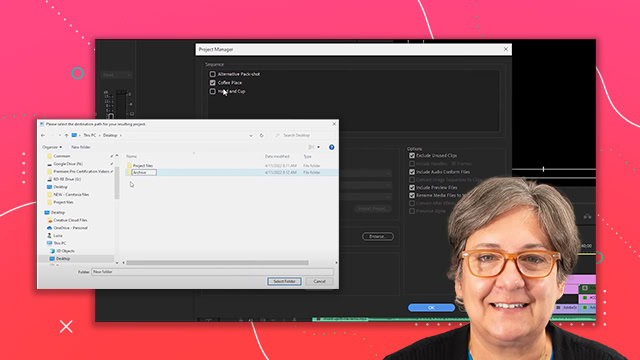
Audio transitions and effects
Learn how to add and modify audio in Adobe Premiere Pro. Learn how to enhance audio by adding sound effects and ambient clips.
This summary is AI generated
Learning Outcomes:
- Apply audio transitions to multiple clips
- Use the rate stretch tool for audio clips
- Create and modify audio keyframes
Level: Intermediate
Skills you'll gain:
Premiere Pro, Audio Editing, Transitions, Keyframes
Key Insights
- Switch to audio workspace for better audio editing.
- Use shortcut Ctrl+Shift+D for applying transitions quickly.
- Rate stretch tool elongates audio clips effectively.
- Show/hide audio waveforms for clearer editing.
- Add keyframes directly on the audio line for volume control.
- Modify keyframe handles for smoother audio fades.
- Explore various audio effects in the effects panel.