Adding and modifying audio
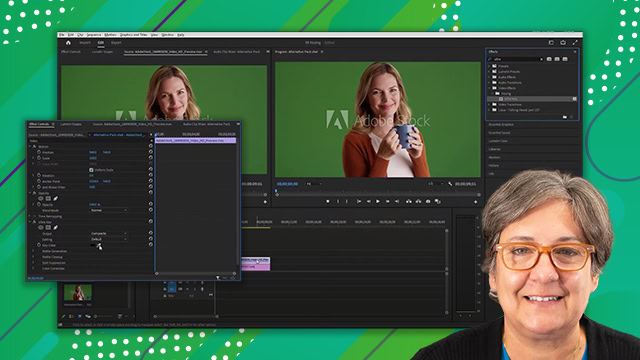
Learn how to change your background when using a greenscreen. Learn how to create a key, a compositing effect that removes a solid background, and replacing it with a video clip.
This summary is AI generated
Learning Outcomes:
- Import and organize audio clips in Premiere Pro.
- Adjust audio levels for optimal sound quality.
- Normalize audio clips for consistent volume.
Level: Intermediate
Skills you'll gain:
Premiere Pro, Audio Editing, Normalization, Sound Design
Key Insights
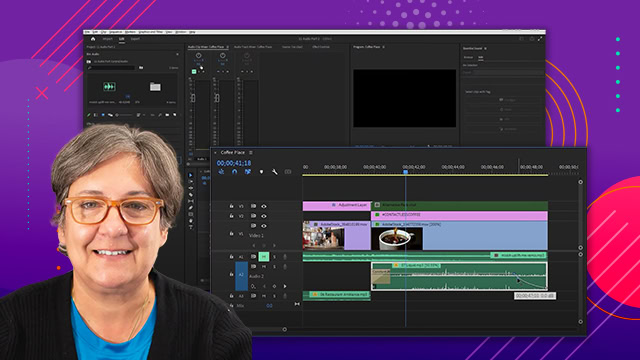
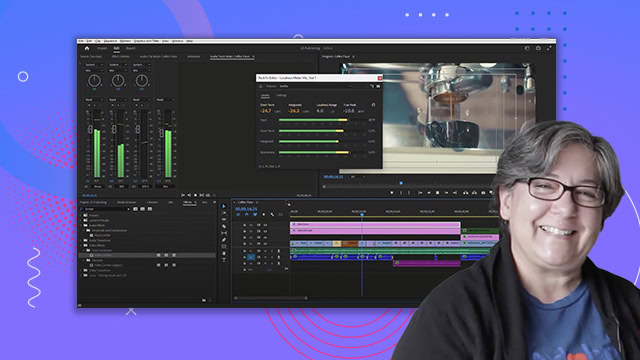
- Switch to the audio workspace for better audio management.
- Use the import dialog to bring in audio files.
- Target audio tracks to navigate and edit efficiently.
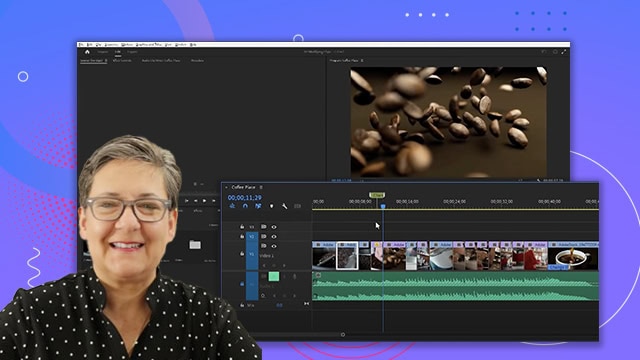
- Monitor audio levels using the audio meters panel.
- Aim for a target level of -6 dB for audio clips.
- Normalize audio clips to maintain consistent volume levels.
- Use audio gain settings to adjust peak amplitude.
- Select multiple clips to normalize audio in bulk.
- Preview audio changes in real-time for immediate feedback.