


How to Match Shots in Color Mode
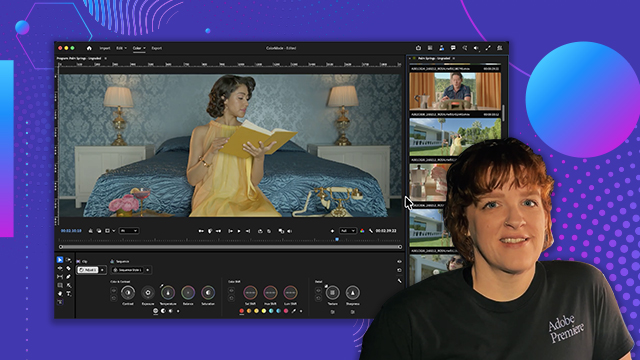
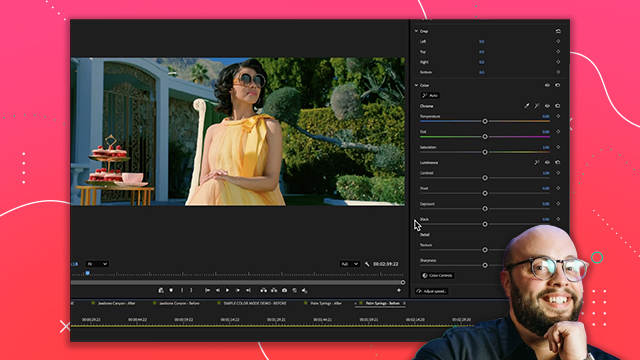
Learn how to balance exposure and color between clips to maintain visual continuity.
This summary is AI generated
Learning Outcomes:
- Match clips effectively using color grading techniques.
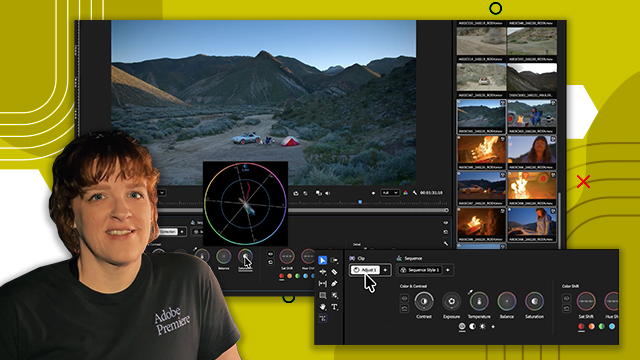
- Utilize comparison mode for precise color adjustments.
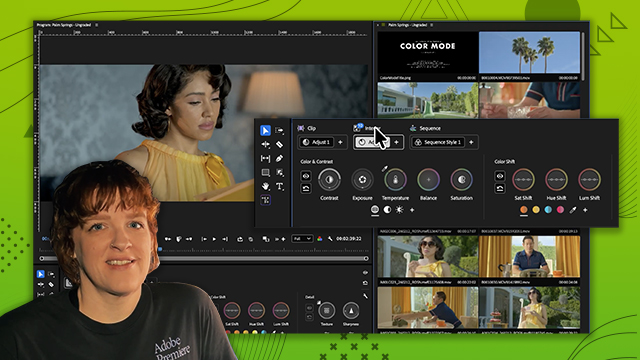
- Create custom groups for organized color grading.
Level: Beginner
Skills you'll gain:
Color Grading, Adobe Premiere, Clip Management, Color Correction
Key Insights
- Color grading ensures visual consistency throughout a project.
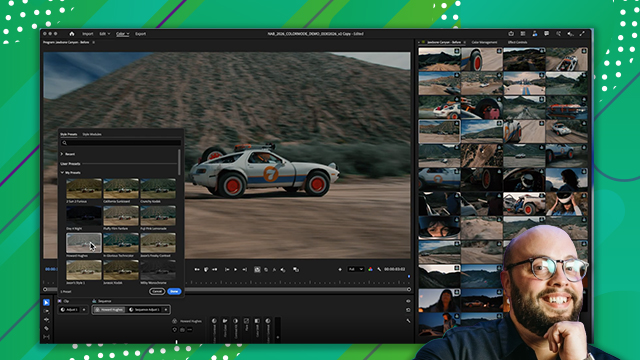
- Use film color modules to enhance specific looks.
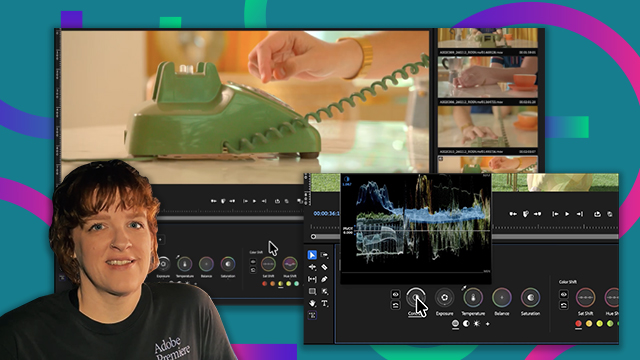
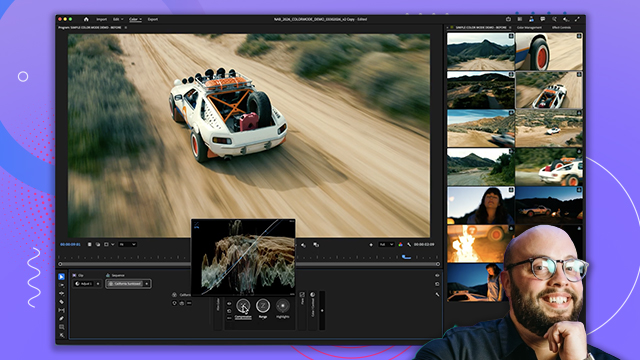
- Adjust exposure and saturation for better clip matching.
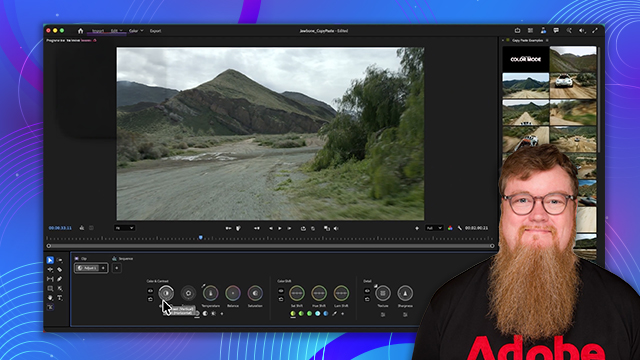
- Employ clip grid for efficient organization and filtering.
- Comparison mode allows for side-by-side clip analysis.
- Subjective adjustments can enhance storytelling through color.
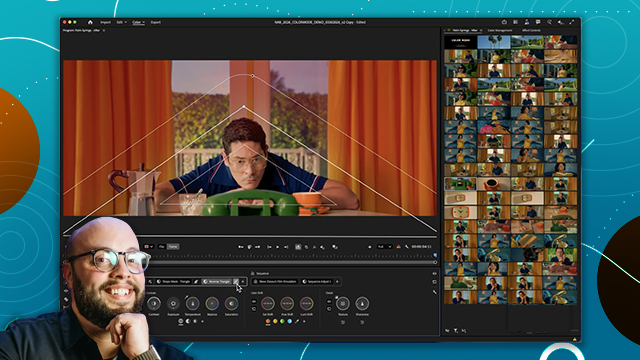
- Isolate colors for targeted adjustments in skin tones.
- Maintain flow in color grading for audience engagement.
- Experiment with different settings to achieve desired results.
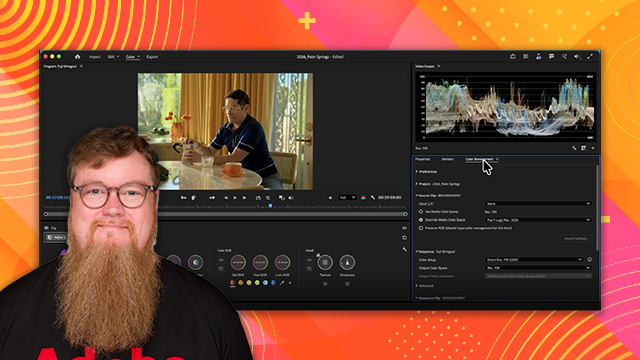
- Refer to documentation for detailed feature explanations.








 AdChoice