


Using Operations in Color Mode
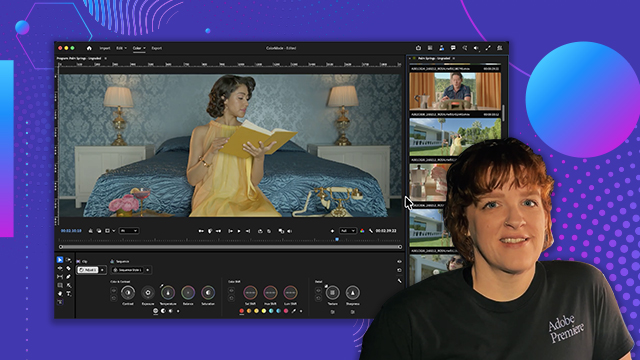
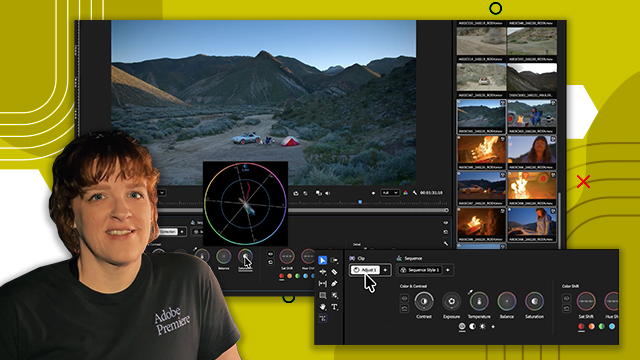
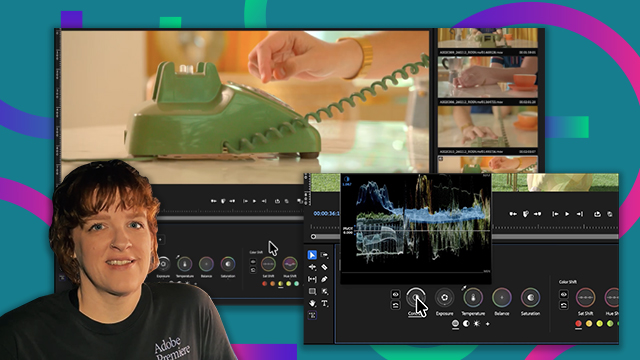
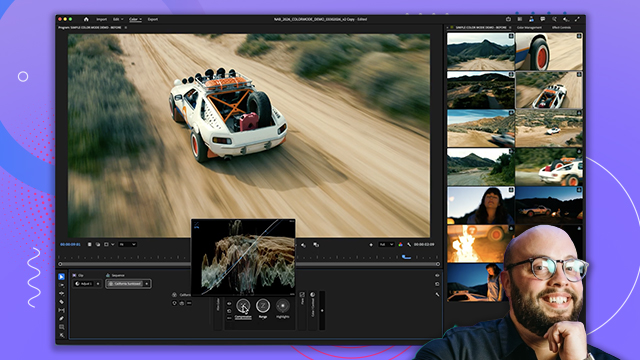
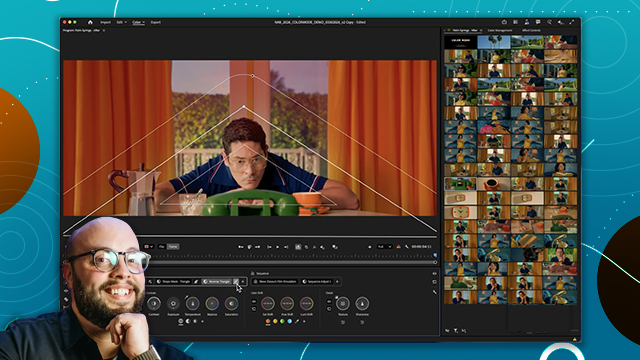
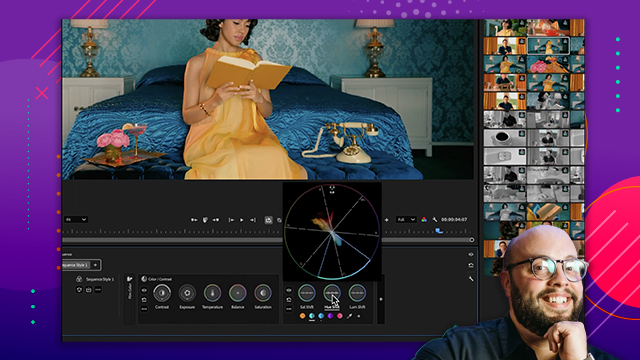
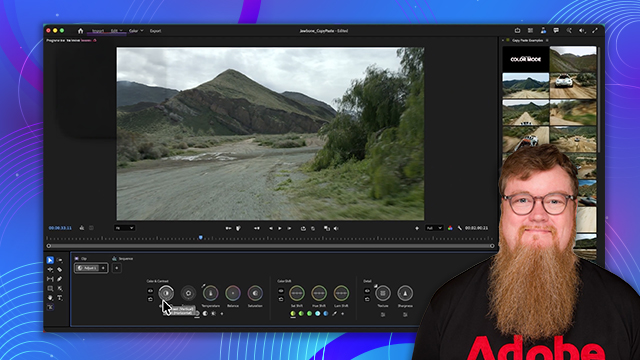
Learn how Operations organize color adjustments and how they stack together to build a grade.
This summary is AI generated
Learning Outcomes:
- Understand color grading at clip, group, and sequence levels.
- Utilize operations for efficient color management.
- Apply styles and adjustments to multiple clips simultaneously.
Level: Beginner
Skills you'll gain:
Premiere, Color Grading, Operations, Adjustment
Key Insights
- Operations are a new way to manage color in Premiere.
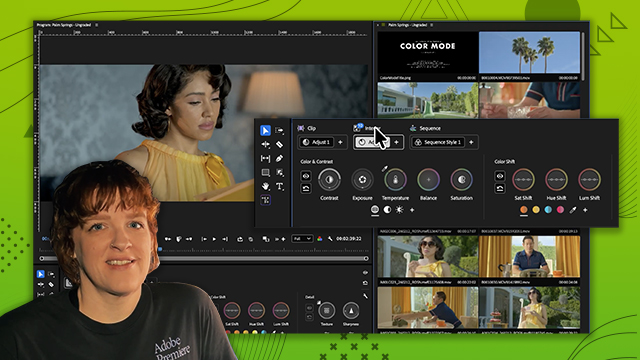
- Color grading can be done at clip, group, or sequence level.
- Adjustments made at the sequence level affect all clips.
- Custom groups allow for targeted adjustments across selected clips.
- Operations can be copied, pasted, and dragged between clips.
- Visual clarity is maintained with all adjustments visible at once.
- Order of operations is clip, group, then sequence.
- Styles and LUTs can be applied at various levels.
- Refer to Help X for comprehensive documentation on Color Mode.
- Client feedback may require adjustments to color grading.








 AdChoice