


Exploring Color Management in Color Mode
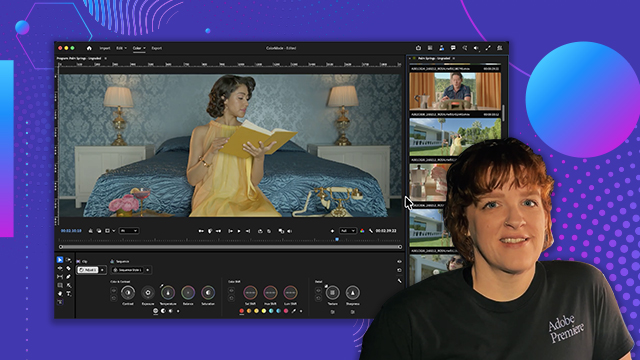
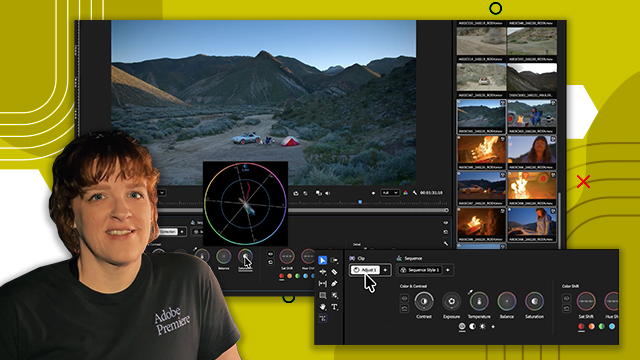
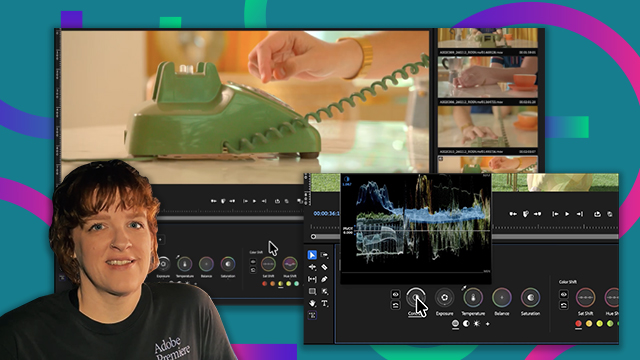
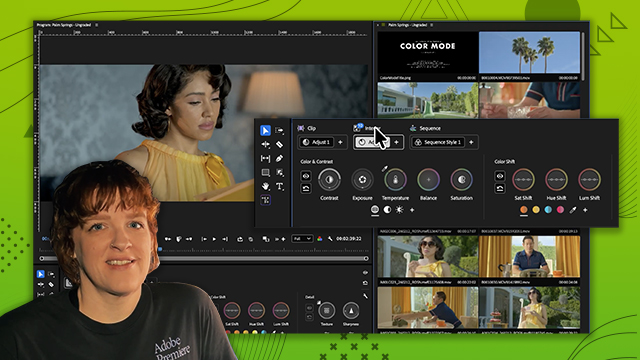
Learn how Color Mode handles color spaces, footage formats, and display transforms so editors can focus on grading rather than technical setup.
This summary is AI generated
Learning Outcomes:
- Understand color management in Adobe Premiere
- Adjust color settings for different footage types
- Apply LUTs for effective color grading
Level: Beginner
Skills you'll gain:
Color Management, Adobe Premiere, Color Grading, LUT Application
Key Insights
- Enable display color management for accurate color representation.
- Use the edit tab for modifying color settings.
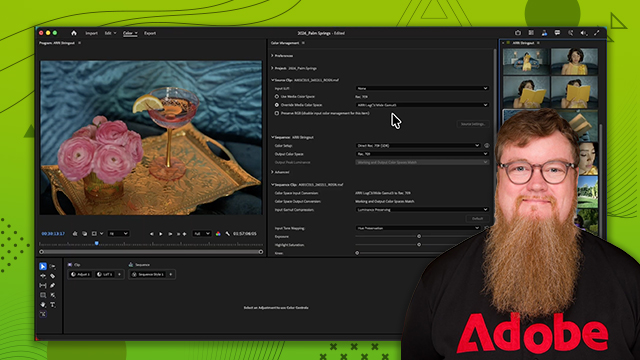
- Override footage color settings if auto-detection fails.
- Utilize wide gamut mode for better dynamic range.
- Apply transform LUTs for specific camera footage.
- Check color management settings in sequence settings.
- Explore advanced settings for precise color adjustments.
- Maintain appealing footage appearance from the start.
- Understand the importance of metadata in color management.
- Use Rec. 709 for standard dynamic range workflows.








 AdChoice