


Understanding the Color Controls
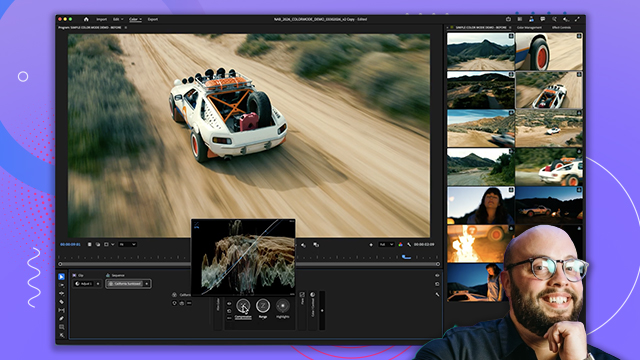
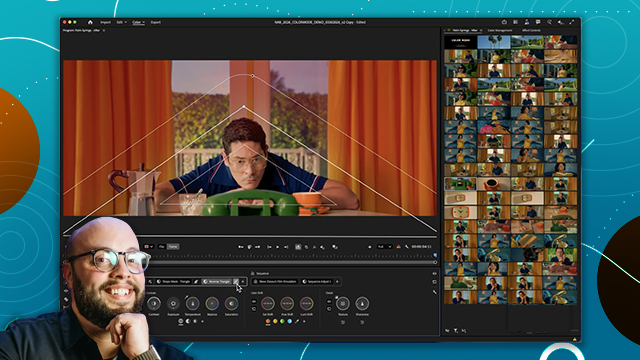
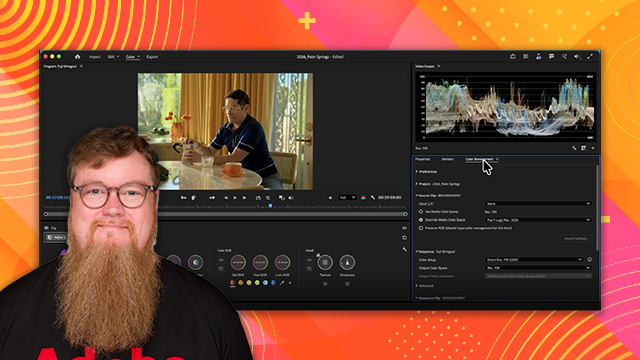
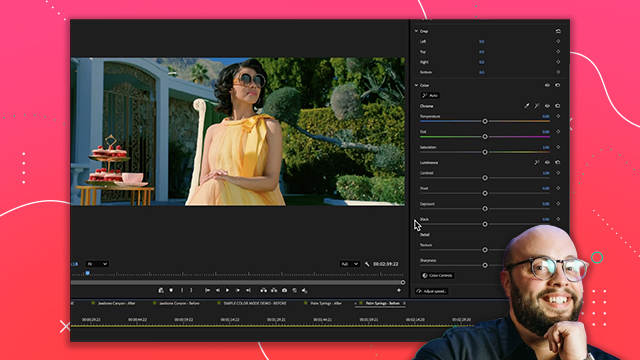
Explore the primary grading controls and how they are designed to adjust color quickly without requiring complex node-based workflows.
This summary is AI generated
Learning Outcomes:
- Adjust contrast and exposure effectively
- Manipulate color temperature intuitively
- Apply targeted adjustments to highlights and shadows
Level: Beginner
Skills you'll gain:
Adobe, Color Correction, Exposure, Texture
Key Insights
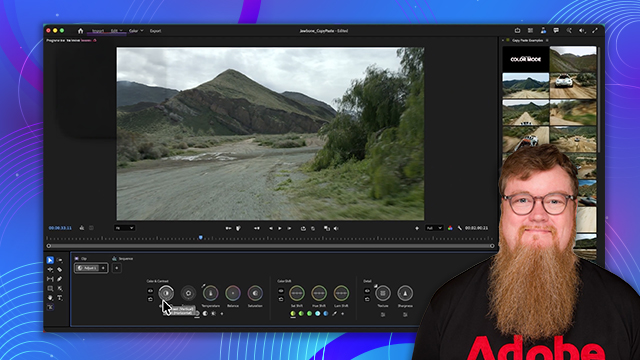
- Use the pivot feature to set contrast points.
- Adjust exposure for overall brightness control.
- Manipulate color temperature for warm or cool tones.
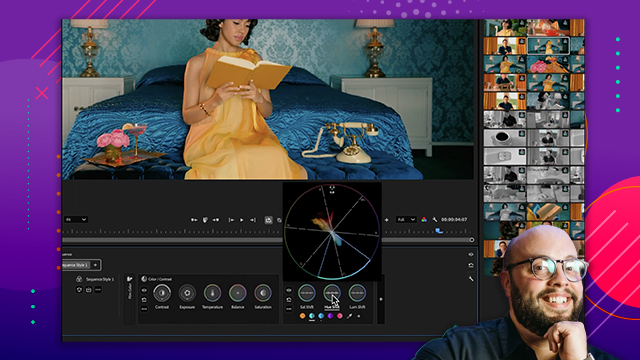
- Utilize vector scopes for visual color temperature feedback.
- Target specific brightness ranges for adjustments.
- Apply effects selectively to highlights or shadows.
- Use color shift tools for precise color adjustments.
- Enhance texture and detail with texture mapping.
- Apply adjustments at clip, sequence, or mask levels.
- Maintain clarity and intuitiveness in powerful tools.








 AdChoice