


How to Add LUTs with Color Mode
Apply LUTs to footage and integrate them into the Color Mode grading pipeline.
This summary is AI generated
Learning Outcomes:
- Apply LUTs to clips in Premiere Pro
- Understand color space settings for LUTs
- Use technical LUTs for footage conversion
Level: Beginner
Skills you'll gain:
LUTs, Color Grading, Adobe Premiere, Color Management
Key Insights
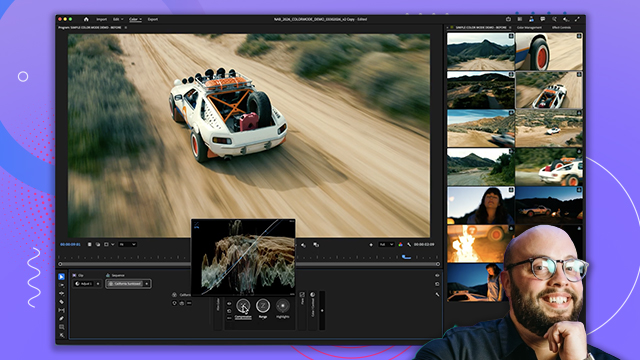
- LUTs can be added easily to clip operations.
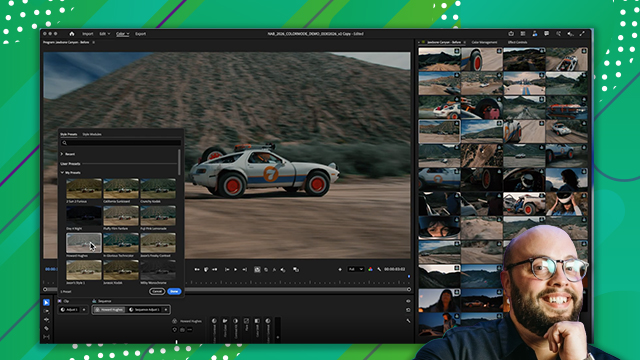
- Premiere Pro includes a variety of creative LUTs.
- Custom LUTs can be imported for specific effects.
- Rec. 709 color space is preferred for most LUTs.
- Technical LUTs convert log footage to color space.
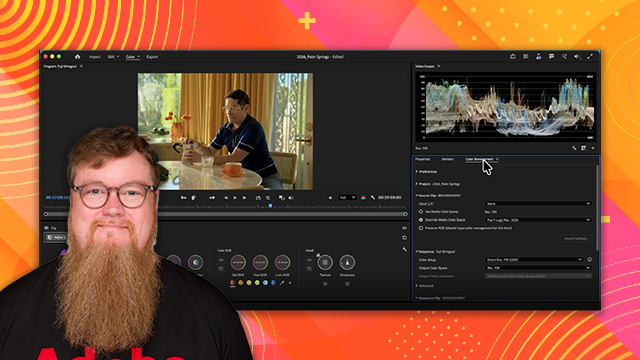
- Color management in Premiere automates de-logging processes.
- Preserve RGB option disables Premiere's color management.
- Creative LUTs can combine transformation and effects.
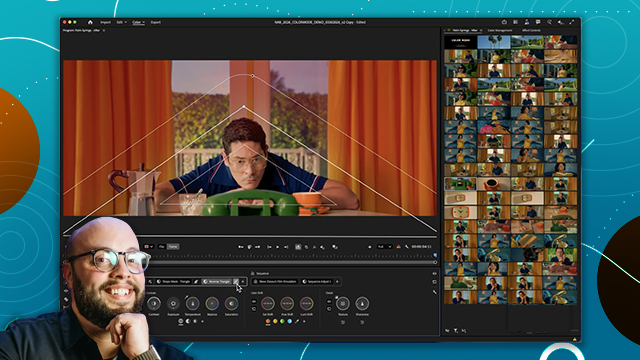
- Mix and match LUTs for enhanced color grading.








 AdChoice