


Incorporating Styles in Color Mode
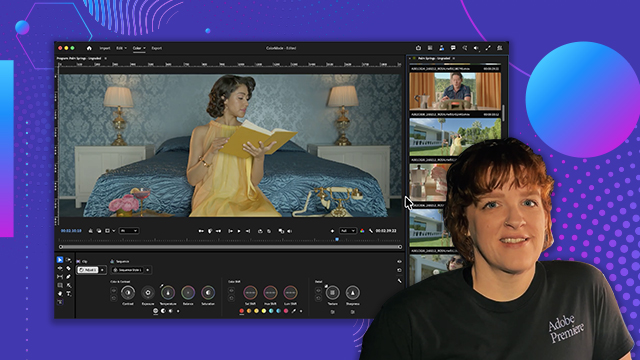
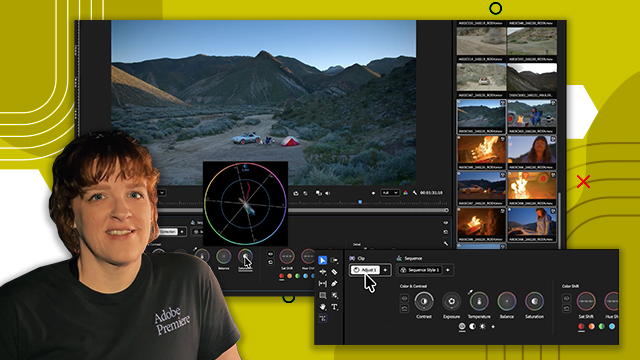
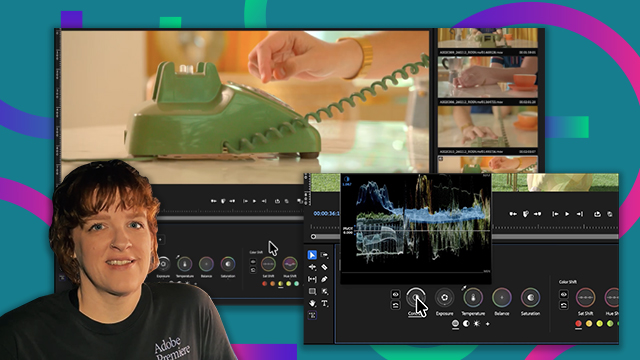
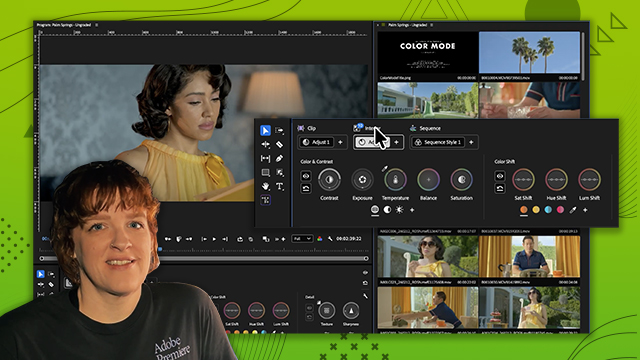
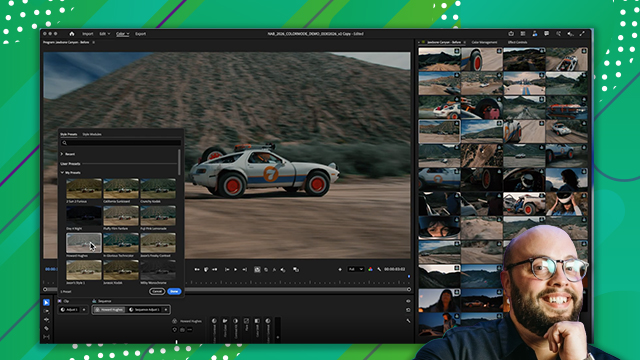
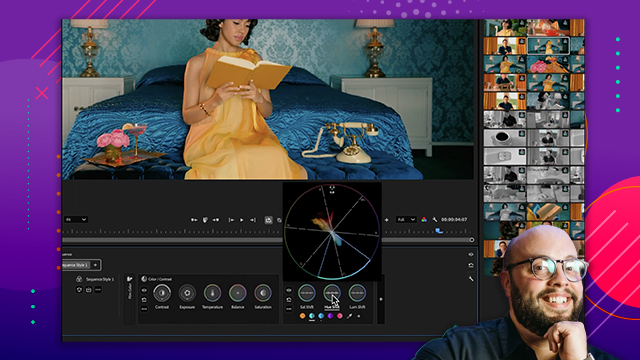
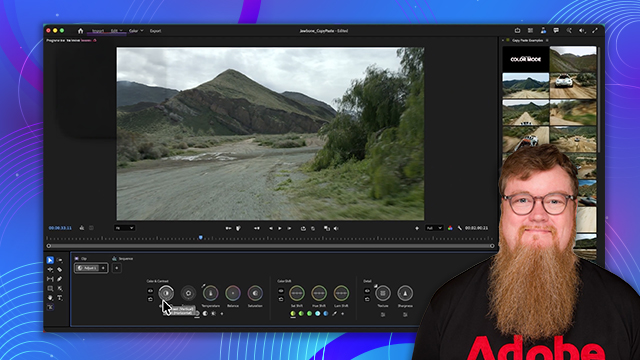
Discover how Styles work as reusable color looks that can be saved, applied, and shared across projects.
This summary is AI generated
Learning Outcomes:
- Understand new color modes in Premiere Pro
- Create custom cinematic looks easily
- Utilize styles and modules effectively
Level: Beginner
Skills you'll gain:
Premiere Pro, Color Grading, Cinematic Styles, Video Editing
Key Insights
- Styles and modules enhance creative freedom for editors.
- One-click cinematic grading simplifies the editing process.
- LUTs are supported but not the only option.
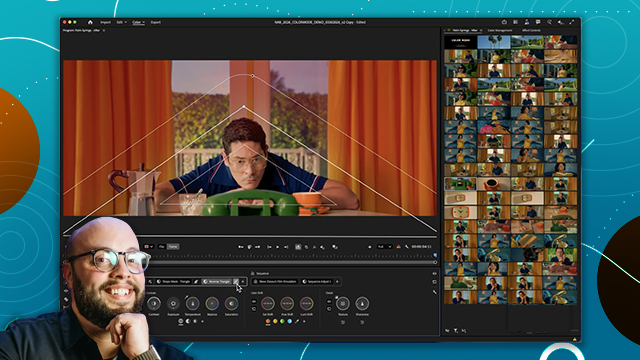
- Modules allow for high-level color effects.
- Real-time feedback aids in intuitive adjustments.
- Custom styles can be saved for future use.
- Understanding contrast curves is crucial for film looks.
- Color grading can be accessible without deep expertise.
- Flexibility in adjustments improves workflow efficiency.
- Presets can be tailored to specific project needs.








 AdChoice