


Getting Started with Color Mode
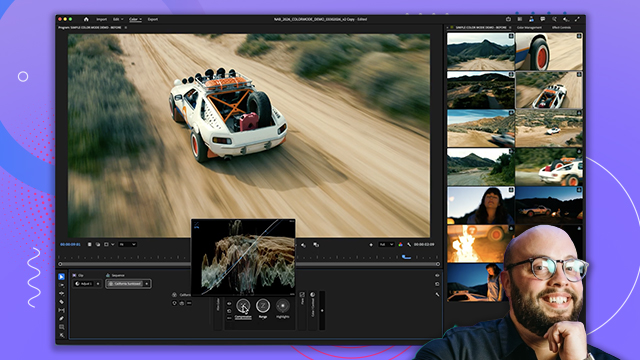
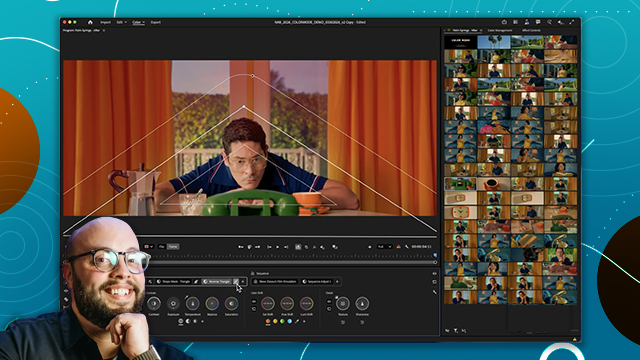
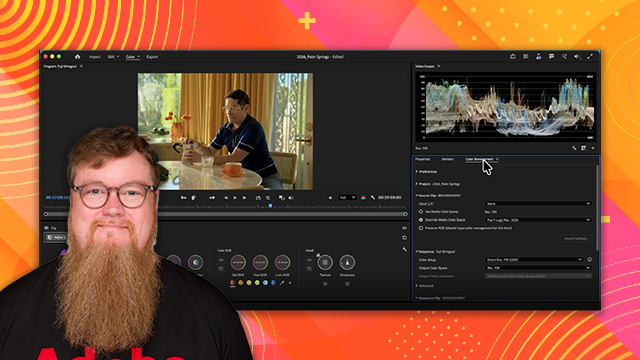
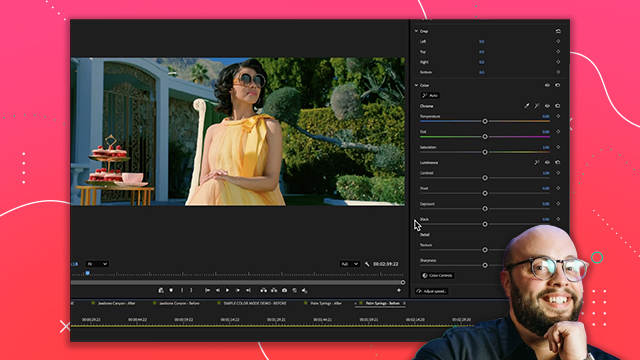
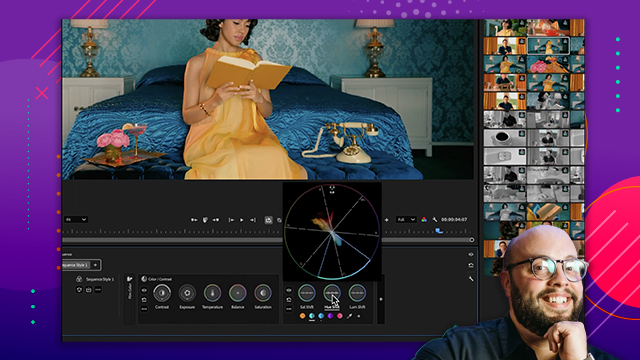
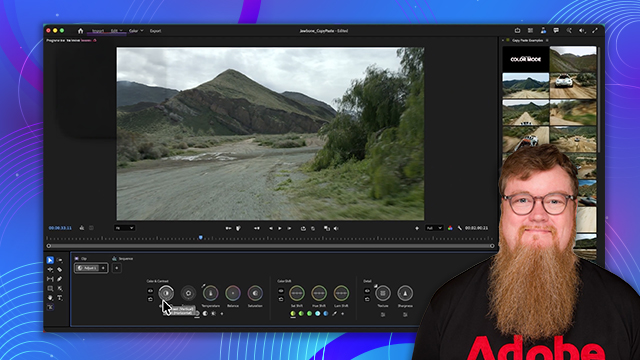
An overview of the Color Mode system inside Premiere. Learn how the new environment is structured and how it changes the way editors approach color grading.
This summary is AI generated
Learning Outcomes:
- Adjust color settings efficiently in Premiere Pro.
- Maintain consistency across projects with group adjustments.
Level: Beginner
Skills you'll gain:
Color, Adjustment, Premiere Pro, Efficiency
Key Insights
- Utilize the visual click grid for easy navigation.
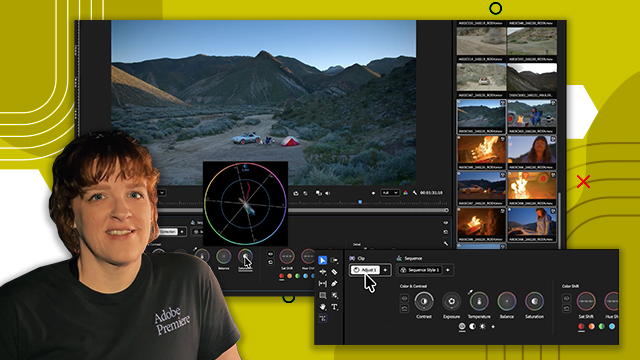
- Access color tools without digging through panels.
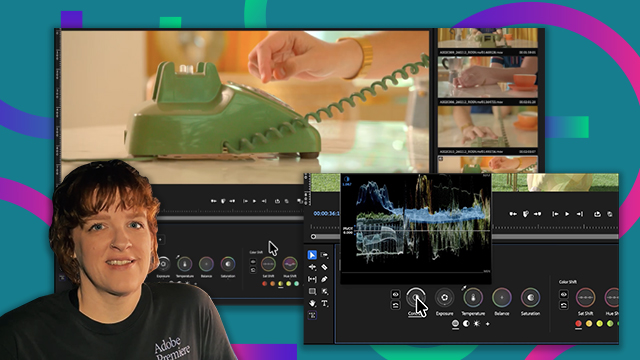
- Use the HUD for real-time feedback on adjustments.
- Make bidirectional adjustments for efficiency.
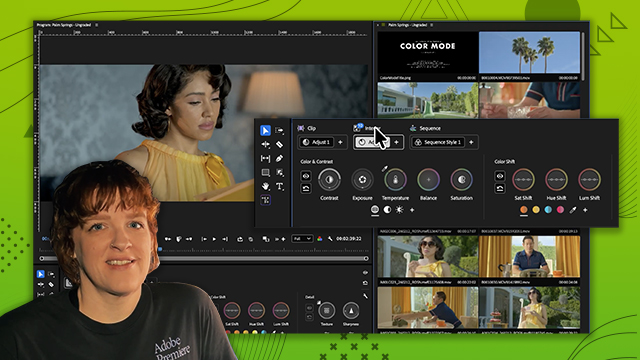
- Create sequence level adjustments for project-wide consistency.
- Refine color settings at the clip level as needed.
- Stay within the timeline for faster workflow.
- Transition smoothly from idea to result.








 AdChoice