


Working the Properties Panel Controls
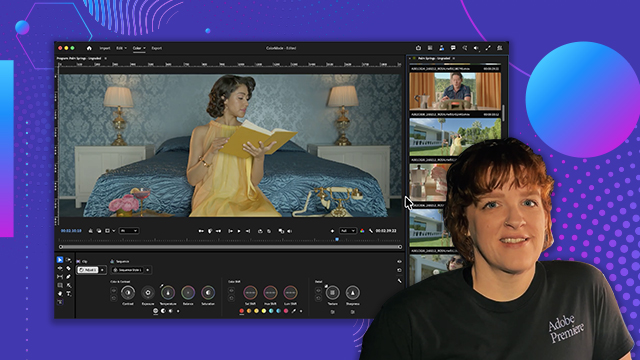
Understand how the Properties panel centralizes grading adjustments and editing controls inside the Color Mode workflow.
This summary is AI generated
Learning Outcomes:
- Utilize Color mode controls in edit mode
- Differentiate between Color mode and Lumetri
- Adjust color settings quickly in properties panel
Level: Beginner
Skills you'll gain:
Color grading, Premiere Pro, Editing, Adjustment
Key Insights
- Color mode offers advanced color grading capabilities.
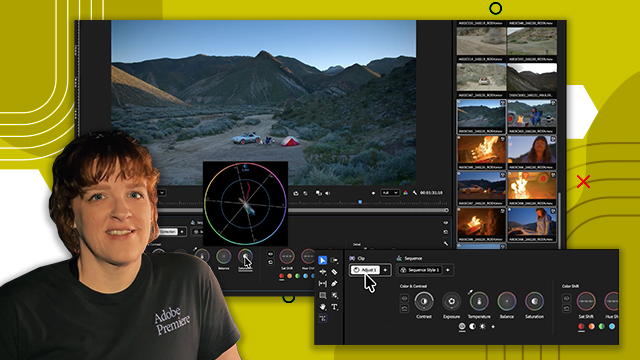
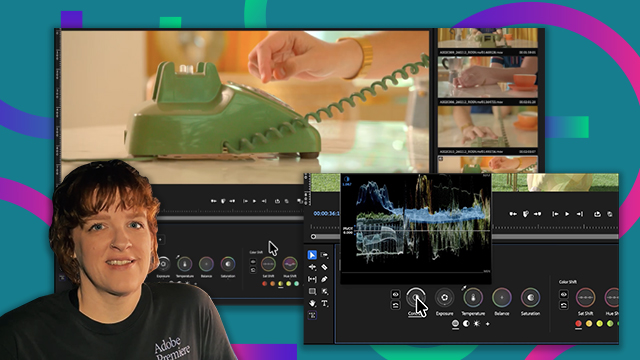
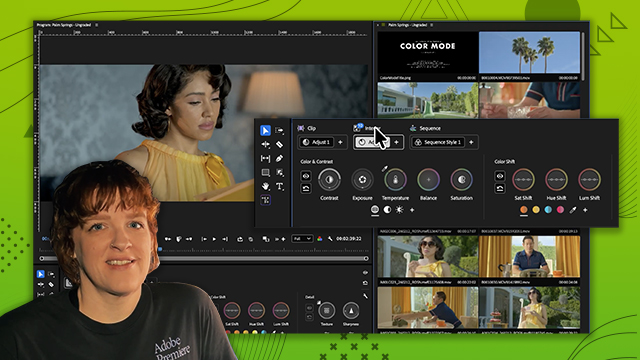
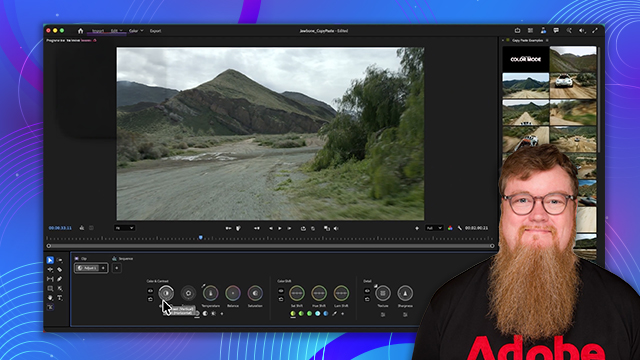
- Properties panel now includes Color mode controls.
- Color mode controls are fundamentally different from Lumetri.
- Adjust temperature, tint, saturation, and contrast easily.
- Changes made in properties panel reflect in Color mode.
- Use one-click access for quick color adjustments.
- Documentation provides detailed guidance on features.
- Maintain an editorial mindset while color grading.
- Experiment with adjustments for optimal results.
- Enjoy the editing process and have fun.








 AdChoice