


Using the Clip Grid in Color Mode
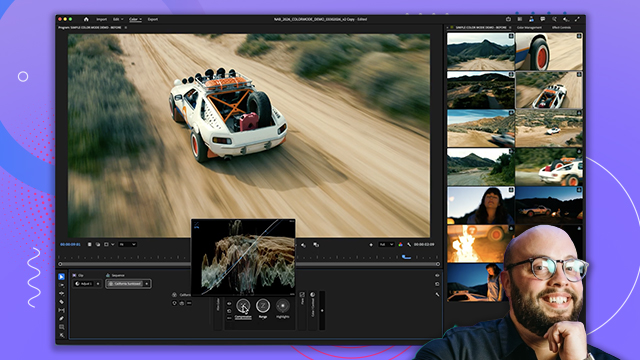
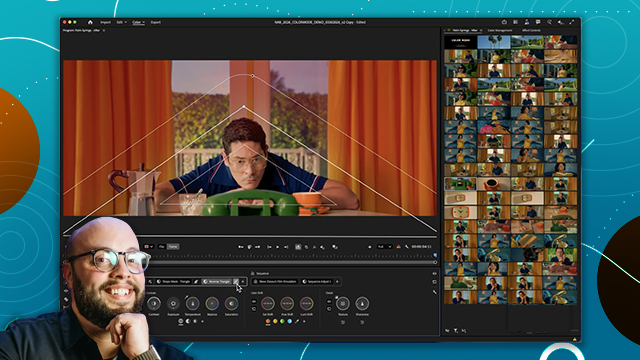
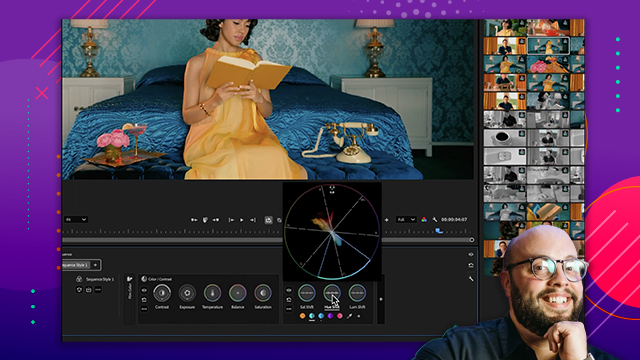
Understand how the Clip Grid allows editors to visually compare shots and maintain color consistency across an edit.
This summary is AI generated
Learning Outcomes:
- Navigate the clip grid efficiently.
- Organize and group clips effectively.
- Manage color adjustments across edits.
Level: Beginner
Skills you'll gain:
Premiere Pro, Editing, Color Management, Organization
Key Insights
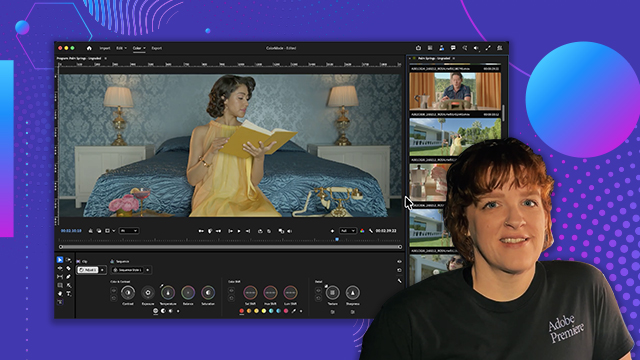
- View entire sequence at once for better oversight.
- Easily spot inconsistencies in your edits.
- Select multiple clips to treat them as one.
- Filter timeline to focus on specific clips.
- Organize clips by time code for better management.
- Apply adjustments to grouped clips simultaneously.
- Customize the clip grid's position for convenience.
- Reset layout to saved settings for quick adjustments.
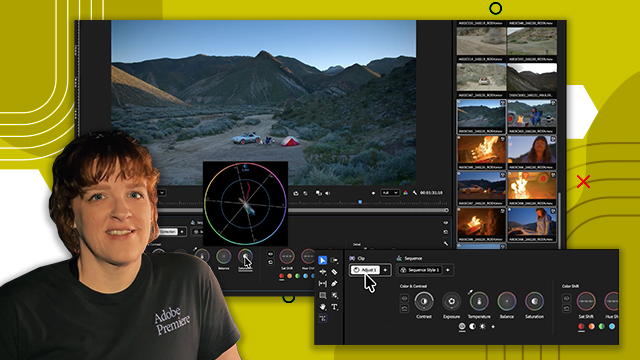
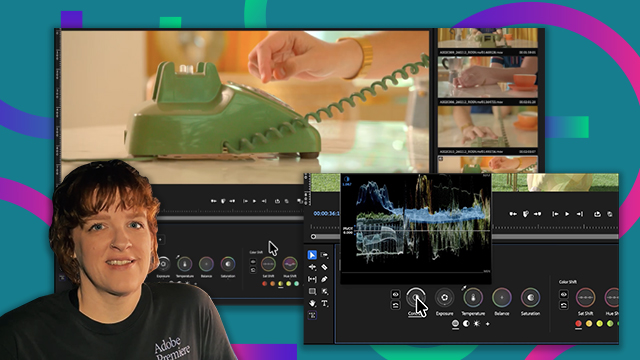
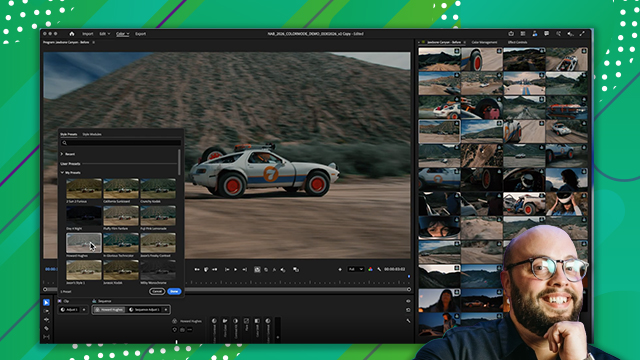
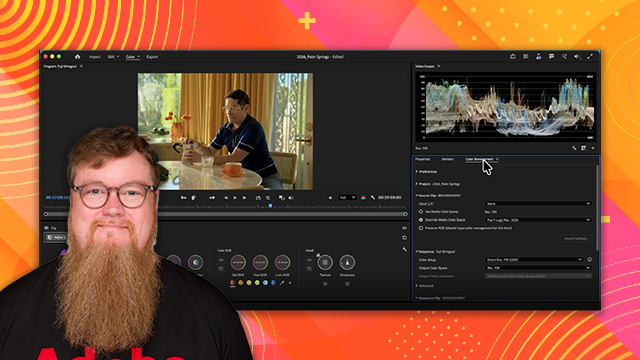
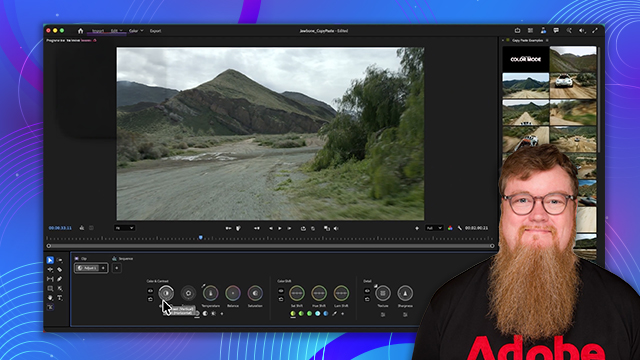
- Utilize the clip grid for color management.








 AdChoice