


Navigating the Color Mode Interface
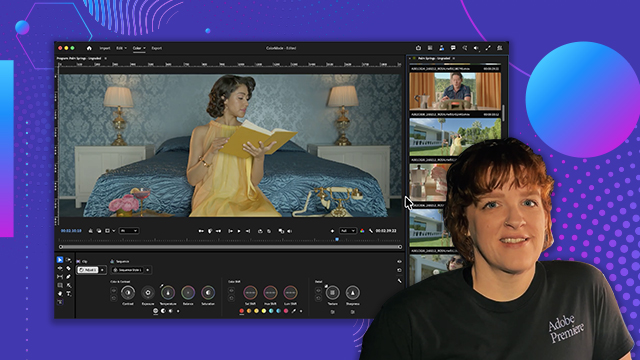
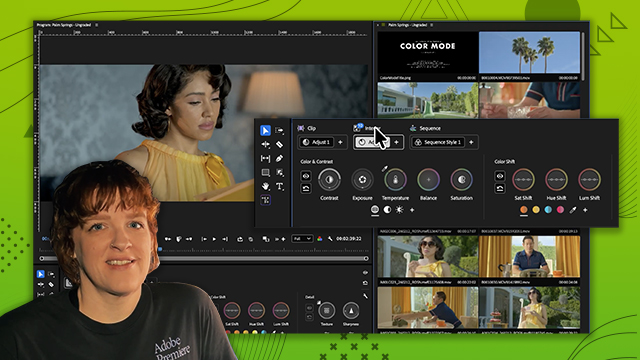
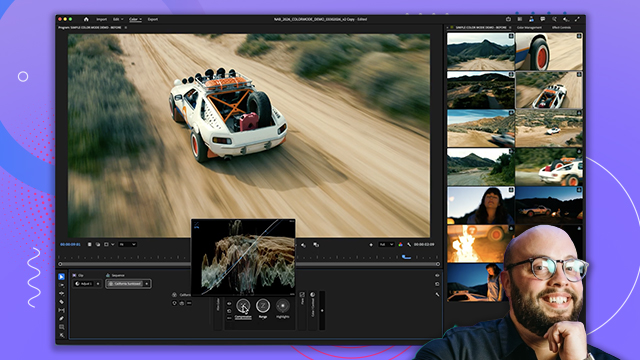
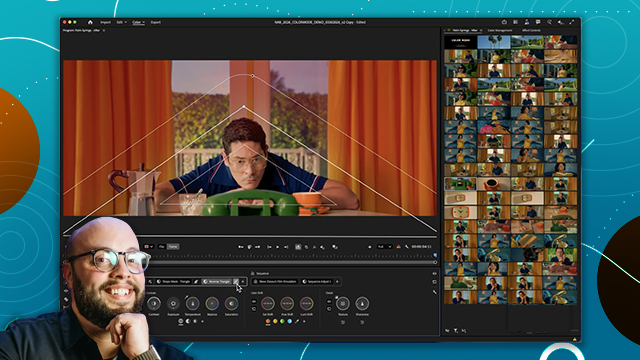
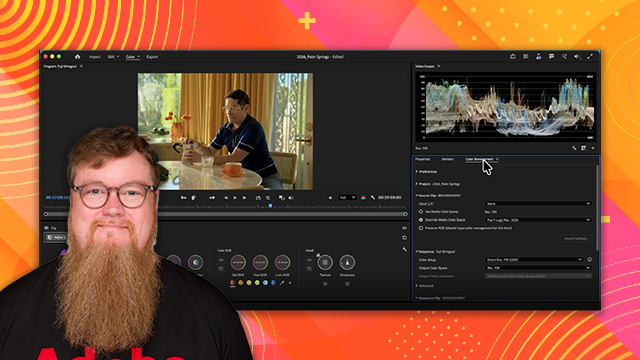
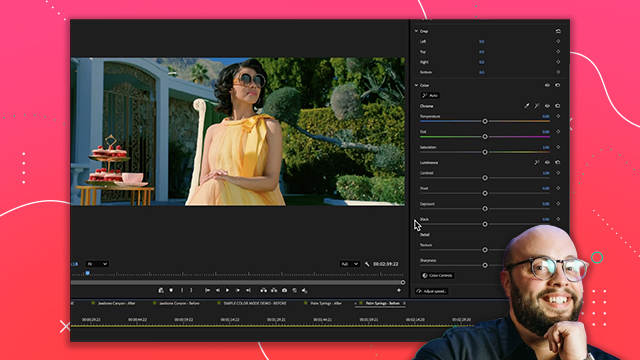
Learn how the Color Mode interface is organized, including the workspace layout, panels, and how color tools are structured to match your editorial workflows.
This summary is AI generated
Learning Outcomes:
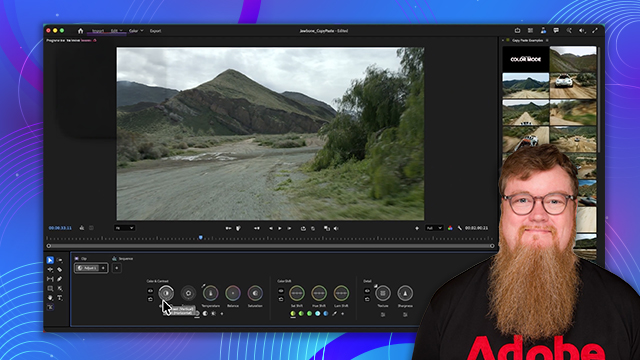
- Navigate the new color mode interface
- Utilize color controls effectively
- Apply adjustments at clip and group levels
Level: Beginner
Skills you'll gain:
Adobe, Color, Adjustment, Interface
Key Insights
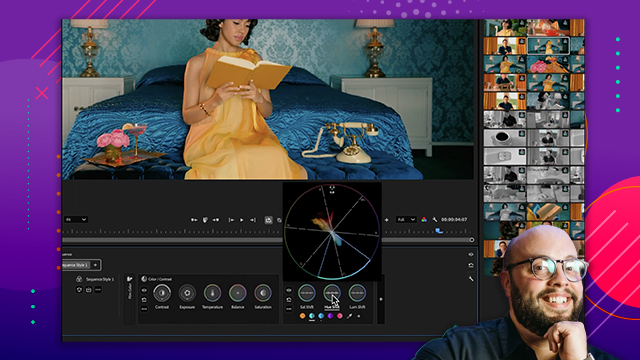
- Understand the clip grid for timeline visualization.
- Use clip playback for looping clips.
- Employ solo mode to isolate graphics from images.
- Add color reference markers for better adjustments.
- Utilize group adjustments for multiple clips simultaneously.
- Name groups and adjustments for better organization.
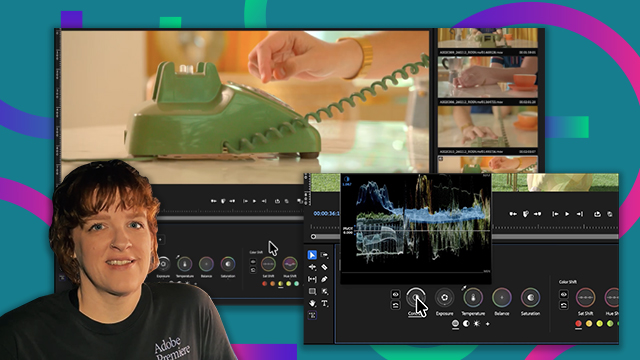
- Leverage the HUD for real-time feedback on adjustments.
- Select specific zones for targeted color adjustments.
- Access additional color settings through the wrench menu.
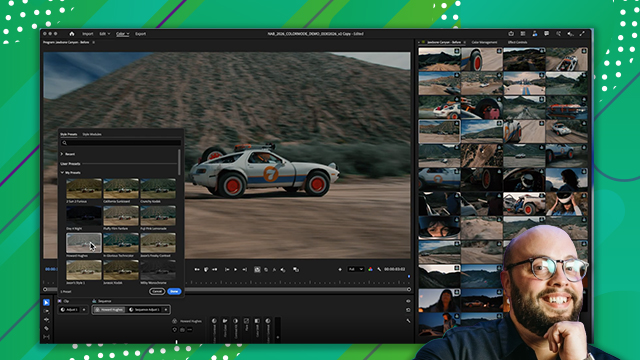
- Use comparison mode for shot matching.


 AdChoice