Set Extension
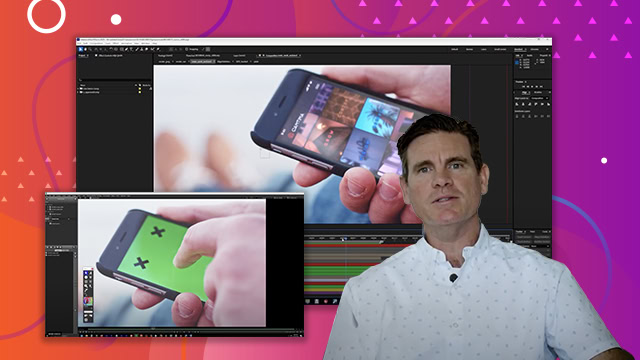
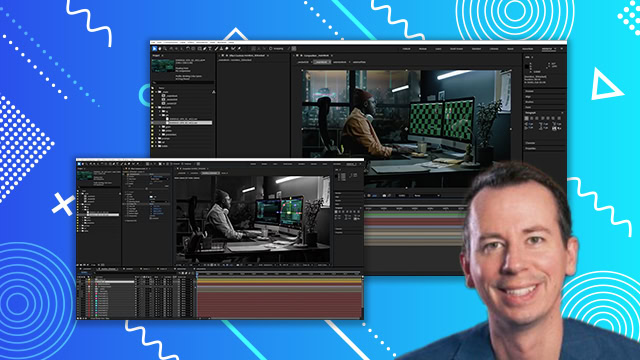
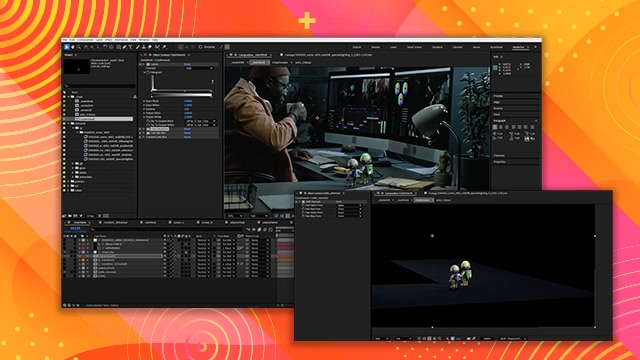
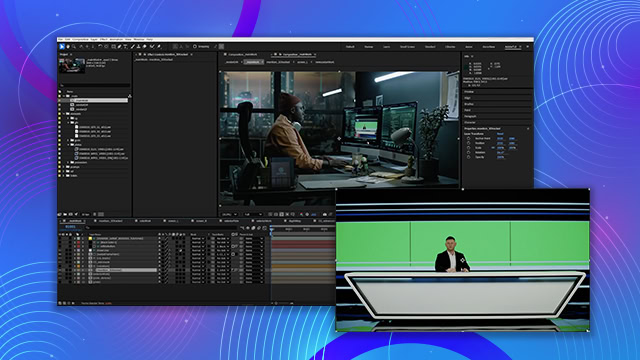
Learn how to pre-comp to make your composition more organized and add videos created in Adobe Firefly to make a simulated background. You’ll also learn how to refine areas of your comp to make them look more natural in their environment.
This summary is AI generated
Learning Outcomes:
- Understand basic tools in Premiere Pro
- Apply effects to video clips
- Export projects in various formats
Level: Advanced
Skills you'll gain:
Premiere Pro, Video Editing, Audio Mixing, Effects Application
Key Insights
- Familiarize with the Premiere Pro interface and workspace.
- Utilize the timeline for editing video sequences.
- Learn to import and organize media files efficiently.
- Experiment with different video effects and transitions.
- Adjust audio levels for better sound quality.
- Export projects with optimal settings for different platforms.