Archiving
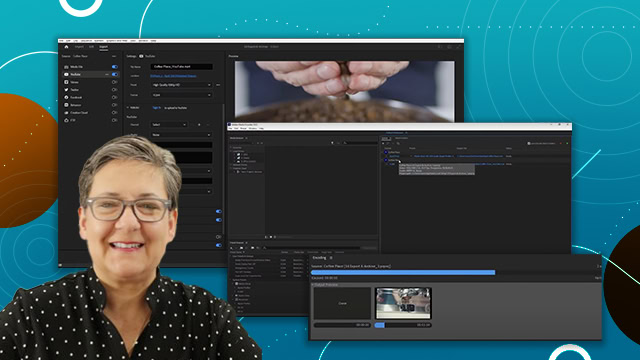
Learn how to export your videos with Adobe Media Encoder. Learn how to use presets and what parameters you need to to post to social media.
This summary is AI generated
Learning Outcomes:
- Archive projects using Premiere Pro's project manager
- Transcode footage to QuickTime format
- Calculate project sizes before and after archiving
Level: Intermediate
Skills you'll gain:
Premiere Pro, Archiving, Transcoding, Project Management
Key Insights
- Use the project manager for efficient archiving.
- Select the active sequence before archiving.
- Consolidate footage to reduce project size.
- Choose appropriate transcoding settings for archiving.
- Exclude unused clips to save space.
- Include handles for future editing flexibility.
- Convert image sequences to clips during archiving.
- Rename files to match clip names for organization.
- Preserve transparency for graphics and overlays.