

Atmosphere
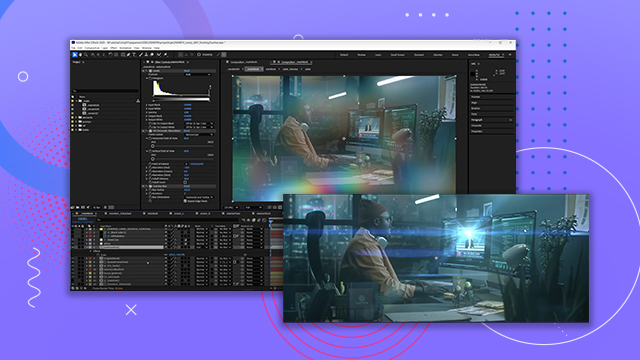
Apply atmospheric elements (light, haze, dust) with various presets and effects that add a unique moodiness to your composite.
This summary is AI generated
Learning Outcomes:
- Create atmospheric effects using glow and curves
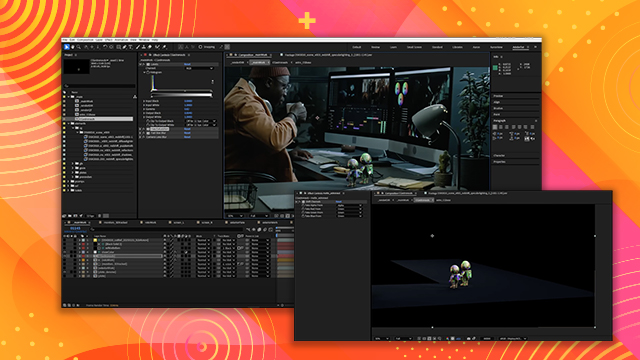
- Add realistic lamp light with falloff adjustments
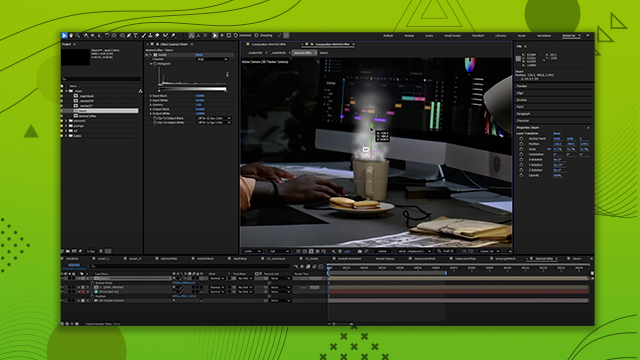
- Implement dust particles for enhanced scene depth
Level: Advanced
Skills you'll gain:
After Effects, Atmosphere, Lighting, Particles
Key Insights
- Use adjustment layers to control overall atmosphere.
- Adjust glow settings to avoid overexposure in dark areas.
- Utilize curves to counteract brightness changes from effects.
- Employ mask feathering for smooth light falloff.
- Track null objects for accurate light positioning.
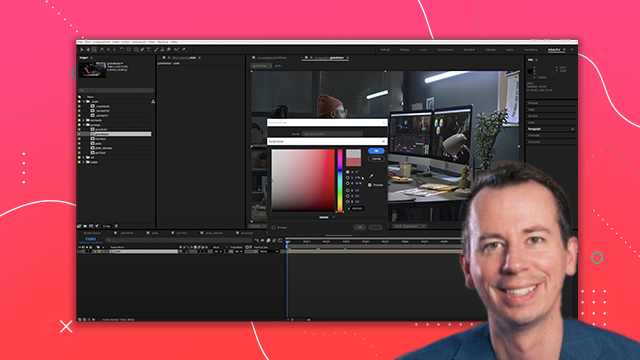
- Select colors carefully to match scene lighting.
- Use particle systems for subtle dust effects.
- Adjust particle properties for realistic motion and appearance.
- Feather masks to control visibility of effects.
- Always preview effects in context with the main composition.














 AdChoice