

Compositing Monitor Graphics
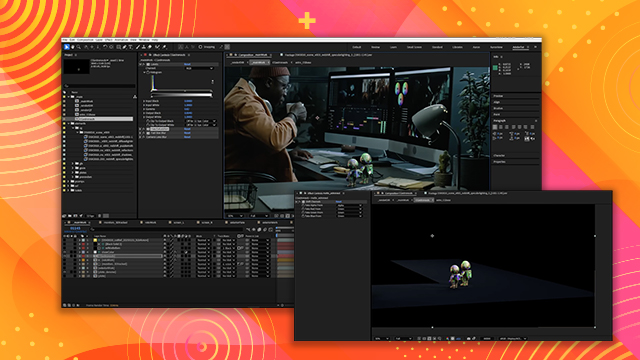
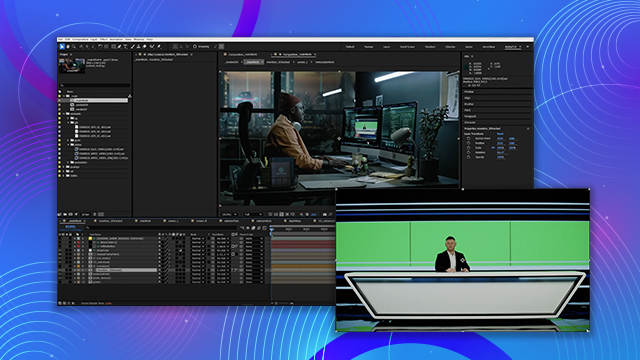
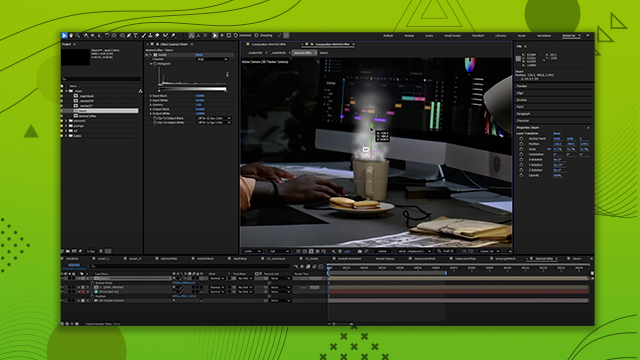
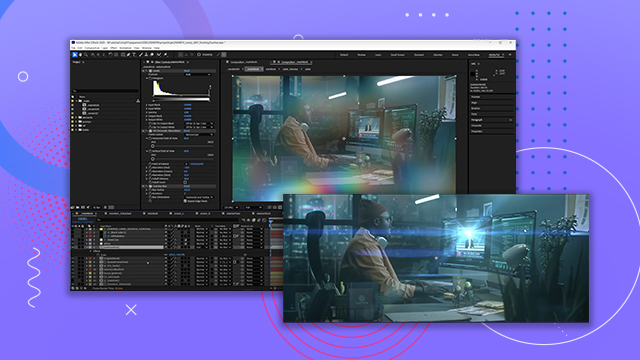
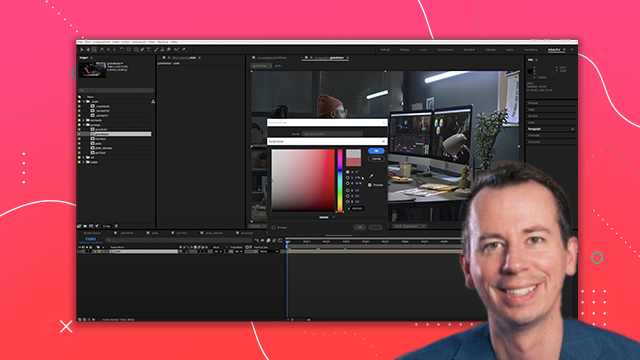
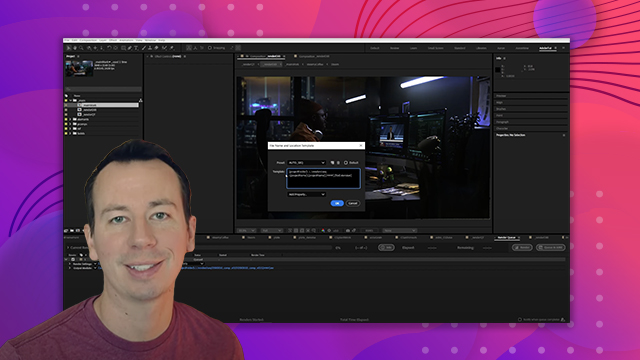
Learn how to place graphics into monitors and how to address aliasing issues to make them look more natural on the surface. You’ll also learn how to utilize camera blur effects and depth maps for realistic output.
This summary is AI generated
Learning Outcomes:
- Comp graphics using 3D track monitors.
- Apply depth of field and blur effects.
- Adjust black levels for natural appearance.
Level: Advanced
Skills you'll gain:
After Effects, Compositing, Blurring, Depth Mapping
Key Insights
- Utilize adjustment layers for consistent effects across multiple elements.
- Manage aliasing issues with subtle pre-blur techniques.
- Create depth maps for precise focus control.
- Adjust bezels to enhance modern aesthetics of graphics.
- Lift black levels to ensure proper compositing.
- Use garbage mats for selective visibility of layers.
- Employ track mats to refine graphic integration.
- Monitor sharpness and blur for realistic visuals.
- Experiment with blending modes for better integration.














 AdChoice