

Set Extension
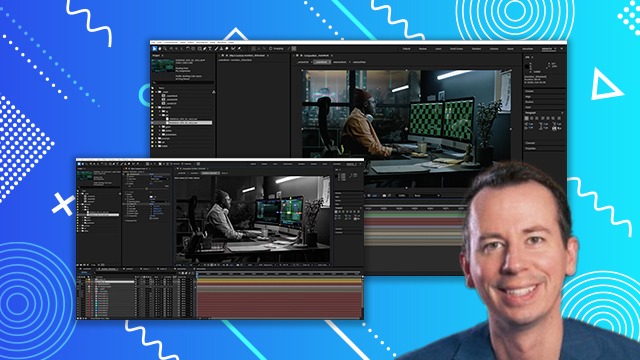
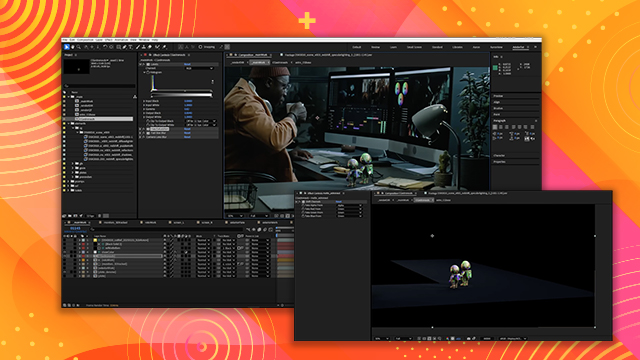
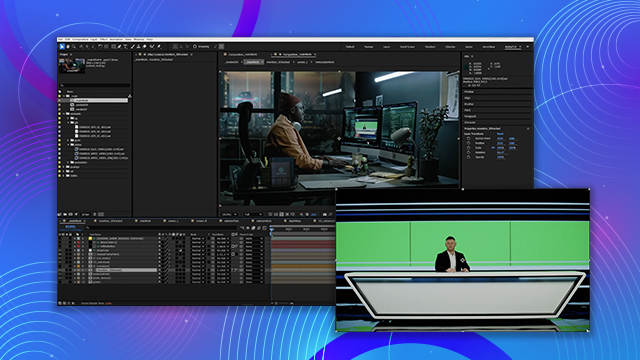
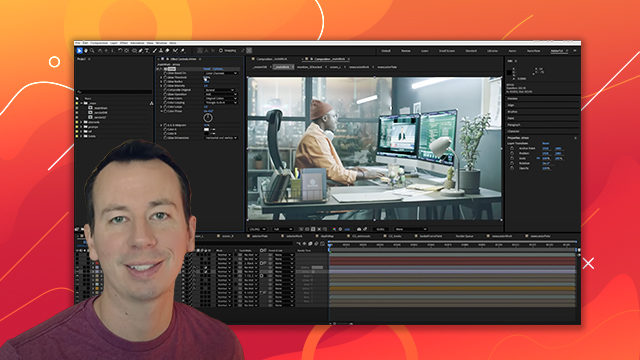
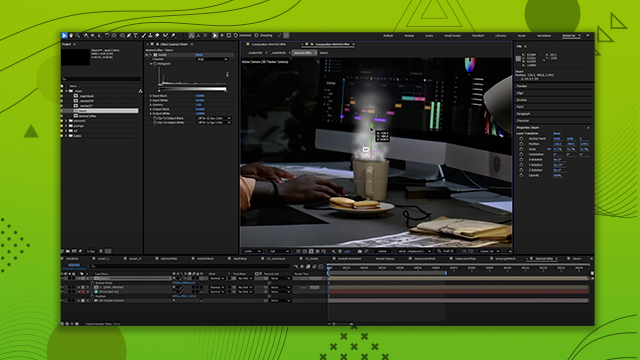
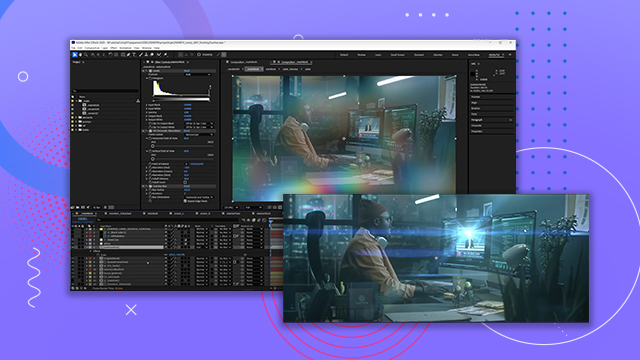
Learn how to pre-comp to make your composition more organized and add videos created in Adobe Firefly to make a simulated background. You’ll also learn how to refine areas of your comp to make them look more natural in their environment.
This summary is AI generated
Learning Outcomes:
- Utilize roto work for compositing elements
- Apply blur for realistic depth effects
- Organize layers for efficient workflow
Level: Advanced
Skills you'll gain:
After Effects, Compositing, Roto, 3D Tracking
Key Insights
- Use Shift Channels to isolate color channels effectively.
- Implement luminance mats for precise compositing.
- Adjust 3D layers' position for accurate placement.
- Apply feathering to masks for smoother edges.
- Experiment with blending modes to enhance visuals.
- Incorporate camera lens blur for cinematic effects.
- Utilize adjustment layers for global effects on roto work.
- Maintain organization by pre-composing layers.
- Consider depth of field when adding background elements.
- Regularly preview changes to assess visual quality.













 AdChoice