


The knowledge you need to get certified
Master Premiere from start to finish with our free, comprehensive course—perfect for ACP exam prep or simply honing your skills from import to export. Adobe recommends viewing the entire series for full proficiency.
This summary is AI generated
Learning Outcomes:
- Understand Premiere Pro project structure
- Prepare for Adobe certification exam
- Navigate files and folders efficiently
Level: Intermediate
Skills you'll gain:
Premiere Pro, Video Editing, Project Management, Certification Preparation
Key Insights
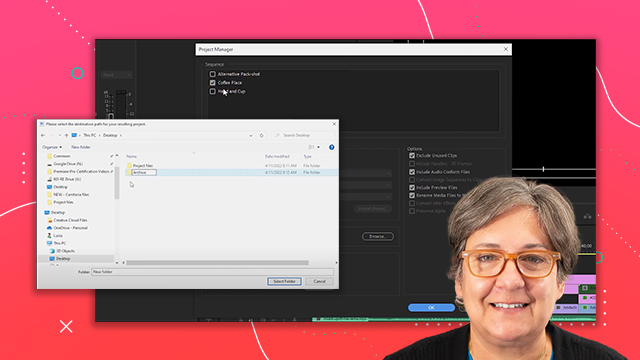
- Download and organize project files for effective learning.
- Use the same project throughout the series for consistency.
- Be aware of screen resolution differences during tutorials.
- Familiarize yourself with both Windows and Mac shortcuts.
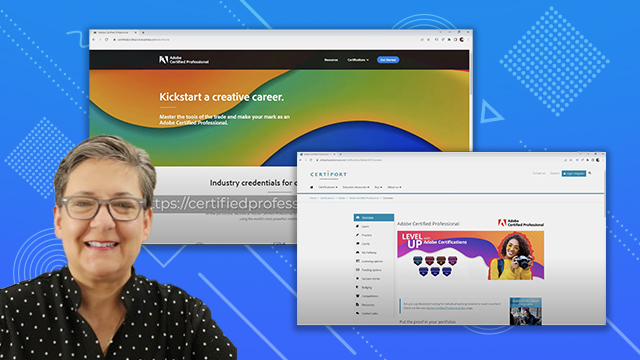
- Certification requires 150 hours of Premiere Pro experience.
- Focus on essential skills and workflows for certification.
- Follow along with updated project files for each tutorial.
- Understand the importance of practice in mastering Premiere Pro.







 AdChoice