Motion Tracking
Tie graphic elements to other elements in a scene so it tracks within footage.
This summary is AI generated
Learning Outcomes:
- Utilize 3D camera tracker for text placement
- Create and position text in 3D space
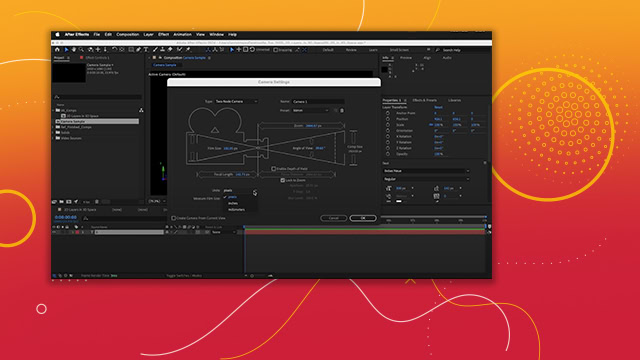
- Adjust depth of field for realism
Level: Advanced
Skills you'll gain:
After Effects, 3D tracking, Text animation, Depth of field
Key Insights
- Start with a reference composition for guidance.
- Use the 3D camera tracker to analyze scene depth.
- Select multiple track points for accurate text positioning.
- Set ground plane in origin for proper layer placement.
- Enable 3D for text layers to manipulate in 3D space.
- Adjust focus distance to create depth of field effects.
- Delete unnecessary keyframes for smoother animations.
- Use solids for easier repositioning of elements.
- Experiment with Adobe fonts for text customization.
- Preview animations frequently to assess visual quality.