
Adobe Trainer (Korean)
Adobe Certified Trainer

워크플로 편집
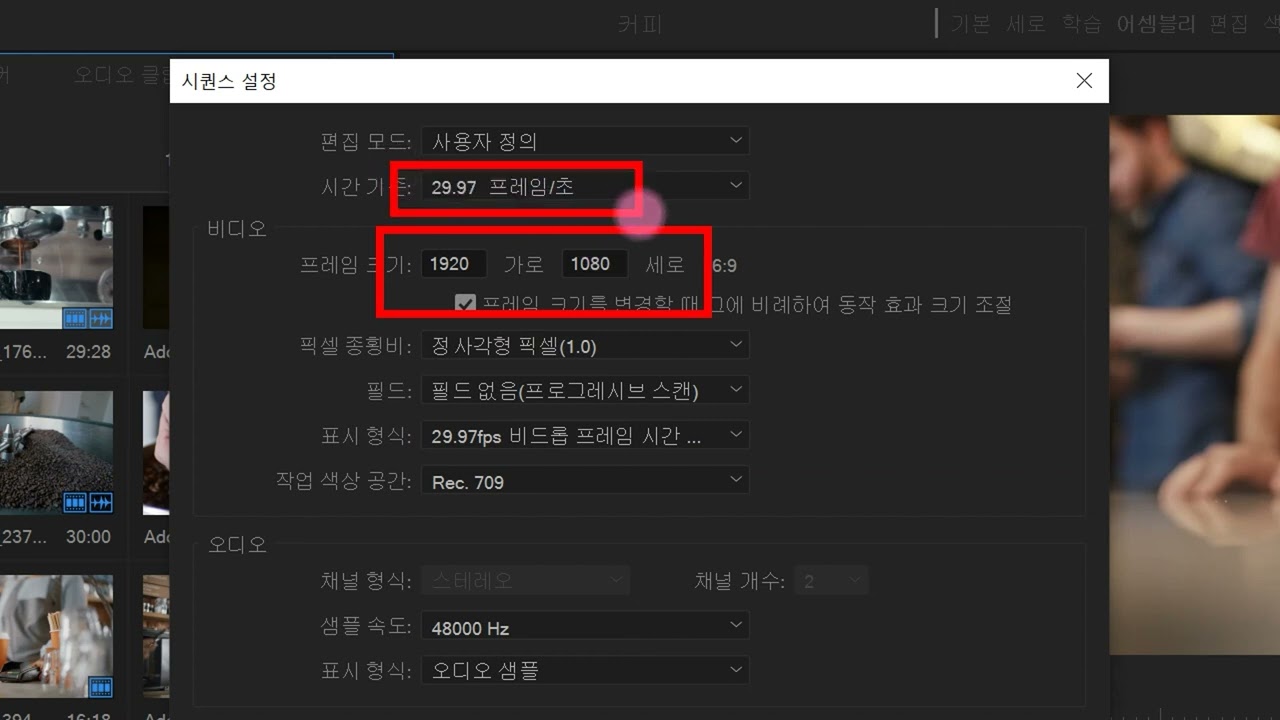
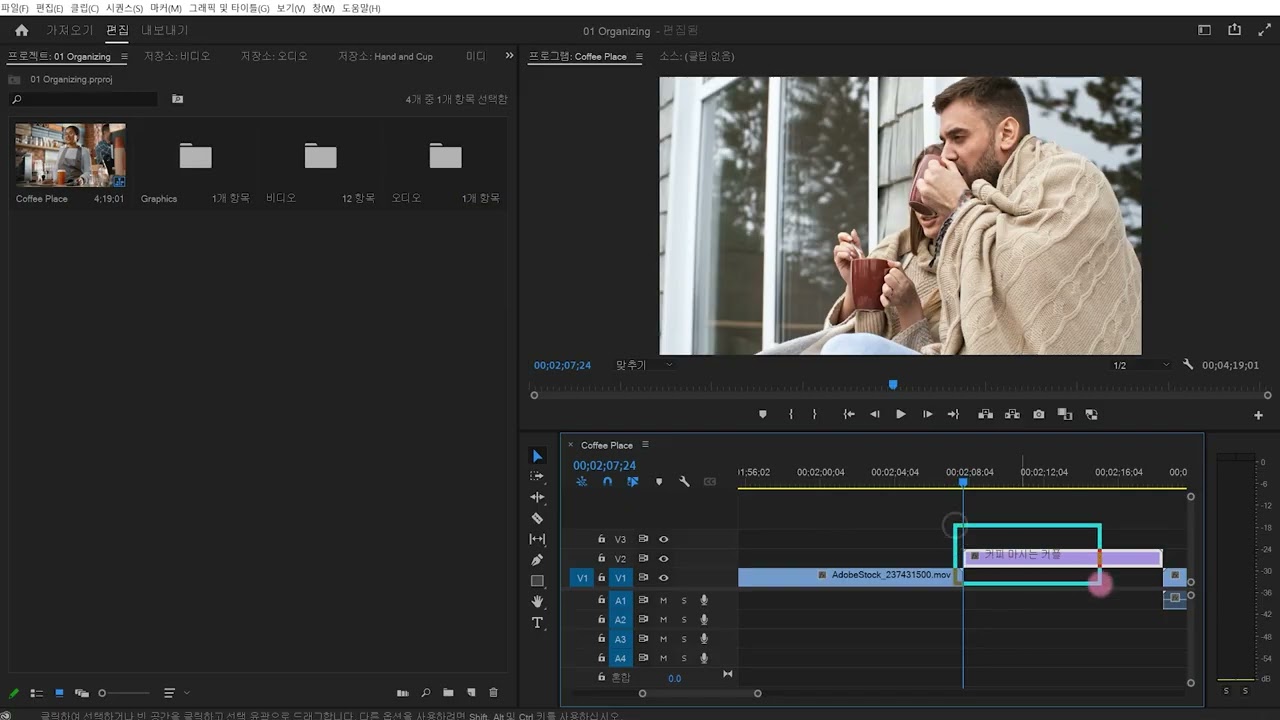
프로젝트를 설정하고, 비디오를 가져오고, 인터페이스에 익숙해져 효율적인 편집을 위한 작업 공간을 맞춤 설정할 수 있습니다.
This summary is AI generated
Learning Outcomes:
- Understand basic editing in Premiere Pro
- Utilize shortcuts for efficient editing
- Manage media and timeline effectively
Level: Intermediate
Skills you'll gain:
Editing, Premiere Pro, Shortcuts, Media Management
Key Insights
- Reset workspace layout for better organization.
- Use the tilde key to maximize panels.
- Drag clips to rearrange them in the timeline.
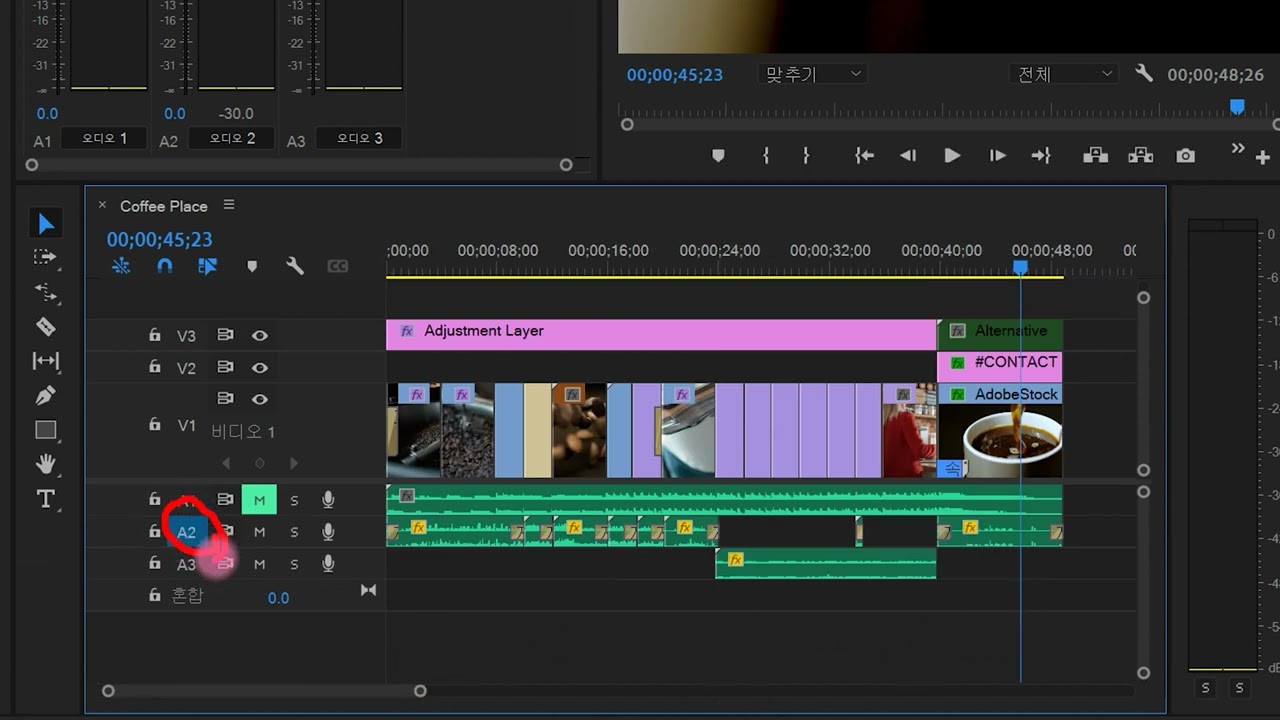
- Lock audio tracks to prevent accidental changes.
- Use plus and minus keys to zoom in and out on the timeline.
- Utilize the source panel to select specific video segments.
- Insert and overwrite clips using dedicated buttons.
- Use keyboard shortcuts for setting in and out points.
- Remove unwanted sections using the remove and extract functions.
- Navigate the timeline quickly with the home key.






 AdChoice