
Adobe Trainer (Korean)
Adobe Certified Trainer

게시 확인 및 내보내기
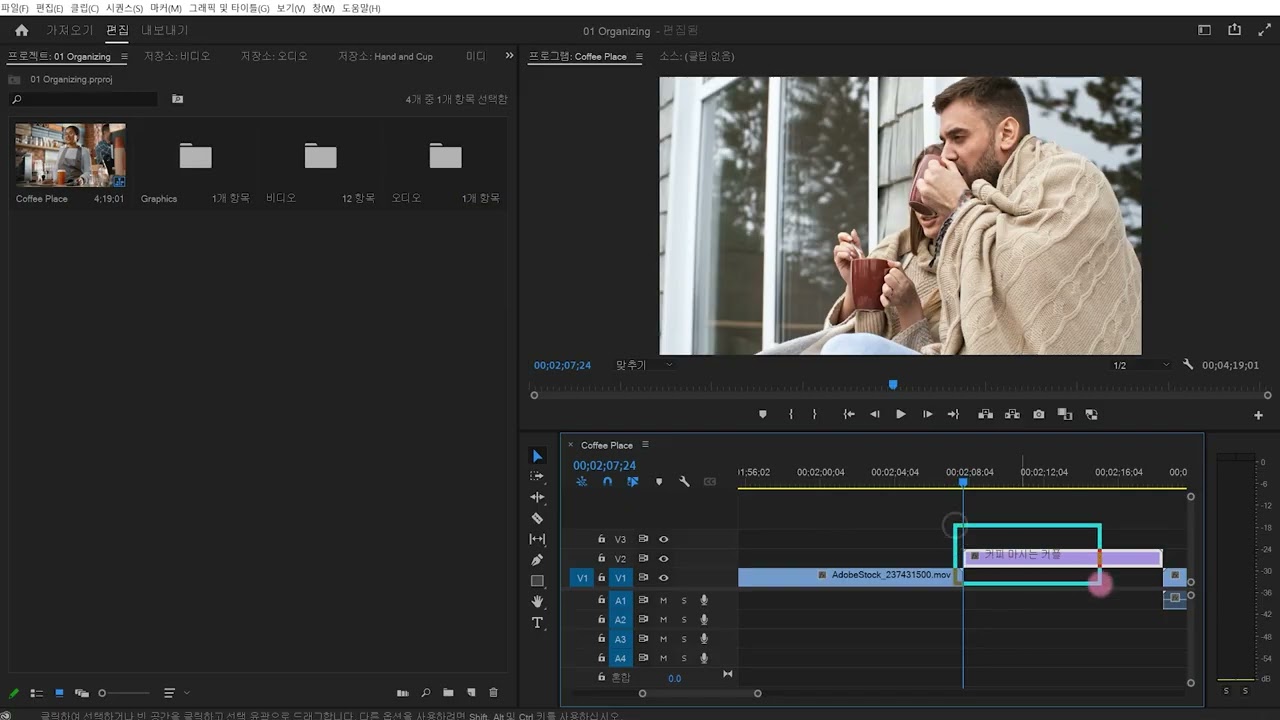
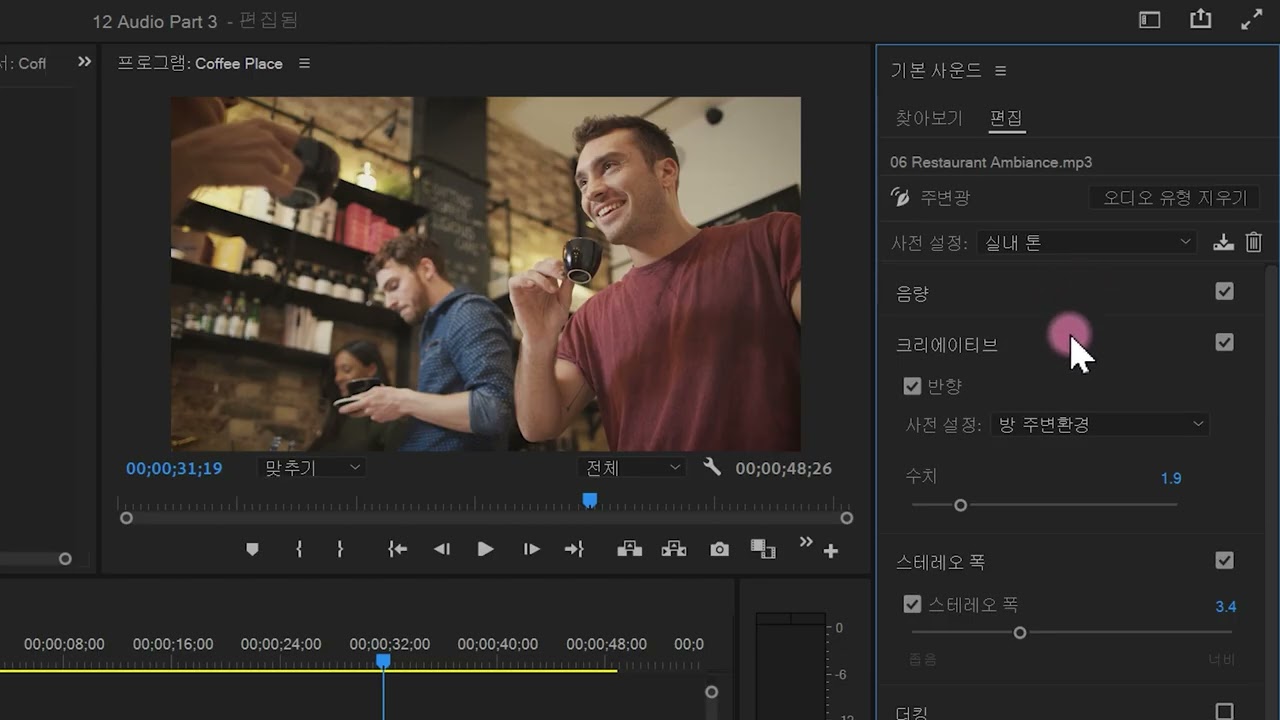
Adobe Premiere Pro에서 Essential 사운드 패널을 사용하는 방법을 알아봅니다. 간편한 인터페이스에서 Adobe Remix와 같은 오디오를 조정하는 방법을 알아봅니다.
This summary is AI generated
Learning Outcomes:
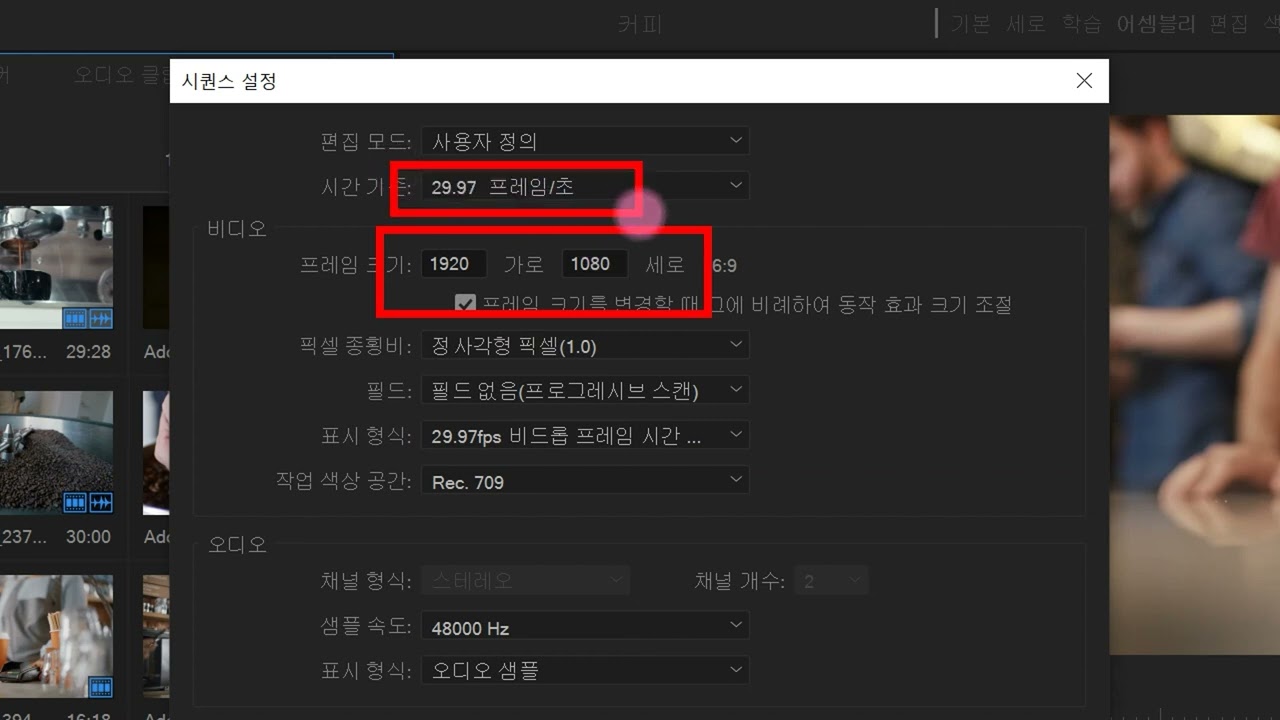
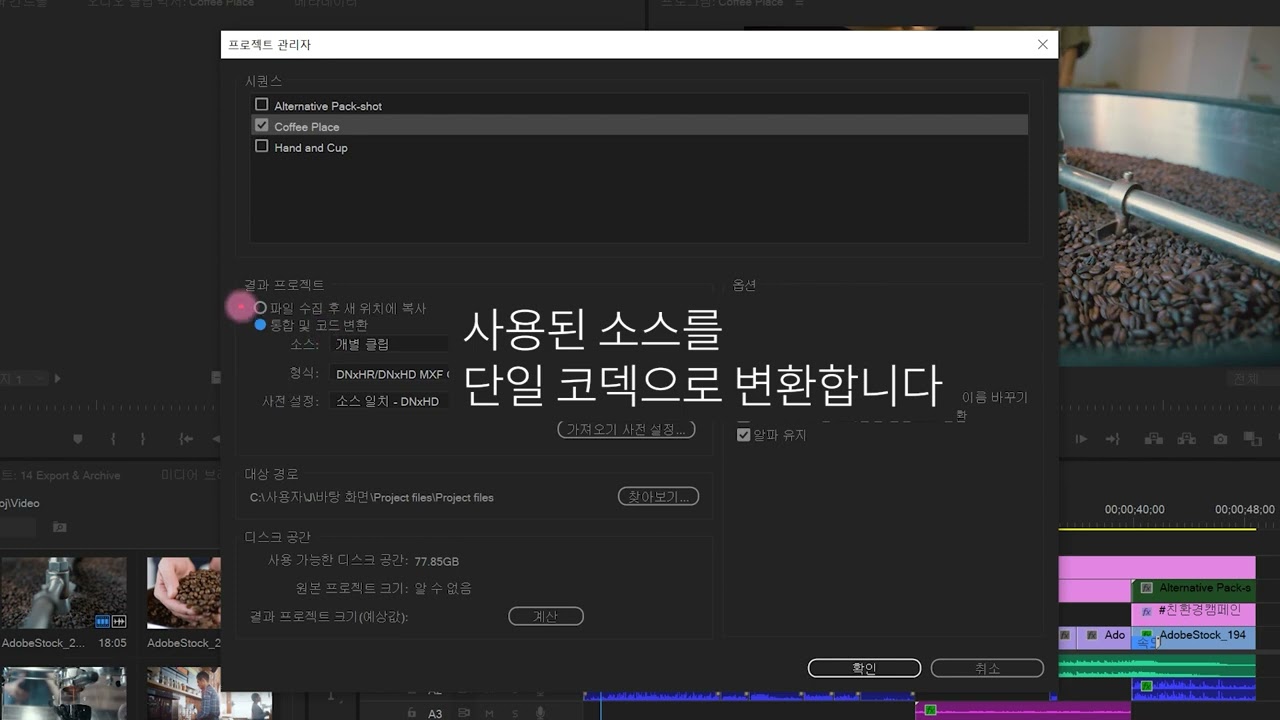
- Check project settings before exporting video.
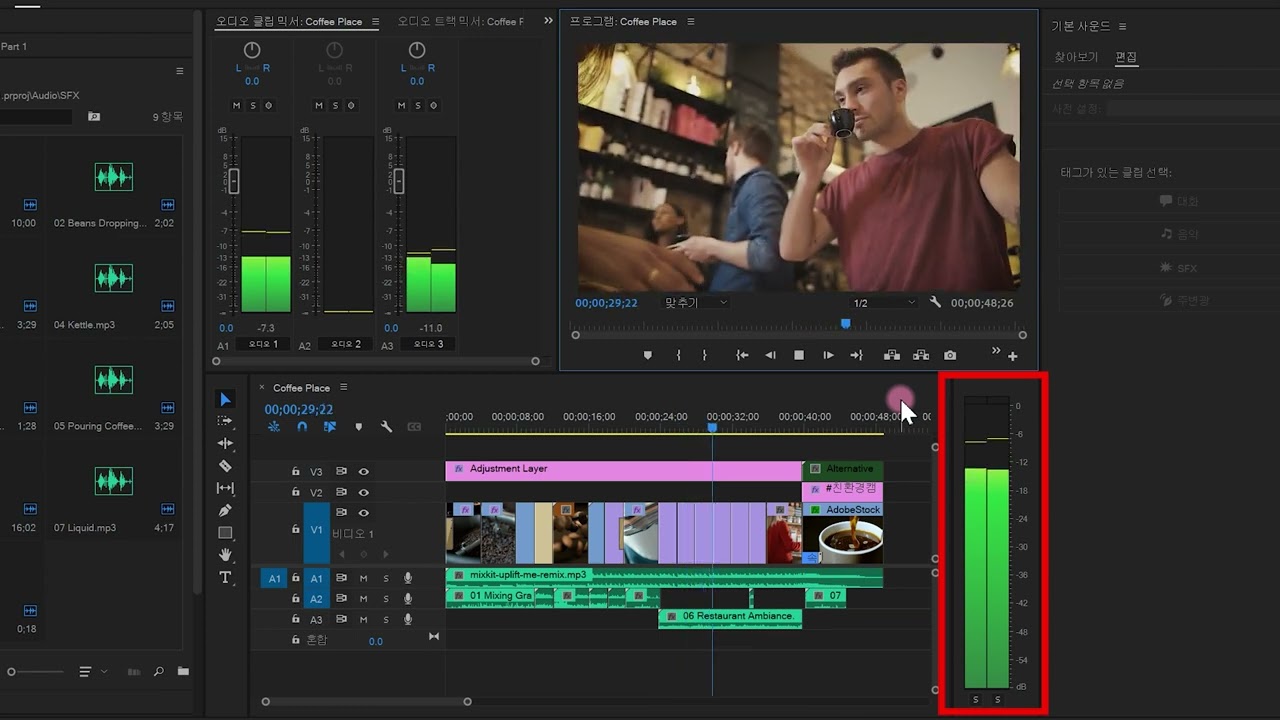
- Adjust audio levels for optimal output.
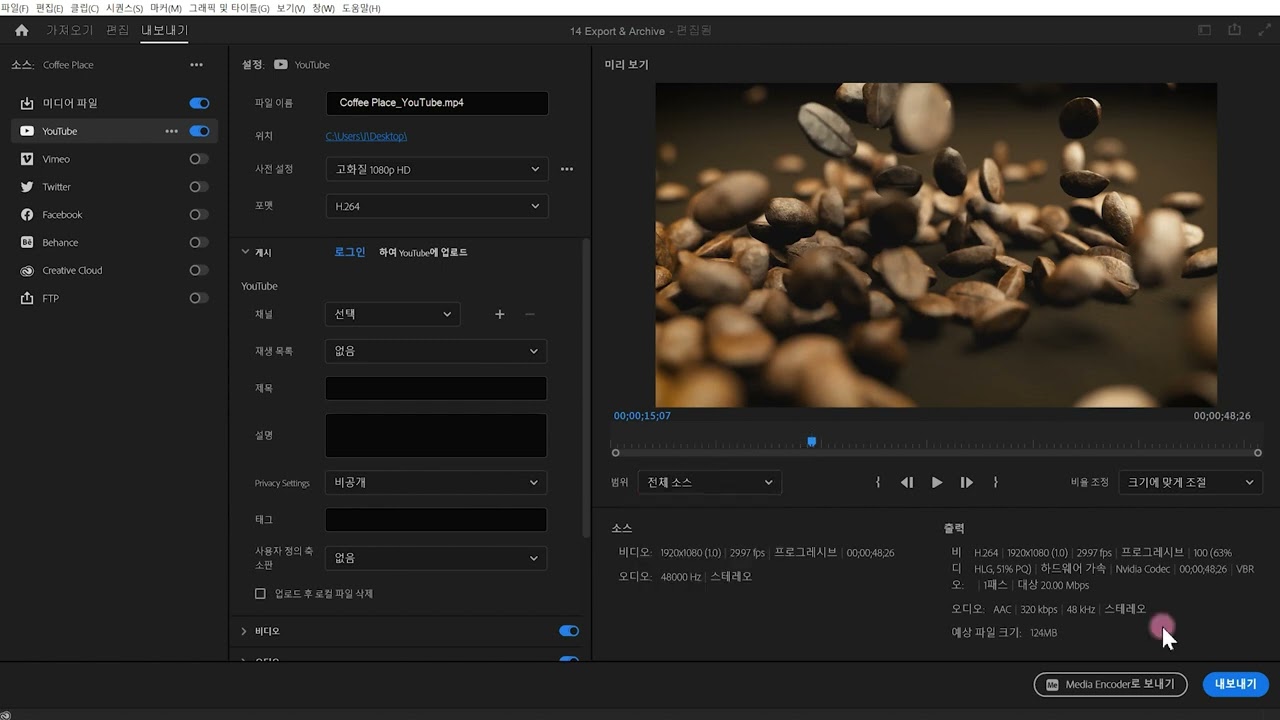
- Export video with desired settings and formats.
Level: Intermediate
Skills you'll gain:
Premiere Pro, Video Editing, Audio Mixing, Color Correction
Key Insights
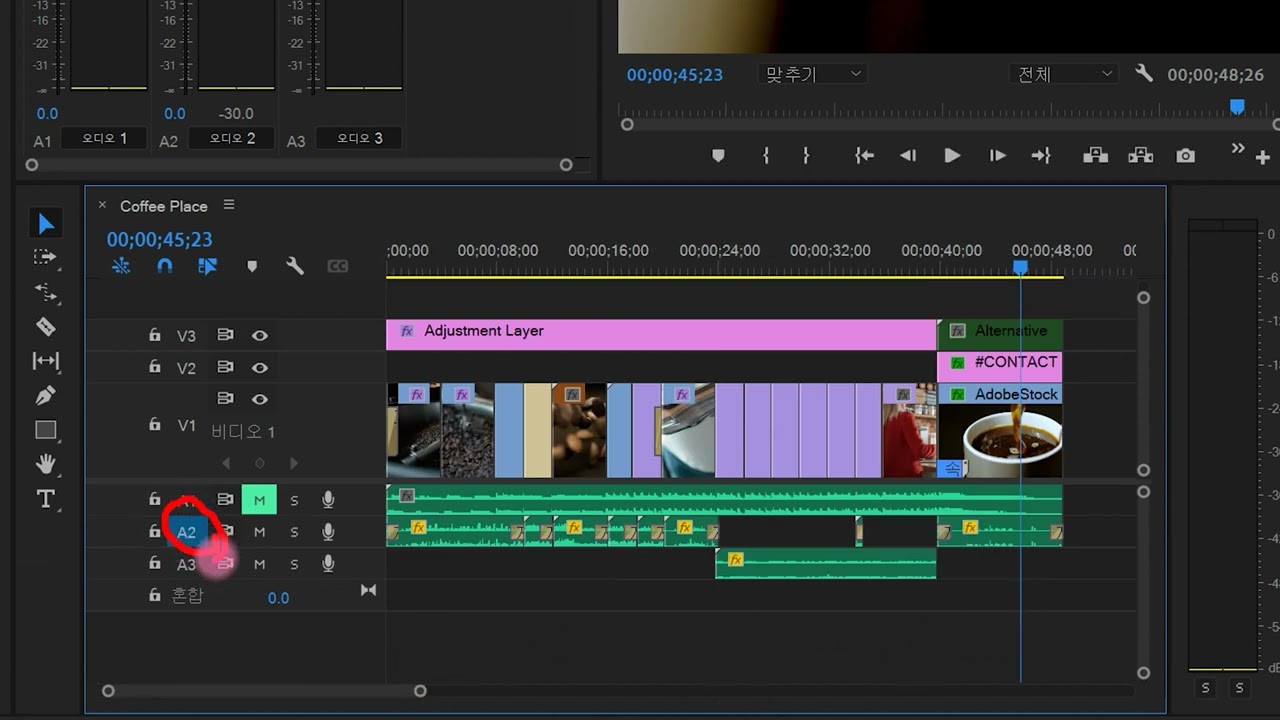
- Use color labels to organize audio clips.
- Modify playback resolution for better performance.
- Utilize adjustment layers for color correction.
- Monitor audio levels using the audio track mixer.
- Set audio levels to meet platform standards.
- Export videos directly to social media platforms.
- Apply effects during export for enhanced visuals.
- Rename layers for better project organization.
- Use metadata options to customize video details.






 AdChoice