
Adobe Trainer (Korean)
Adobe Certified Trainer

비디오 프로젝트 구성
프로젝트 보관함, 오디오와 영상 연결, 클립 이름 변경, 타임라인의 자산 관리 등을 통해 Adobe Premiere Pro에서 비디오 프로젝트를 효율적으로 구성할 수 있습니다.
This summary is AI generated
Learning Outcomes:
- Organize video and audio files efficiently.
- Utilize shortcuts for timeline management.
- Rename clips and manage audio tracks.
Level: Intermediate
Skills you'll gain:
Premiere Pro, Video Editing, Audio Management, Project Organization
Key Insights
- Open projects using the File menu.
- Create folders for better project organization.
- Use keyboard shortcuts for faster navigation.
- Separate video and audio selections easily.
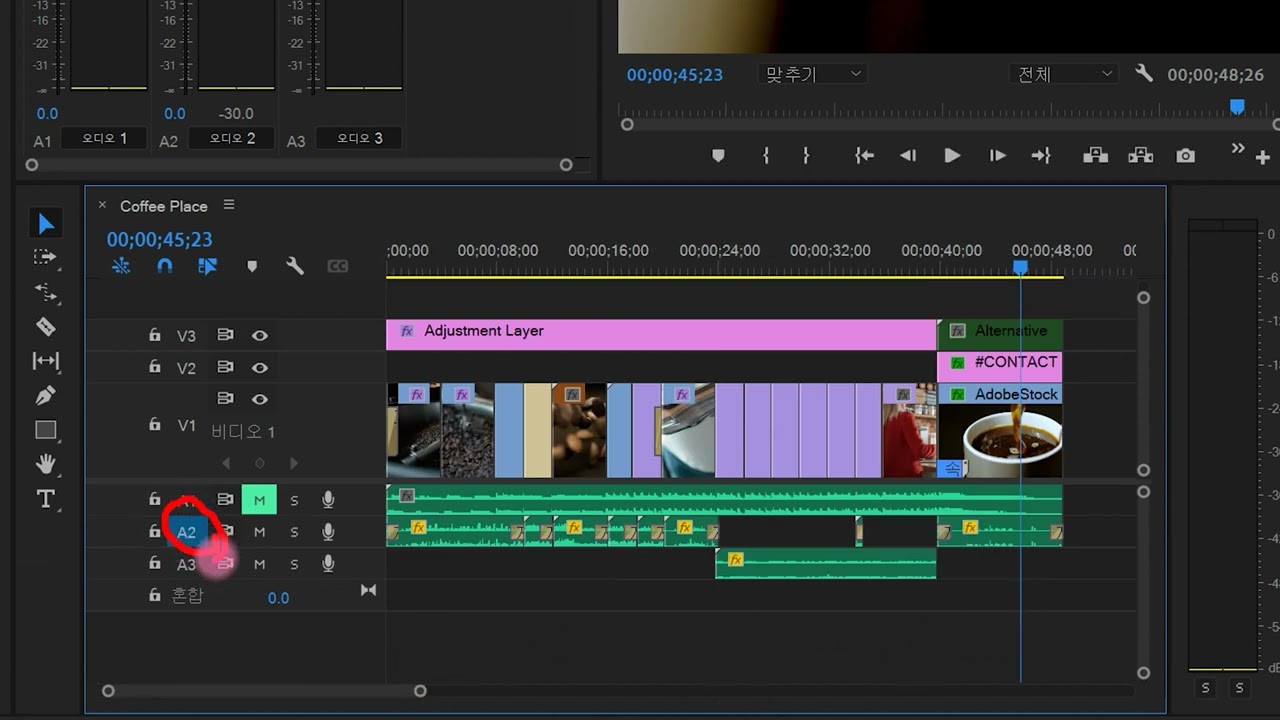
- Mute audio tracks with a simple button.
- Delete unused audio tracks efficiently.
- Expand and collapse tracks for better visibility.
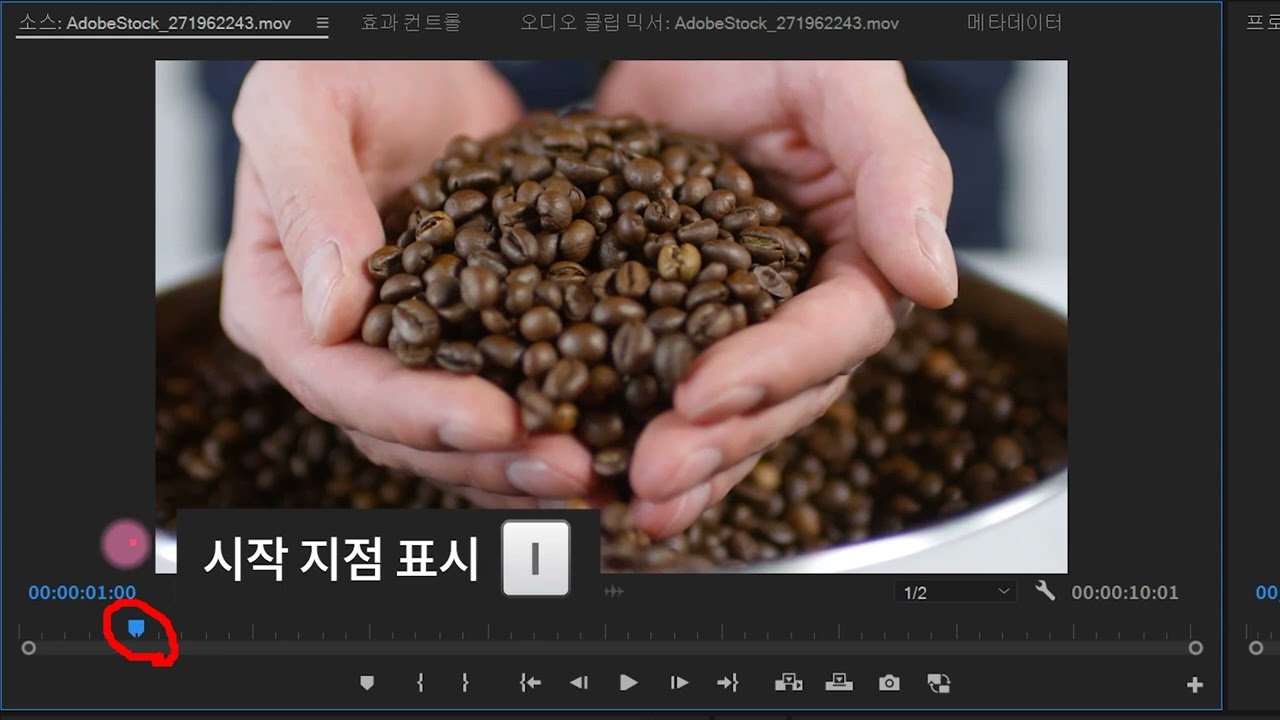
- Set in and out points for clips.
- Utilize the extract function to delete sections.














 AdChoice